
How to Set Up Video Visits (GettingOut / ConnectNetwork) for someone at Duval County Jail
Setting up video visits feels complicated the first time, but it's straightforward once you know the steps. Here's how to register, add funds, and schedule a visit through GettingOut / ConnectNetwork.
First, make sure you're eligible. GettingOut's Terms of Use require account holders to be 18 or older, so the person creating and managing the account needs to meet that age requirement.
- Create your Video Visit account in ConnectNetwork - this is the account GettingOut uses for video visitation.
- Register using your own information - use the details that match you (not the incarcerated person), since this account is for friends and family.
- Add funds to the Video Visit account - a funded Video Visit account is required before you can video visit.
- Double-check you’re funded before you try to schedule - if you get stuck at checkout or confirmation, it’s often because the account isn’t funded yet.
- ✓ Create and fund a ConnectNetwork AdvancePay (funded) account
- ✓ Use AdvancePay as the funded account setup referenced for receiving phone calls from your loved one
- ✓ Make sure your account has prepaid funds available before you attempt a paid video visit
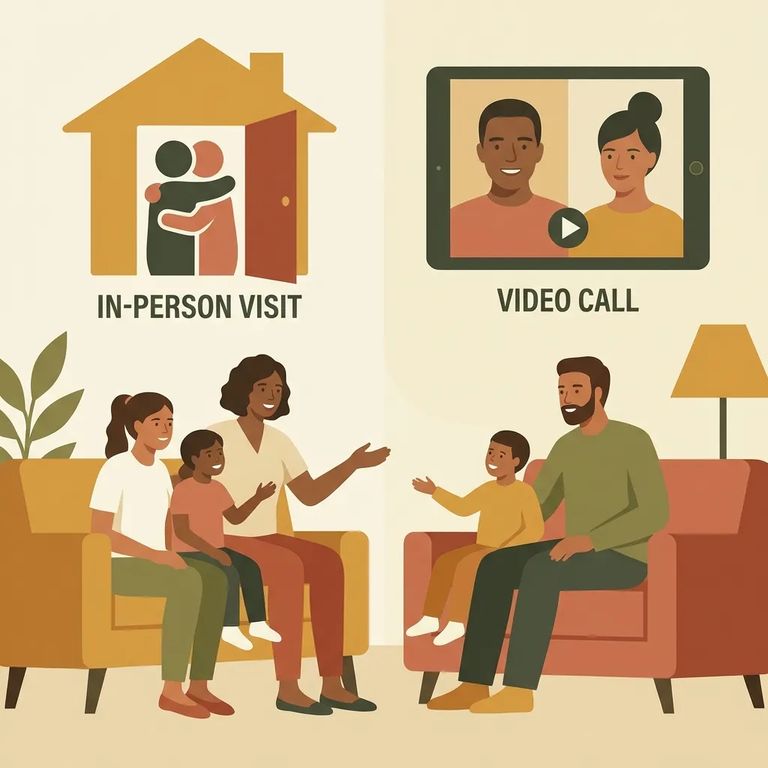
GettingOut offers a few visit options depending on what's available at your facility: visits at the facility lobby, remote visits from your home computer, and (at some locations) visits through the Visit Now Android app. Pay attention when selecting your visit type - pick onsite lobby or remote based on how you actually plan to connect. Choosing the wrong format means you'll be scheduled for a visit you can't use.
Free visits work a little differently depending on who books them. An inmate can use their free visit by booking it directly with friends and family. If you're the friend or family member trying to use a free visit, you'll need to suggest a visit with the inmate instead. The free visit only applies if the inmate has one available and your Friends & Family account has no prepaid funds when they confirm. If there's already money in your account at confirmation, the system charges that balance instead of using the free visit.
Technical Preparation
- ✓ Decide how you’ll visit: facility lobby, your personal computer at home, or (at select facilities) the Visit Now Android app
- ✓ For home computer visits, use a strongly recommended browser: Safari version 4+ or Firefox version 7+
- ✓ Before visit time, do a quick check that your device is ready (camera/mic permissions, audio, and a stable connection) so you’re not troubleshooting after the visit starts
- Refresh and try again - log out, close the tab/app, then re-open it and attempt the visit one more time.
- Switch to a supported setup - if you’re visiting from home, try Safari (4+) or Firefox (7+), or switch devices if your original setup isn’t cooperating.
- Confirm you’re using the right account - video visits require that you’re registered in ConnectNetwork for Video Visit.
- Check funding next - if the visit won’t schedule or won’t start, verify your Video Visit account is funded and that your AdvancePay/funded account is set up correctly.
Customer Care: For account or video-visit help through GettingOut, call 1-866-516-0115.
Find an Inmate at Duval/Jacksonville Pre-trial Detention
Search for a loved one and send messages and photos in minutes.
