
How to Email Someone at East Mesa (And Why They Can't Email You Back)
Emailing someone at East Mesa Detention Facility isn't like regular email. Your message gets reviewed, printed, and handed to them on paper. It's one-way communication with a few strict limits worth knowing about.
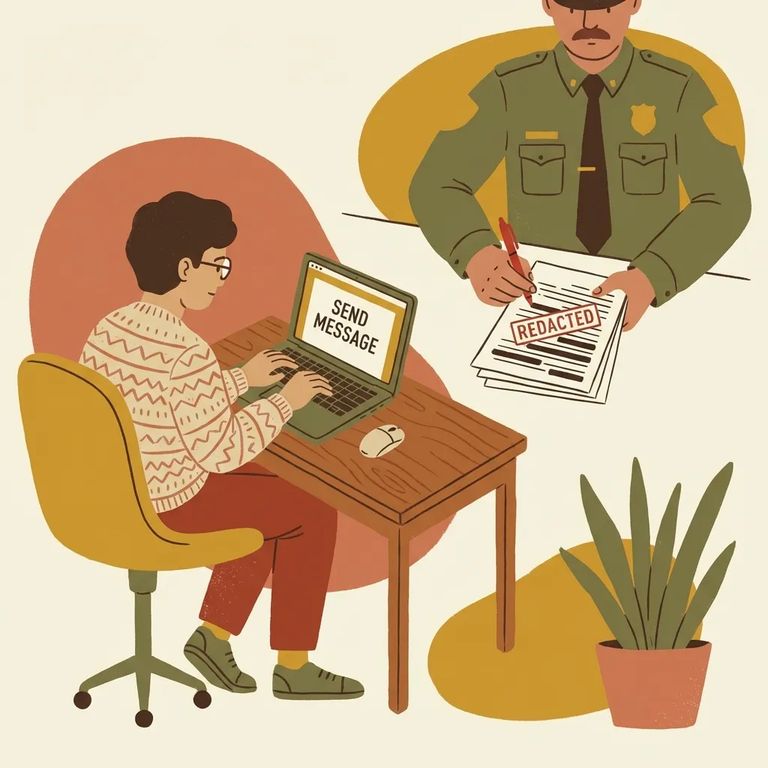
When you use San Diego County's detention e-mail system to message someone at East Mesa, don't think of it as private. Every message is reviewed by jail staff. Keep your messages personal and practical - nothing you wouldn't want someone else reading. This system isn't meant for legal, confidential, or privileged communications.
Don’t use this for legal or confidential messages: The jail reviews every e-mail message, so privileged communication should not be sent through this system.

Message Limits Formatting
- ✓ Treat this like a postcard replacement: keep it short and focused (the system is intended to be used in lieu of postcards).
- ✓ Plan around the sender limit: no more than two messages from any individual sender to the same incarcerated person within a 24-hour period.
Each message is limited to a single page. No pictures, no attachments - just plain text. Put your most important information up front. If you have more to say, spread it across multiple days or switch to regular mail for longer updates.
There's also a cap on incoming messages. The system only allows an incarcerated person to receive 10 messages in any 24-hour period. If multiple friends and family are writing, you can hit that ceiling fast. Coordinating who sends what - and when - helps make sure your message actually gets through.
Here's the key detail: incarcerated people at East Mesa don't receive these messages electronically. Your e-mail goes to jail staff, gets printed, and is delivered as a hard copy. You're typing it online, but they're reading it on paper.
Since they don't have an inbox, they can't e-mail you back. Outgoing correspondence still goes through U.S. Mail. If you want a reply, include your mailing address when the system prompts you - that's where their written response will go.
- Search for the person in the Sheriff’s “Who’s In Jail” system - use their name to pull up the correct record.
- Use partial spelling if you’re not getting results - to avoid spelling conflicts, search using only the first two letters of the first name and the first two letters of the last name.
- Select the correct person from the results - once you see the list, choose the matching record so your message goes to the right recipient.
If you get blocked from sending, message limits are usually the culprit. The system enforces two caps: an incarcerated person can only receive 10 messages in a 24-hour period, and any individual sender can only send two messages to that same person within 24 hours. Hit either limit and additional messages won't go through. The fix is usually just waiting for the 24-hour window to reset.
Find an Inmate at East Mesa Detention Facility
Search for a loved one and send messages and photos in minutes.
