
Sending Documents During a Video Visit: How the Fax System Works
Need to get paperwork to someone during a video visit at Edna Mahan? The videoconferencing system has a built-in fax option for exactly this purpose.

At Edna Mahan and other NJDOC facilities, the videoconferencing system includes a fax machine for receiving documents during a VTC. The setup allows the inmate to receive document transmissions directly as part of the video conference.
Videoconferencing runs Monday through Friday, 8:00 AM to 4:00 PM. Try to schedule your VTC to start at least one hour before closing - this gives you breathing room if you're sending documents during the session.
The videoconference request form includes a "FAX Yes/No" field. If you plan to fax documents during the session, mark it and provide advance notice when you submit your VTC request.
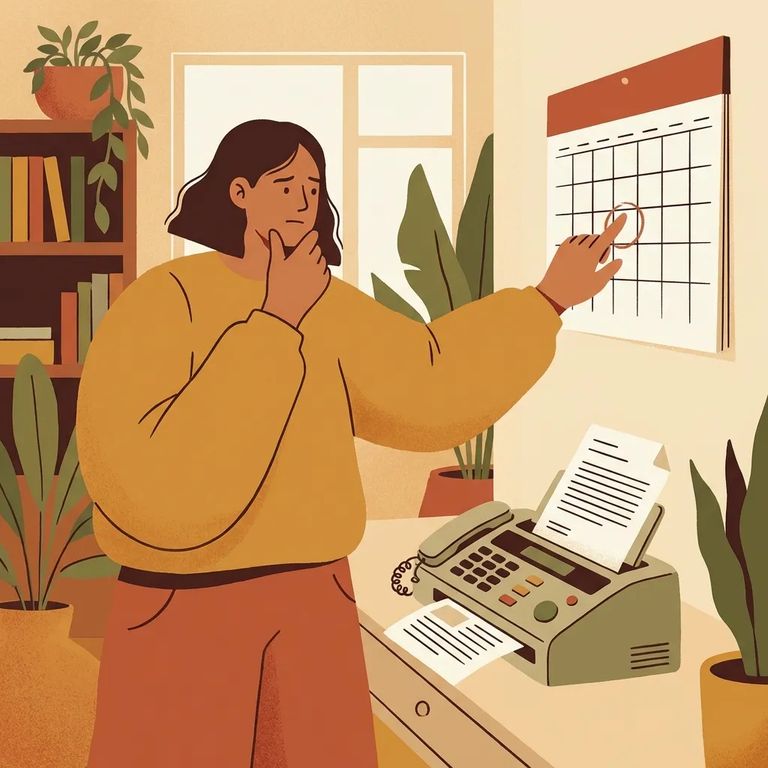
Reminder: Submit your videoconference request by fax to the facility's videoconferencing coordinator at least 48 hours (2 or more business days) in advance.
Documents faxed to an inmate during an Edna Mahan VTC are treated as confidential. The inmate receives transmitted documents without interruption by NJDOC personnel - important when paperwork is time-sensitive or legally sensitive.
That confidentiality only works if the paperwork is routed correctly. This is why the request form asks for advance notice - so the facility can prepare for document receipt and handle it appropriately during your session.
Tip: If you’re sending sensitive documents, use the fax option the way it’s designed - flag it on the request form and give advanced notice so the documents can be handled as confidential during the VTC.
One important limit: inmates cannot send faxes out. The fax capability is one-way - incoming documents to the inmate only.
Practical Checklist
- ✓ On the VTC request form, select FAX Yes if you’ll be faxing documents to the inmate on the day of the videoconference.
- ✓ Include advanced notice on the request form that an incoming fax is expected when you request the VTC date and time.
- ✓ Submit the videoconference request by fax to the facility’s videoconferencing coordinator (or designee) at least 48 hours (2 or more business days) in advance.
- ✓ Before you send documents, confirm with the videoconferencing coordinator which fax line to use for document transmission during the VTC.
- ✓ During the VTC, confirm the documents were received, and remember they are treated as confidential and made available to the inmate without interruption during transmission.
- Fax in your VTC request early - Send the request via fax to the facility’s videoconferencing coordinator (or designee) at least 48 hours (2 or more business days) before the conference.
- Complete the fax-related fields on the form - Mark “FAX Yes/No,” and make sure advanced notice of the incoming fax is noted when you request the VTC date and time.
- Send the documents and confirm receipt during the session - Fax the paperwork to the confirmed fax line and verify during the VTC that the inmate received access to the transmitted documents.
Scheduling note: VTC services run Monday through Friday from 8:00 AM to 4:00 PM. When you can, schedule the conference to start no later than one hour before closing.
Find an Inmate at Edna Mahan Corrections Facility, NJ
Search for a loved one and send messages and photos in minutes.
