
How to Send Money to El Dorado Correctional Facility (KS)
Want to support someone at El Dorado Correctional Facility? First, you need to know which account you're funding. Kansas uses ViaPath (GettingOut) for tablet messaging and media, but trust (commissary) deposits work differently.
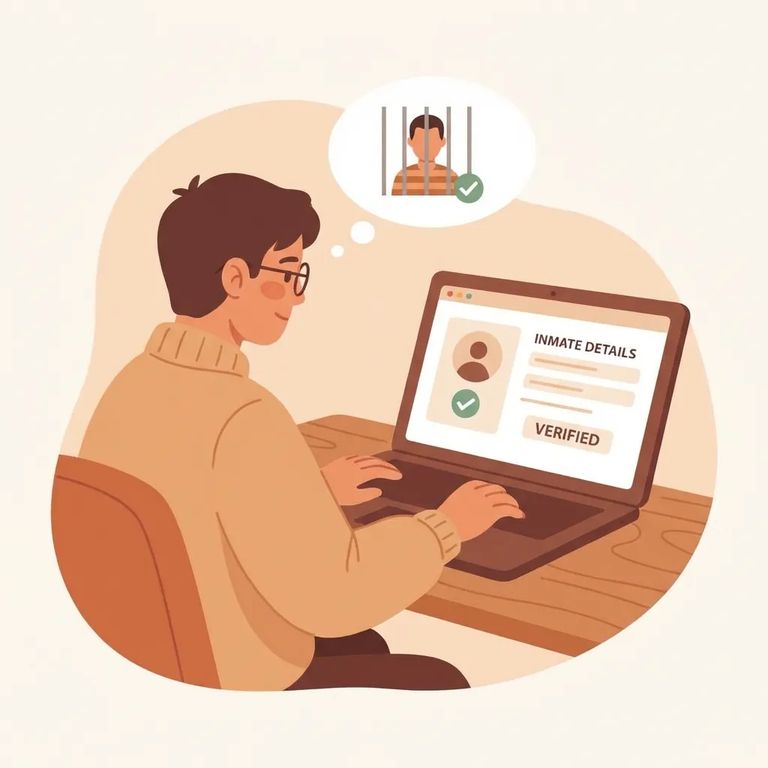
To send messages to a resident's tablet at El Dorado Correctional Facility, you'll need a GettingOut/ViaPath account (or the GettingOut app). Once you're set up, you must deposit at least $10 before you can send anything.
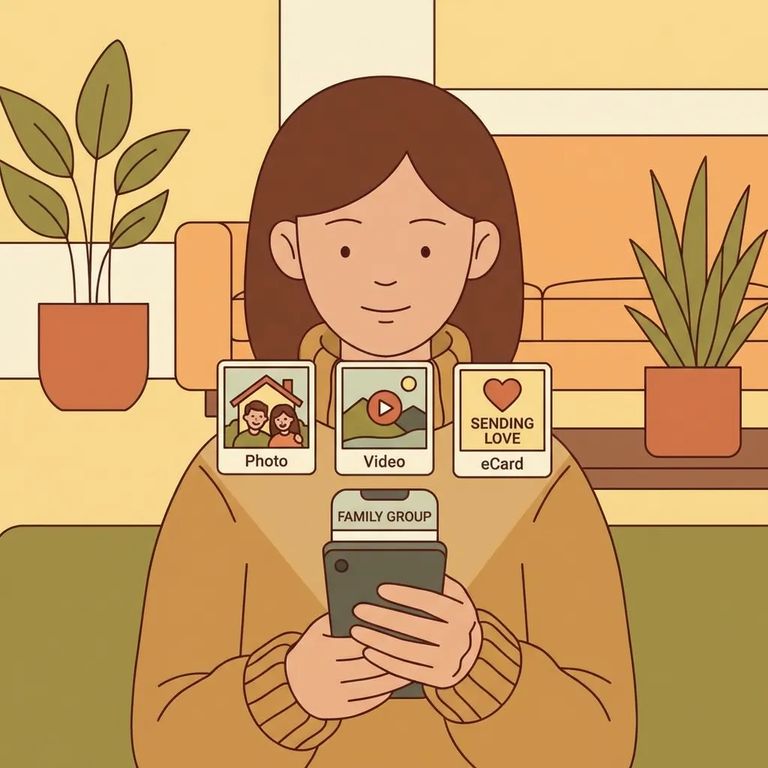
Your ViaPath/GettingOut balance covers tablet communications: electronic messages, photos, and 30-second video messages. Costs are deducted from your account balance as you use them.
ViaPath/GettingOut won't add money to a resident's trust (commissary) account. For electronic trust deposits, you'll need to use Access Corrections instead.
Pricing snapshot (ViaPath/GettingOut): Messages cost $0.25 each. Photos cost $0.25 each. A 30-second video attachment runs $1.75. Printed email pages are $0.35 per page, and printed attachments/photos are $1.00 per page (deducted from the resident's ViaPath funds). Tablet entertainment bills per minute: $0.04/minute (standard) and $0.06/minute (premium).
Steps to Follow
- ✓ Create a ViaPath/GettingOut account (or use the app) so you can fund tablet messaging.
- ✓ Deposit at least $10 into your ViaPath/GettingOut account.
- ✓ Use your ViaPath balance to send electronic messages ($0.25 each), photos ($0.25 each), or 30-second video messages ($1.75 each).
- ✓ Keep printed charges in mind: print email pages are $0.35 per page, and print attachments/photos are $1.00 per printed page (deducted from the resident’s ViaPath funds).
- ✓ If the resident uses tablet entertainment, it’s billed at $0.04 per minute (standard) and $0.06 per minute (premium).
- ✓ Do not use ViaPath to fund commissary or trust. Use Access Corrections for electronic trust account deposits.
- Set up your ViaPath/GettingOut account - Use the GettingOut app or create an account so you can fund tablet communications.
- Add funds (minimum $10) - Deposits below $10 will not meet the minimum required to fund the account.
- Send tablet communications - Use your balance for electronic messages, photos, and 30-second video messages.
- Use the right service for commissary - For electronic deposits to a resident’s trust (commissary) account, use Access Corrections, not ViaPath.
Before depositing, confirm the $10 minimum deposit requirement for ViaPath/GettingOut is still in effect. Policies can change, and checking first saves time if you're trying to send something right away.
- ✓ Electronic message cost: $0.25 per message
- ✓ Electronic photo cost: $0.25 per photo
- ✓ 30-second video attachment cost: $1.75 per video
- ✓ Printed email cost: $0.35 per printed page (deducted from resident’s ViaPath funds)
- ✓ Printed attachment/photo cost: $1.00 per printed page (deducted from resident’s ViaPath funds)
- ✓ Tablet entertainment cost: $0.04/minute (standard) and $0.06/minute (premium)
If your goal is commissary or other trust-account spending, confirm you're using Access Corrections (not ViaPath) and that you're following the current steps for Kansas resident trust deposits. Ask whether there are any other approved ways to fund the trust account besides electronic deposits.
For current information, check the official Kansas Department of Corrections guidance and the support resources for ViaPath/GettingOut and Access Corrections. If anything looks different than expected (minimums, fees, or what funds can be used for), contact the facility directly before sending money.
Find an Inmate at El Dorado Correctional Facility
Search for a loved one and send messages and photos in minutes.
