
How to Schedule Your First Visit at Estes Unit Using the TDCJ Scheduler
Scheduling your first visit at Estes Unit starts online. Once your account is set up and your relationship is approved, you can see available dates and book a slot.
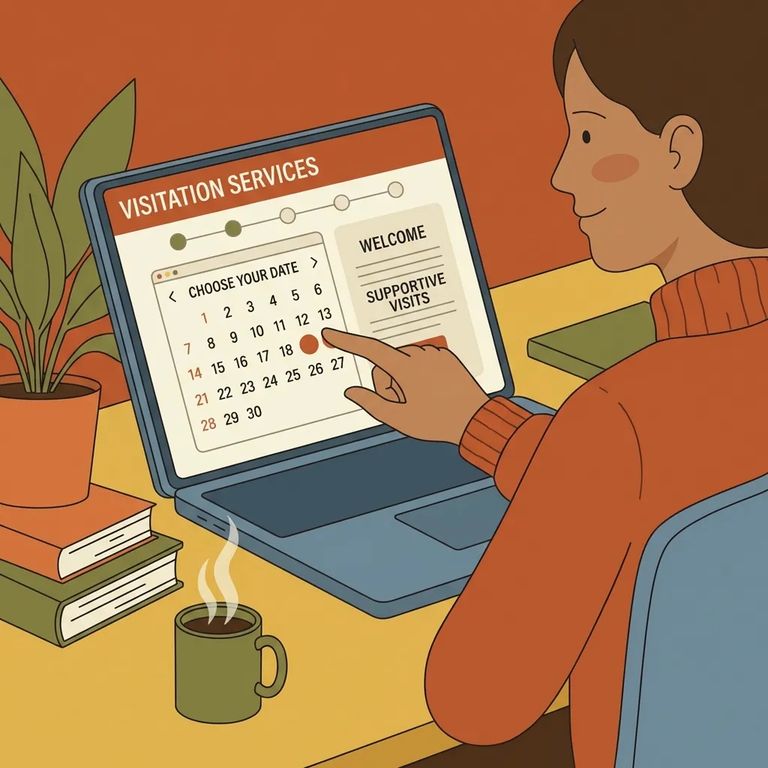
Head to the official TDCJ Online Visitation Scheduler login page. You'll create an account using your own email and password - there's no shared family login, so each adult visitor needs their own account.
Enter a valid email address in the scheduler to get started. TDCJ will send you an email with a 7-digit validation code and a link to finish registration. Keep that email handy - you'll need the code to continue.
Reminder: You won’t be able to complete registration until you fill out the scheduler’s background questionnaire.
Fill in every field marked with an asterisk (*) on your visitor profile. One quirk: the phone number field requires spaces instead of dashes. Enter it as XXX XXX XXXX.
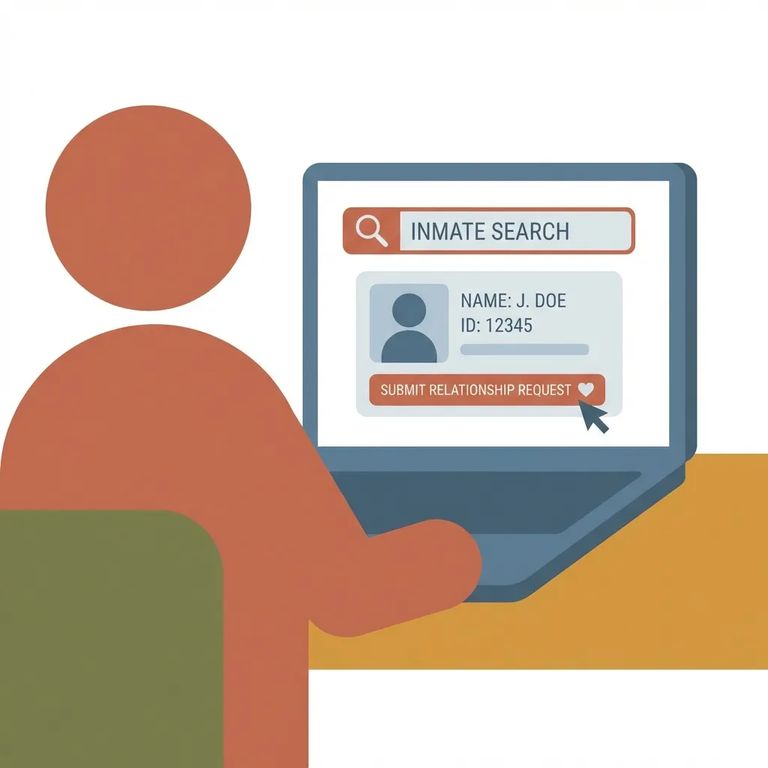
Now add the person you want to visit. Search by their TDCJ number or SID number - it must be exactly 8 digits, or the search won't find them. Once the right person appears, select your relationship and submit the request.
- Open the inmate search - In your scheduler account, choose the option to add/search for an inmate.
- Enter the TDCJ or SID number (8 digits) - Type the number exactly as 8 digits, then run the search.
- Select your relationship and submit - Pick your relationship from the dropdown and send the relationship request.
- Watch for approval status on your home page - Until unit staff approves it, your request stays listed under “Relation Requests Pending Approval.”
When you're ready to book, the system asks what type of visit you want. Options may include Regular, Contact, and Video/Tablet. Note that Video/Tablet in the TDCJ scheduler isn't the same as the Securus Video program - they're separate systems.
Heads up: You typically won’t see available dates to book until your visitor/inmate relationship has been verified by unit staff.
After submitting your relationship request, check your visitor home page for the
Find an Inmate at Estes Unit, TX
Search for a loved one and send messages and photos in minutes.
