
What to Do When the "Schedule Visit" Button Is Missing for an Estes Unit Inmate
If the TDCJ online scheduler isn't showing a "Schedule Visit" button for someone at the Estes Unit, there's usually a reason: the inmate number needs correction, the unit needs to verify something on their end, or your visitor relationship hasn't been approved yet. Here's what each message means and what to do next.
Start with the simplest fix: double-check the inmate's TDCJ or SID number. The scheduler requires exactly 8 digits. If you're missing one, added an extra, or entered the wrong number entirely, the inmate won't load correctly - and the "Schedule Visit" button won't appear.
See "Call Unit" or a blank scheduling area? The system is telling you the next step isn't online. You may need to confirm the inmate is still assigned to the Estes Unit, verify they have visitation privileges, or check the unit's current schedule. Ask whether visitation has been canceled for the day, too - even eligible inmates can't receive visitors if the unit cancels.
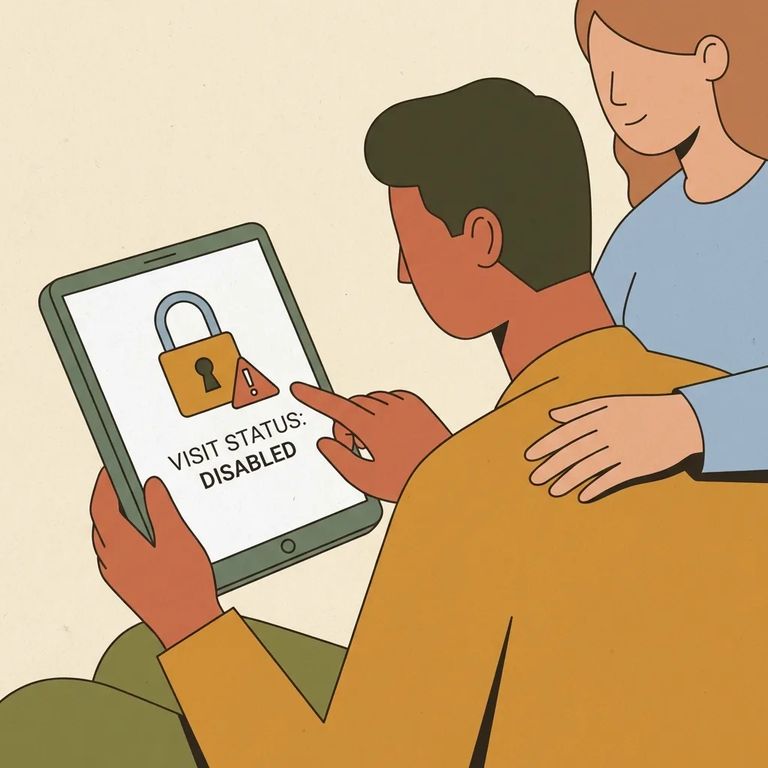
"Not Approved for Visits" means something specific: your visitor–inmate relationship may be confirmed, but the inmate's visitation privileges have been removed. There's also a separate approval step for your relationship request. If unit staff haven't approved it yet, you'll see it listed as pending under "Relationship Requests Pending Approval" on your visitor home page. So this could be an approval or eligibility issue - not a tech glitch.

When the scheduler says "Call Unit," take it seriously - especially if you're planning to travel. A quick call confirms three things that can save you major frustration: the inmate is actually at the Estes Unit, they still have visitation privileges, and visitation is running (not canceled) on the day you want to visit. TDCJ specifically advises visitors to call the unit for final confirmation before making the trip.
- ✓ Have the inmate’s TDCJ/SID number ready and confirm it’s exactly 8 digits
- ✓ Confirm you created your own TDCJ Online Visitation Scheduler account (staff can’t create it for you)
- ✓ Ask whether your visitor–inmate relationship request is approved or still pending on your visitor home page
If you see "Not Approved for Visits," don't assume refreshing the page will fix it. That message usually means the inmate's visitation privileges have been removed - even if your relationship was already confirmed. Call the unit to verify the current visitation status. While you're at it, ask if there's a separate holdup with your relationship request still pending approval.
Call the Estes Unit before you travel. Ask what steps apply in your situation - whether that's an approval process, a restoration procedure, or something else entirely. Even if you're confident you did everything right online, get confirmation by phone. It's the only way to avoid a wasted trip.
Quick Checklist
- ✓ The inmate’s exact 8-digit TDCJ/SID number
- ✓ Your TDCJ Online Visitation Scheduler login details (and confirmation you created your own account)
- ✓ The current status of your relationship request (approved vs. still pending on your home page)
- ✓ A question list for the unit: Is the inmate assigned there, do they have visitation privileges, and has visitation been canceled for the day?
Find an Inmate at Estes Unit, TX
Search for a loved one and send messages and photos in minutes.
