
Why Your Visitation Application Might Be Denied (and How to Avoid It)
A denied visitation application usually comes down to a few fixable issues: missing information, missing signatures, duplicate forms, or answers that don't match what the facility can verify. Here's how to avoid the most common problems before you hit send.
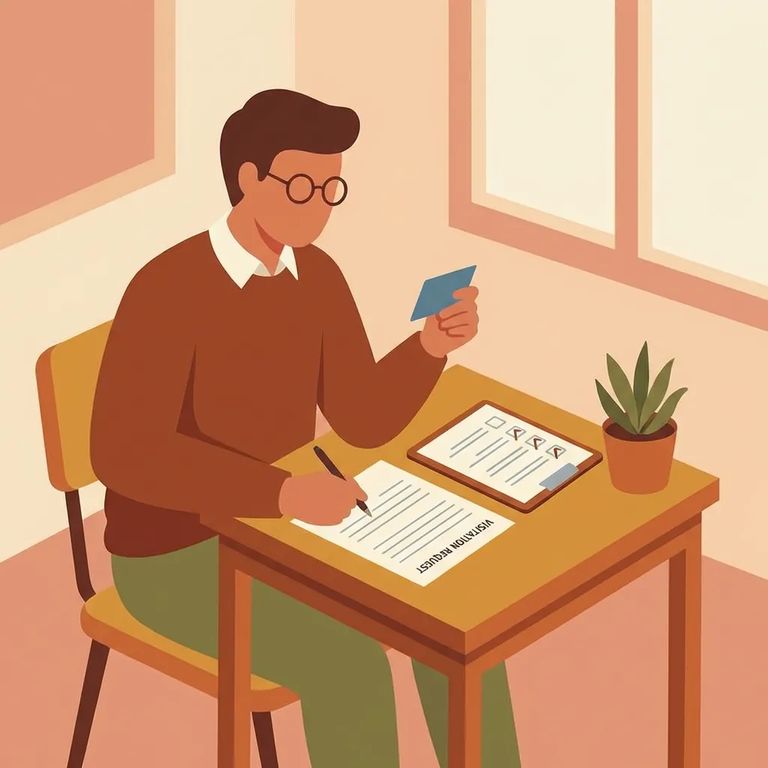
Leaving any part of the application blank is one of the fastest ways to get denied. Everglades is clear: blanks can trigger a denial, even when the question doesn't apply to you. The fix is simple - write
- ✓ Middle name (if you don’t have one, write “NA”)
- ✓ Phone number fields you don’t use (write “NA”)
- ✓ Any “other” or “additional” lines you don’t need (write “NA”)
- ✓ Any question you can’t answer because it doesn’t apply to you (write “NA,” not a blank)
At Everglades, age matters on the paperwork. Anyone 12 years old or older who wants to visit must complete the visitor form and sign it. No signature? The form won't be processed. Before submitting, double-check that the signature is in the correct spot and matches the person applying to visit.
Tip: For visitors under 12, handle the application through a parent or legal guardian. For anyone 12 and up, make sure the signature is actually there - no signature means no processing.
Don't
Note: Criminal background checks will be made - assume the facility will verify what you submit. Fill out the form completely and truthfully the first time.
Submitting multiple applications for the same person can backfire. Everglades only allows one visitation application form per person. Sending more than one may create processing problems or lead to a denial outright. If you've already applied, focus on fixing the original issue rather than starting a paper pile that's harder to sort out.
Need to correct something or update your information? Don't fire off duplicate forms. Instead, use the designated visitation application mailbox for Everglades: VisitappEvergladesCI@fdc.myflorida.com. This keeps your communication in the right place and helps you avoid the duplicate form problem.

- Scan for blanks - go line by line and make sure every field has an entry.
- Write “NA” where it doesn’t apply - don’t leave optional-looking fields empty if they don’t fit your situation.
- Confirm the right person signed - if the visitor is 12 or older, they must complete the form and sign it or it won’t be processed.
- Correct anything inaccurate - false or misleading information can mean denial, permanent suspension of visitation privileges, and may be treated as a second-degree misdemeanor.
- Submit cleanly (no duplicates) - avoid sending multiple applications for the same person; send your corrected information through the proper channel.
Recommendation: Save a copy of the application you submit, and keep your email record if you send it to VisitappEvergladesCI@fdc.myflorida.com. If questions come up later, you'll know exactly what you provided.
Find an Inmate at Everglades C.I., FL
Search for a loved one and send messages and photos in minutes.
