
How to Contact an Inmate at Facility
Want to stay in touch with someone at this facility? Your main options run through Securus, including video sessions and digital messages.

This facility uses Securus Video Connect, a web-based system for video communication. You can schedule and join sessions from anywhere with internet access using the free Securus app, a computer, or a tablet.
Securus also handles digital communication beyond live video. Depending on what the facility allows for the person you're trying to reach, you may be able to send messages, photos, eCards, and short video clips through the platform.
Steps-to-follow
- ✓ Get set up with Securus Video Connect on the device you plan to use (free Securus app, computer, or tablet).
- ✓ Use Securus Video Connect to schedule a video session with the incarcerated individual, then join the session online at the scheduled time.
- ✓ If you want to send written updates, use Securus messaging (where permitted).
- ✓ Send photos through Securus if photos are enabled for the person you are contacting.
- ✓ Use Securus to send an eCard for special occasions if that option is available.
- ✓ Share short video clips through Securus if video clips are allowed for the housing unit and custody level.
Note: Video visits are handled through Securus Video Connect, which is web-based and scheduled. Plan to use the free Securus app, a computer, or a tablet.
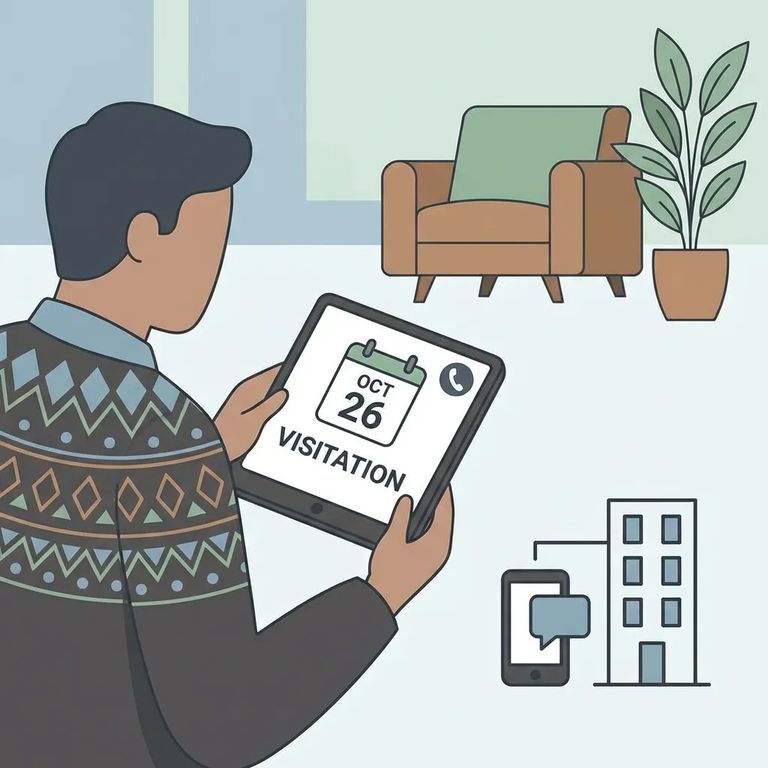
Even when a facility supports Securus, the day-to-day rules can vary and change without much notice. Before you spend time setting everything up, confirm that Securus Video Connect is currently active for this facility and for the specific person you want to contact. Ask what types of content are permitted (messages, photos, eCards, short video clips) and whether there are limits on formats or what can appear in photos and videos. Also verify how scheduling works at this facility, including any account setup requirements and rules that could affect your session. The fastest way to stay current is to check the facility's official information or contact facility administration directly for the latest communication rules.
- Confirm Securus Video Connect is the correct system. Verify the facility is currently using Securus Video Connect for scheduling and joining video sessions.
- Ask what you can send digitally. Confirm whether messages, photos, eCards, and short video clips are allowed, and whether any content rules apply.
- Verify setup and scheduling requirements. Ask what you need to create an account and how scheduling works for this facility.
- Check for restrictions or recent changes. Confirm whether there are any device requirements, format limits, or temporary service changes that could affect communication.
Find an Inmate at Facility 8
Search for a loved one and send messages and photos in minutes.
