
How to Get on an Inmate's Approved Visitor List (FCI Petersburg Med)
Getting on an inmate's approved visitor list at FCI Petersburg Med starts with the inmate—not you. Once you understand that first step and what the Bureau of Prisons collects, the rest comes down to completing the form carefully and waiting for a decision.
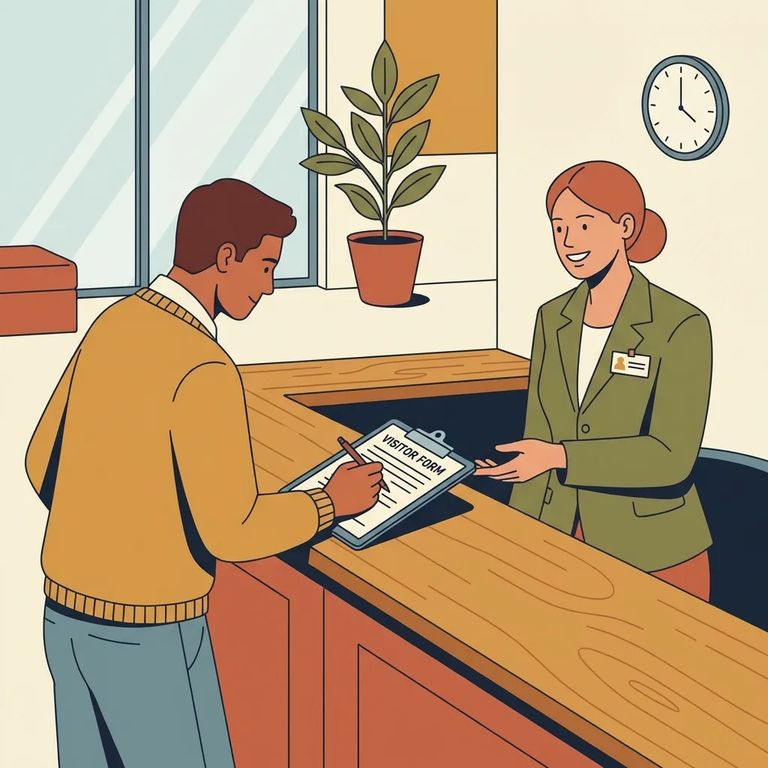
At FCI Petersburg Med, the visiting process begins inside the facility. The inmate requests a Visitor Information form and sends it to the people they want on their list. So your first move? Ask your loved one to request the form and mail it to you. You'll fill it out and submit it for approval.
What Webv Stores
- ✓ Your full name (as an approved visitor)
- ✓ Your relationship to the inmate
- ✓ Date of birth
- ✓ Sex
- ✓ Race
- ✓ Ethnicity
- ✓ Driver’s license number or state ID number
- ✓ Passport number
- ✓ Alien registration number (if applicable)
- ✓ Legal residence (address)
- ✓ Phone number
- ✓ Date of approval (entered once you’re approved)
The BOP stores this kind of information in its Web Visiting (WebV) system for approved visitors. When you fill out the Visitor Information form, have your ID and personal details handy so you can match names, numbers, and dates exactly. Small mistakes - a wrong digit in an ID number, a nickname instead of your legal name - can slow things down. These identifiers are used for records and screening.
After you submit the form, BOP staff use your information to run background investigations and decide whether you're suitable to visit. Approval isn't automatic - it's a judgment call based on those results. Once the background process wraps up, staff enter approved visitor information into the WebV system.
Once approved, your entry and exit are tracked each time you visit. The Access Control Entry Exit (ACES)/Web Visiting system logs everyone who enters and leaves BOP facilities, including approved visitors. In plain terms: expect your visit to be tied to your identity and recorded as part of normal security procedures.
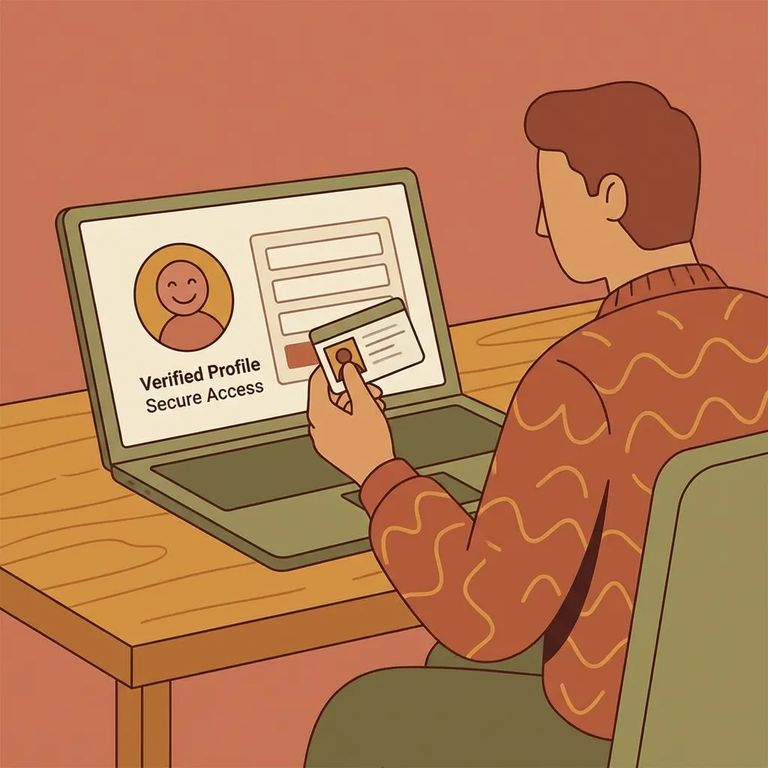
- Use your legal name - Write your name exactly as it appears on your driver’s license, state ID, passport, or other legal identification.
- Double-check your date of birth - Make sure the month/day/year are correct and match your ID.
- Confirm your ID numbers - Carefully copy your driver’s license or state ID number (and passport or alien registration number if you’re providing those).
- Be clear about your relationship - Fill in your relationship to the inmate the way you want it recorded.
- Verify your address and phone number - Use your current legal residence and a phone number you can reliably be reached at.
- Review everything before you submit - WebV stores these fields for approved visitors, so accuracy up front helps prevent avoidable delays.
Remember: Each time you visit the institution, you’ll need to present a legal photo ID to gain access. Bring it every visit, even if you’ve been there before.
Even a perfectly completed form doesn't guarantee approval - the BOP still runs its background investigation and makes the final call. If you're denied or delayed, your best next step is usually to communicate with the inmate so they can follow up through the facility's process. Remember, approval starts with the inmate's request and is handled by BOP staff.
Find an Inmate at FCI Petersburg Med, VA
Search for a loved one and send messages and photos in minutes.
