
How TRULINCS Works at FDC Miami: Getting Approved, Messaging Rules, and Unblocking
TRULINCS handles electronic messaging at FDC Miami, but you can't just start writing—first, you need contact approval and a CorrLinks invitation. Here's how it works, what limits apply, and what to do if messaging suddenly stops.
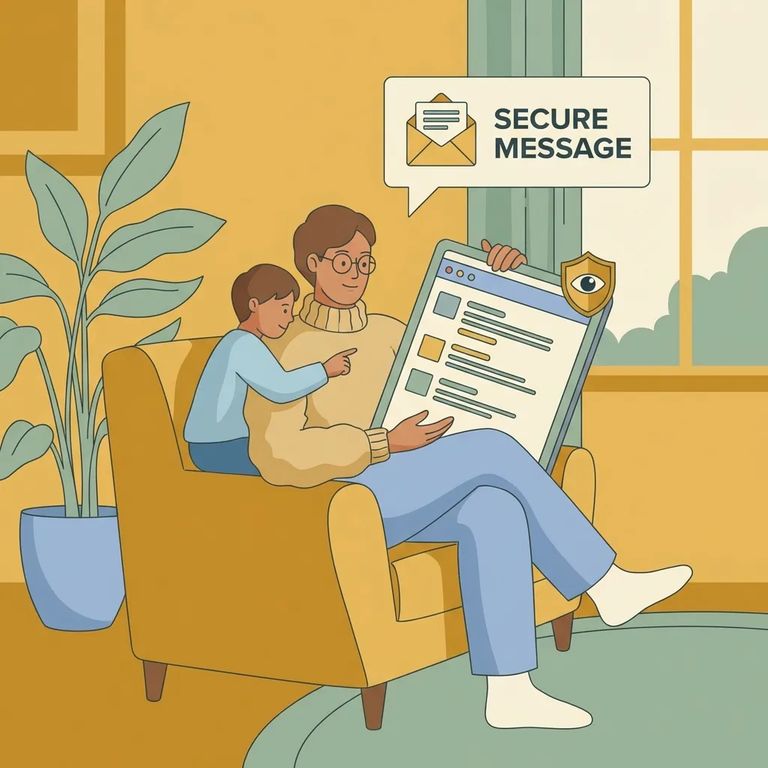
Yes - people housed at FDC Miami can send and receive electronic messages through TRULINCS (Trust Fund Limited Inmate Computer System). It's a secured messaging system connecting incarcerated individuals with approved contacts on the outside.
2
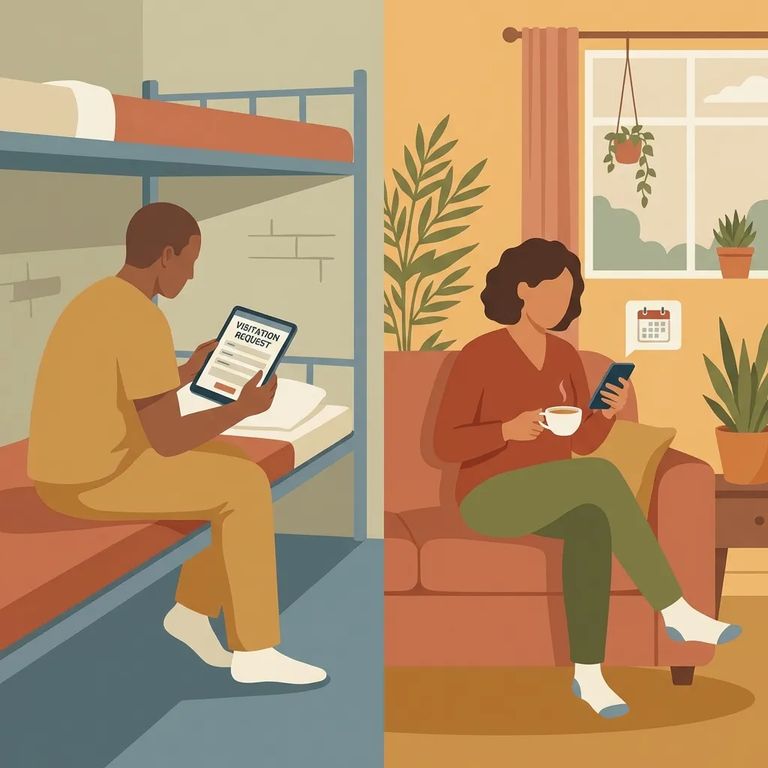
- ✓ The inmate starts the request - they add you to their TRULINCS contact list and ask to exchange electronic messages.
- ✓ Staff approval happens next - the facility has to approve that contact entry before messaging can move forward.
- ✓ CorrLinks sends the invite - after approval, you’ll get an automated CorrLinks message asking whether you want to accept communication or block it.
- ✓ You choose accept or block - accepting gives permission to message; blocking stops messaging before it starts.
- ✓ Messaging turns on after acceptance - once you accept, the inmate can send electronic messages to you through TRULINCS.
Note: The invitation step is automated - CorrLinks sends the message and prompts you to accept or block future communication.
TRULINCS messages are text-only. No photos, no documents, no attachments of any kind - write everything in the message body. Each message maxes out at 13,000 characters (roughly two pages of text). If you have a lot to say, break it into multiple messages.
TRULINCS isn't funded by taxpayer dollars. At BOP facilities like FDC Miami, the service runs entirely on the Inmate Trust Fund.
- Confirm a block happened - if you (or the inmate) selected “block” in CorrLinks, messaging won’t go through until it’s reversed.
- Have the inmate contact the Trust Fund Office - the inmate must submit a request to the local institution’s Trust Fund Office to remove the block.
- Include full contact details in the request - the inmate should list your name, physical address, email address, and telephone number so the system can generate a new CorrLinks invitation.
Important: If you blocked the inmate in CorrLinks, you can't undo it yourself. The inmate needs to request unblocking through the institution's Trust Fund Office.
6
- ✓ Double-check the email address the inmate adds to their contact list - one typo can prevent the CorrLinks invitation from reaching you.
- ✓ Watch for the automated CorrLinks invite and respond to it; messaging doesn’t start until you accept.
- ✓ Keep messages tight and readable - there’s a 13,000-character limit (about two pages).
- ✓ If messaging hasn’t started yet, remember the contact still needs staff approval before anything can be sent.
Find an Inmate at FDC Miami
Search for a loved one and send messages and photos in minutes.
