
Four Ways to Add Money to an Inmate's Account at Garfield County Jail
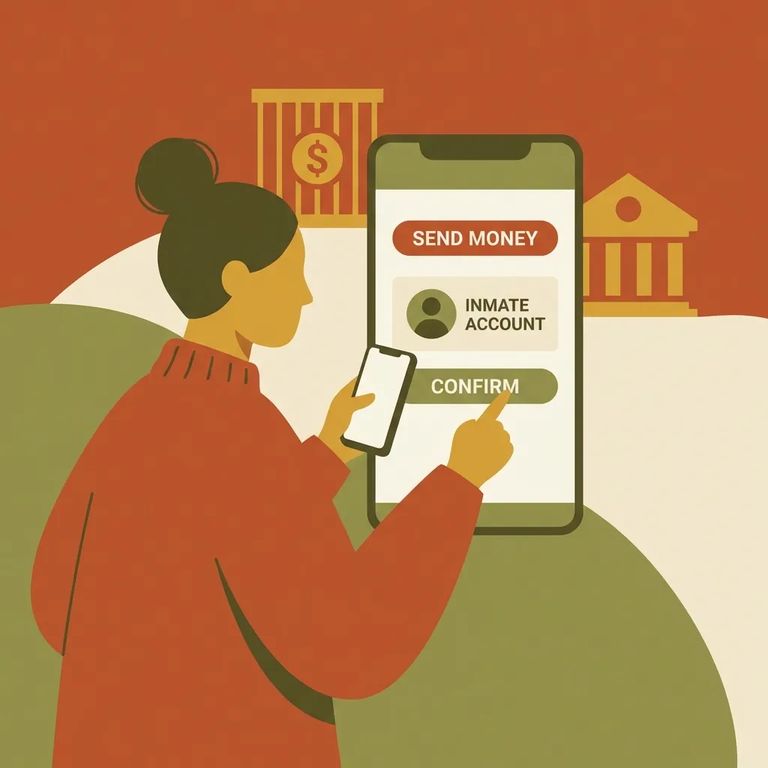
Before adding money, know which vendor handles what. At Garfield County Jail, deposits through Access Corrections go to the inmate's commissary account - that covers snacks, hygiene items, stationery, plus phone and tablet time. Want to fund tablet use more directly? Set up an account with GettingOut. For a prepaid phone account that limits calls to one specific number you choose, go through ICSolutions.
The fastest way to add money is online at www.accesscorrections.com. You'll get an instant confirmation and a record of the transaction.
Prefer your phone? Download the Access Corrections mobile app. It's convenient when you're on the go and don't want to call or visit in person.
You can also deposit by phone at 1-866-345-1884. This works well if you'd rather skip the website or app, or if you're hitting technical issues and just want to get it done.
Already at the facility? Use the kiosk in the jail reception/visitation room. It's the easiest option if you're visiting and want to add funds while you're there.
- Go to GettingOut (www.gettingout.com) - this is the vendor used to add money for inmate tablets.
- Set up your account - follow the prompts to create your login.
- Add funds for tablet use - once your account is set up, you can deposit money that the inmate can use on the tablet.
- Go to ICSolutions (www.icsolutions.com) - this is the vendor used to set up a prepaid phone account.
- Create your prepaid phone account - follow the setup prompts.
- Designate the phone number - the prepaid setup is designed so the inmate can call only the specific phone number you choose.
- Add funds - load the account so calls to that designated number can be paid for.
Note: Fees may apply, and any debts the inmate owes can be deducted from incoming funds. Keep your receipt or confirmation to track what you paid and when.
Practical Checklist
- ✓ Confirm what you’re funding: commissary/phone-tablet time (Access Corrections) vs. tablet funds (GettingOut) vs. prepaid phone to a designated number (ICSolutions)
- ✓ If you’re using Access Corrections, choose your deposit method: website, mobile app, phone (1-866-345-1884), or the kiosk in the jail reception/visitation room
- ✓ Keep your transaction receipt/confirmation in case you need to reference the deposit later
- ✓ Remember that inmates can use funds on their account for commissary items (like candy, hygiene, and stationery) and for phone/tablet time
- ✓ Plan for possible fees and the possibility that inmate debts may be collected from deposits
Find an Inmate at Garfield County Jail, CO
Search for a loved one and send messages and photos in minutes.
