
How to schedule your first in-person visit at Geo Western Facility (GTL/ViaPath)

Scheduling your first in-person visit at Geo Western Facility happens online through the GTL/ViaPath visitation site. This guide covers signing in (or claiming a new account), picking your date and time, and confirming your reservation. Before you start, grab the incarcerated person's details and have your photo ID handy - you don't want to hunt for information mid-booking.
You'll schedule and manage in-person visits through the GTL/ViaPath visitation site. Already have an account? Sign in with your Visitor ID (or email) and password. First time? Look for the "CLAIM ACCOUNT" option. That's where new users create an account and get access to the scheduling system.
Note: The login page includes a language option to switch the site to Español, which can make the sign-in and scheduling screens easier to navigate.
Once you're signed in, the scheduling tool walks you through picking a date, time, and location. Select what works for you, then reserve that slot. The same portal tracks your bookings, so you can come back anytime to check what you've scheduled.
- ✓ Reserve your visitation time ahead of arrival, which can help you skip long lines
- ✓ Pick the date, time, and location that’s most convenient for you
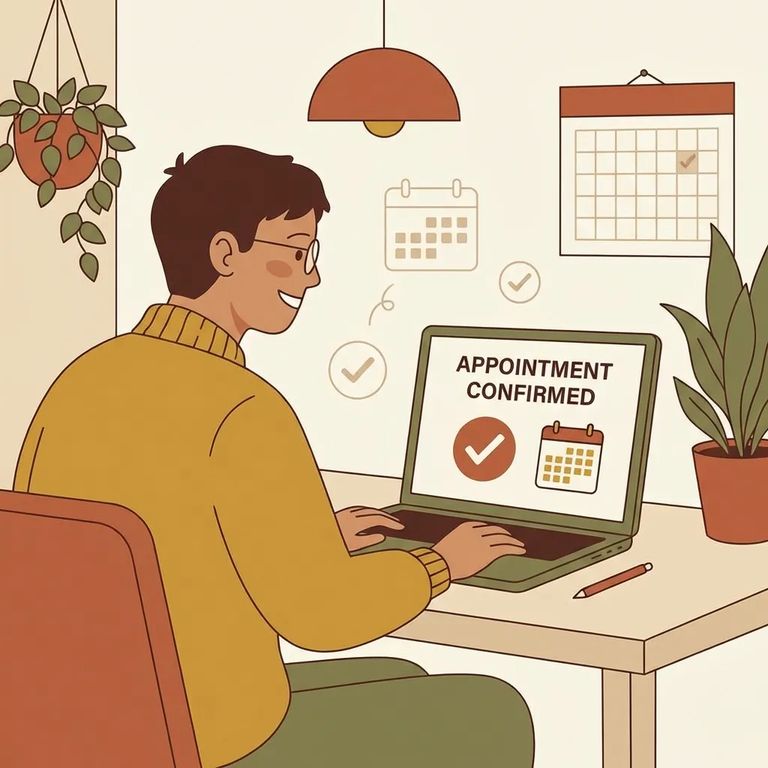
The GTL/ViaPath portal confirms visits instantly. You'll see confirmation right after you reserve - no waiting around wondering if your request went through.
- Save your confirmation - take a screenshot, write down the details, or print it so you have it ready on visit day.
- Double-check your upcoming visits in your account - sign back in to the GTL/ViaPath site and confirm the reservation is listed.
- Bring what you need to check in - plan to show your ID, and keep your visit confirmation handy in case staff ask for it.
Need help? The GTL/ViaPath site has built-in support and policy links. Look for Terms of Use, Privacy Policy, a "Professional Visitor?" section, and a Contact option - all useful if you get stuck or want to review the site's terms.
Want to double-check you're on the right site? Look for ViaPath branding and a copyright notice reading "© 2015–2026 ViaPath Technologies." That confirms you're using the official GTL/ViaPath visitation portal.
The GTL/ViaPath portal handles your appointment reservation, but it won't tell you everything you need for a smooth visit. Before you travel, confirm the facility's current visiting hours (including any unit-specific rules), accepted ID types, the dress code, and what to expect at check-in. Not sure about something? Contact the facility directly or check their official guidance. A quick call can save you a wasted trip if rules changed recently.
- ✓ Current visiting hours (and whether they vary by day or housing area)
- ✓ What visitor ID is accepted for entry
- ✓ Dress code expectations
- ✓ Check-in steps on arrival (where to go, what time to arrive, what you can bring)
- ✓ Any restrictions or special categories (for example, professional visitors)
Note: The scheduling portal helps you reserve a visit time, but it doesn’t replace Geo Western Facility’s own visitation rules - confirm the facility-specific details before you go.
Find an Inmate at Western Detention Facility, CA
Search for a loved one and send messages and photos in minutes.
