
Why you may need two accounts: GTL for scheduling visits, Securus for video and messaging at Geo Western
At Geo Western, visiting and communicating happen on two different platforms. If you want to schedule an in-person visit and also use video or messaging, you'll need two separate accounts.
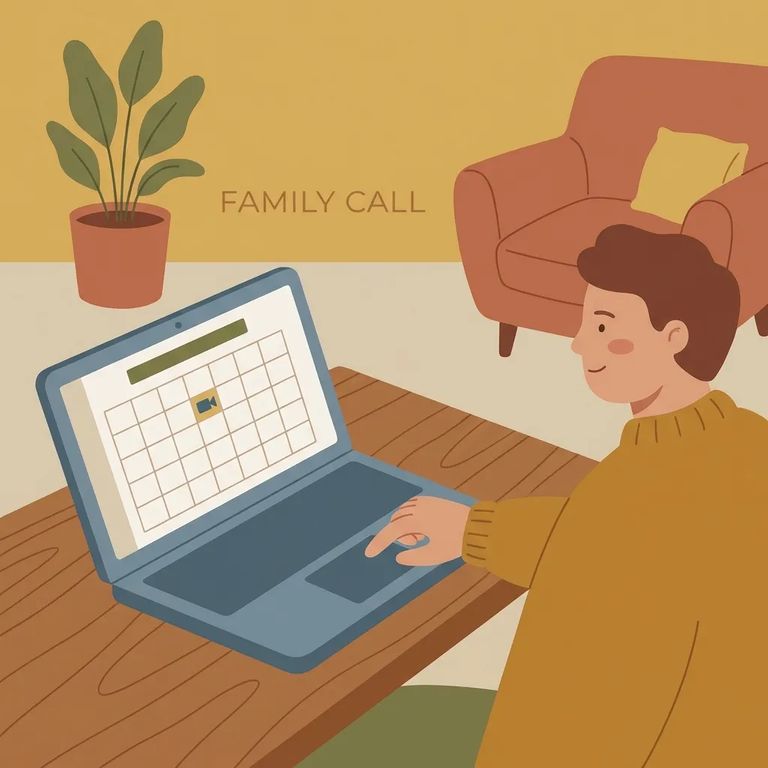
Geo Western uses two systems because they handle two different jobs. Securus is the communications provider for CDCR - it handles video visits and electronic messaging. GTL/ViaPath is separate. That's what you use to sign in and schedule in-person visits through the visitation scheduling site. Don't try to book an in-person visit through the communications app; it won't work.
For in-person visits, you'll use the GTL/ViaPath visitation scheduling site. That's where you pick a date and reserve a time slot. Even if you already have Securus set up for calls or messages, you still need a GTL/ViaPath account for scheduling face-to-face visits.
- Go to the GTL/ViaPath visitation scheduling site - this is where in-person visits are scheduled and managed.
- Use “CLAIM ACCOUNT” - new visitors create their account through the site’s “CLAIM ACCOUNT” option.
- Sign in and schedule - once your account is set up, you can return as a user and schedule/manage visits from your login.
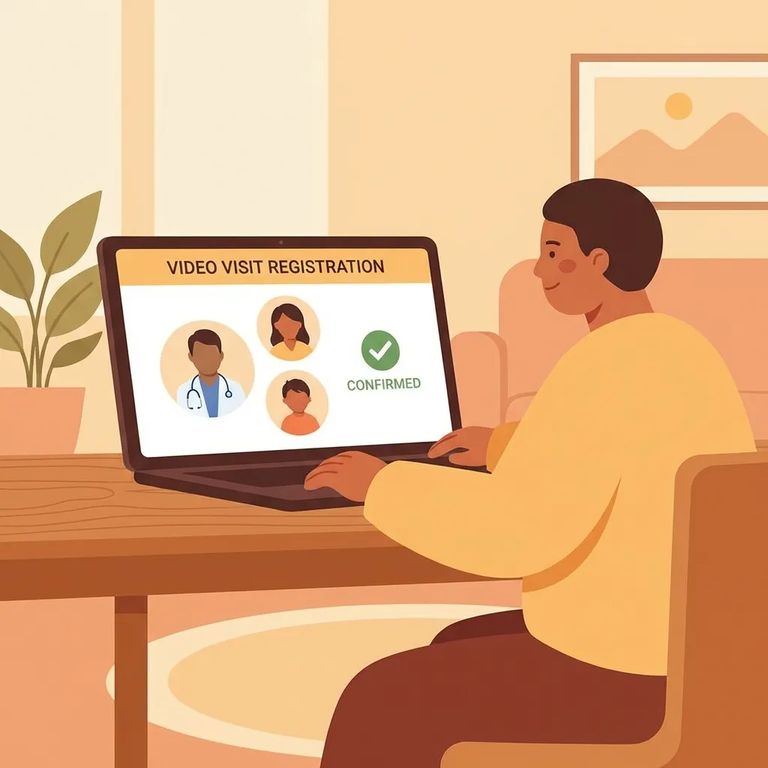
Securus handles the other side. It's the communications provider for CDCR, covering video visits and electronic messaging. Want to message your loved one or join a video visit when available? That's Securus - not the GTL/ViaPath scheduler.
- ✓ Create a Securus online account if you want to use videoconferencing.
- ✓ Create a Securus online account if you want to use electronic messaging.
- ✓ You may not need a Securus online account to receive free telephone calls (but video and messaging require an account when available).
Inside the Securus app, video has its own setup step. Look for
Trying to get an in-person visit on the calendar? Start with GTL/ViaPath and use
Tip: If you plan to use prepaid video visits through Securus, use “AdvanceConnect” in the Securus app to set up and add funds for videoconferences.
Before spending money or planning around a feature, double-check your options. Use the GTL/ViaPath visitation scheduler for in-person visit details and the Securus CDCR information pages for video and messaging info. Both have FAQs and support contacts - that's the fastest way to sort out login issues, account problems, or questions about what's currently available.
Find an Inmate at Western Detention Facility, CA
Search for a loved one and send messages and photos in minutes.
