
How to Contact an Inmate at Gibson County Jail, IN (TN)
Gibson County Jail uses video visitation for all friends and family visits. You can connect through a terminal at the Sheriff's office or from home using your own computer.
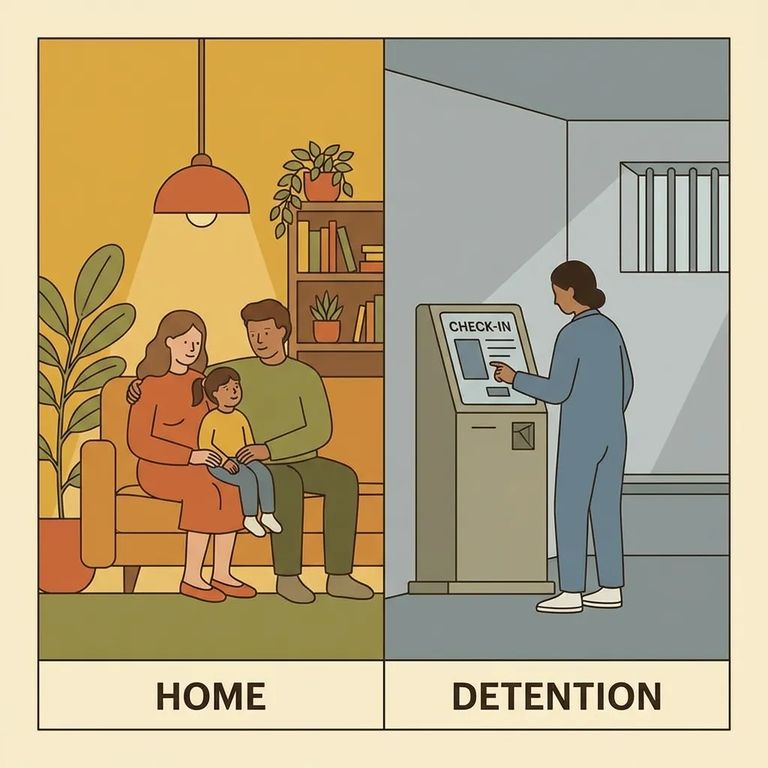
All visits with inmates at Gibson County Jail happen through video. There are no traditional in-person contact visits, so plan accordingly.
If you visit onsite, you will use a visitation terminal in the public visitation room located in the lobby of the Sheriff’s office. The inmate visits from a video visitation terminal in their housing area.
You can also visit remotely from home using a computer with a webcam and high-speed internet. This is worth considering: onsite visits are limited to one 15-minute session per inmate each week, but remote visits are unlimited.
Bring a photo ID if you're an adult. Visitors 15 years old or younger must be accompanied by a parent or legal guardian.
Note: Video is the only visitation method at Gibson County Jail. For remote visits, you'll need a computer with a webcam and high-speed internet.

Steps to Follow
- ✓ Use a computer with a webcam and a high-speed internet connection for remote (at-home) visits
- ✓ Bring photo ID if you are an adult visitor
- ✓ If you are bringing a visitor age 15 or under, make sure they are accompanied by a parent or legal guardian
- ✓ Go to the visitation terminal in the public visitation room located in the lobby of the Sheriff’s office (this is the onsite public visitation setup)
- ✓ Use the posted onsite public visitation windows: Wednesday 6:00–8:00 pm; Saturday 8:00–11:00 am and 1:00–4:00 pm; Sunday 8:00–11:00 am and 1:00–4:00 pm
- ✓ Remember the onsite limit: each inmate is allowed one 15-minute visit per week at the jail
- ✓ Bring photo ID if you are an adult visitor
- ✓ If you are bringing a visitor age 15 or under, make sure they are accompanied by a parent or legal guardian
- Choose remote or onsite video visitation: Both options use the jail’s video visitation system, but remote is done from home and onsite is done at the lobby terminal.
- If you are visiting remotely, set up your equipment: Use a computer with a webcam and a high-speed internet connection.
- If you are visiting onsite, go to the lobby visitation terminal during public visitation times: The inmate will connect from a terminal in their housing area.
Reminder: Onsite public visits are limited to one 15-minute visit per inmate each week. Remote (at-home) visits are unlimited.
Before heading to the jail for an onsite visit, confirm the current schedule. Listed time windows are Wednesday 6:00–8:00 pm, Saturday 8:00–11:00 am and 1:00–4:00 pm, and Sunday 8:00–11:00 am and 1:00–4:00 pm.
For remote visits, check the exact platform the jail uses and make sure your setup is ready. You'll need a computer with a webcam and high-speed internet. Test your connection before your scheduled visit time.
Know the limits before you plan your week. Each inmate gets one 15-minute onsite visit weekly, while remote visits are unlimited. Photo ID is required for adult visitors, and anyone 15 or younger must have a parent or legal guardian present.
Find an Inmate at Gibson County Jail, IN
Search for a loved one and send messages and photos in minutes.
