
How to Schedule Your First Visit at Goodman Unit Using the TDCJ Online Scheduler
Scheduling your first visit at the Goodman Unit starts with one key step: creating your own TDCJ Online Visitation Scheduler account. Once that's done, you'll add your loved one, request relationship approval, and then book your visit—unless the system prompts you to call the unit instead.
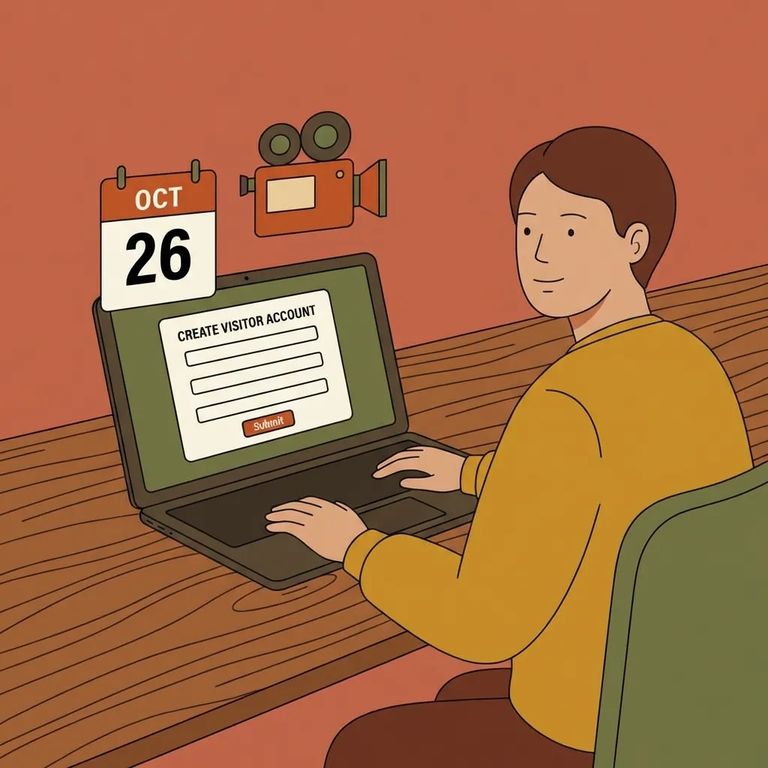
The TDCJ Online Visitation Scheduler handles visit requests and bookings, but it only works after you've created your own visitor account. TDCJ staff can't set that up for you. They can help with updates - like correcting information - once your account exists. The fastest path? Get registered first, then reach out for help if you hit a wall.

- Start the “Create an Account” process - use the scheduler’s Create an Account option if this is your first time.
- Enter a valid email address - this is where your validation message will be sent.
- Check your email for the validation message - you’ll receive an email with a 7-digit validation code and a link.
- Use the link and code to finish registration - follow the link from the email and enter the 7-digit code when prompted to complete setup.
- Complete the registration details carefully - as you finish registration, take your time and answer the required questions so your account is fully set up before you try to add an inmate or request a visit.
Note: If you get stuck, remember TDCJ staff can’t create your scheduler account for you. Get your account created first - then staff can assist with updating information after it exists.
Once logged in, add the inmate to your profile by searching with their TDCJ number or SID number. It must be exactly 8 digits. Enter the wrong number - or skip a digit - and the system won't find the right person. Without a match, you can't move forward with relationship approval or scheduling.
- Go to the TDCJ Offender Search - use the Offender Search feature on the TDCJ website.
- Find the inmate’s TDCJ or SID number - once you locate the person, note the 8-digit number listed.
- Return to the scheduler and search using that number - use the 8-digit TDCJ/SID number to add the inmate to your profile.
After finding the right person and selecting your relationship, submit a Relationship Request. This doesn't approve you instantly. The request goes to the inmate's unit of assignment, where TDCJ staff verify the visitor/inmate relationship. Until that verification is complete, you may not be able to schedule through the system.
Tip: Before you follow up, double-check that your account registration is fully completed and that you added the correct inmate. Once your Relationship Request has been submitted, it goes to the unit for staff verification.
If you see the inmate's name in your profile but the Schedule Visit button is missing - or replaced with "Call Unit" - that's your cue to book by phone. Call the inmate's unit of assignment and ask to schedule directly, since the online system isn't offering the normal booking option.
If you see “Not Approved for Visits”: That message can appear even after the relationship is confirmed if the inmate’s visitation privileges have been removed. You’ll need to check with the unit about visitation privileges.
When the scheduler lets you book, you may see different visit types: Regular, Contact, Video/Tablet. Don't worry if some options are missing. What appears depends on your relationship to the inmate, how the facility's visitation area is configured, and the inmate's current privileges. The system only shows what's actually available for your situation.
Practical Tips
- ✓ Create your own TDCJ Online Visitation Scheduler account (TDCJ staff can’t create it for you).
- ✓ Use a valid email address so you can receive the 7-digit validation code and registration link.
- ✓ Finish the registration process completely before trying to add an inmate or request a visit.
- ✓ Add the inmate using the correct 8-digit TDCJ or SID number.
- ✓ Submit the Relationship Request and watch for it to be verified by the inmate’s unit.
- ✓ If the scheduler shows “Call Unit” or the Schedule Visit button is blank, call the inmate’s unit of assignment to schedule.
- ✓ If you see “Not Approved for Visits,” contact the unit to ask about visitation privileges.
Next step if you’re blocked: If you’ve submitted the relationship request and still can’t schedule because the button is missing or replaced with “Call Unit,” contact the inmate’s unit to ask about scheduling and relationship verification status.
Find an Inmate at Goodman Unit, Tx
Search for a loved one and send messages and photos in minutes.
