
How to Set Up Your First Video Visit at Grant County Jail (HomeWAV)
Setting up your first video visit at Grant County Jail is straightforward once you understand the two systems: the HomeWAV monitor in the jail lobby for on-site visits, and kiosks in the dorm common areas for calls and messages.
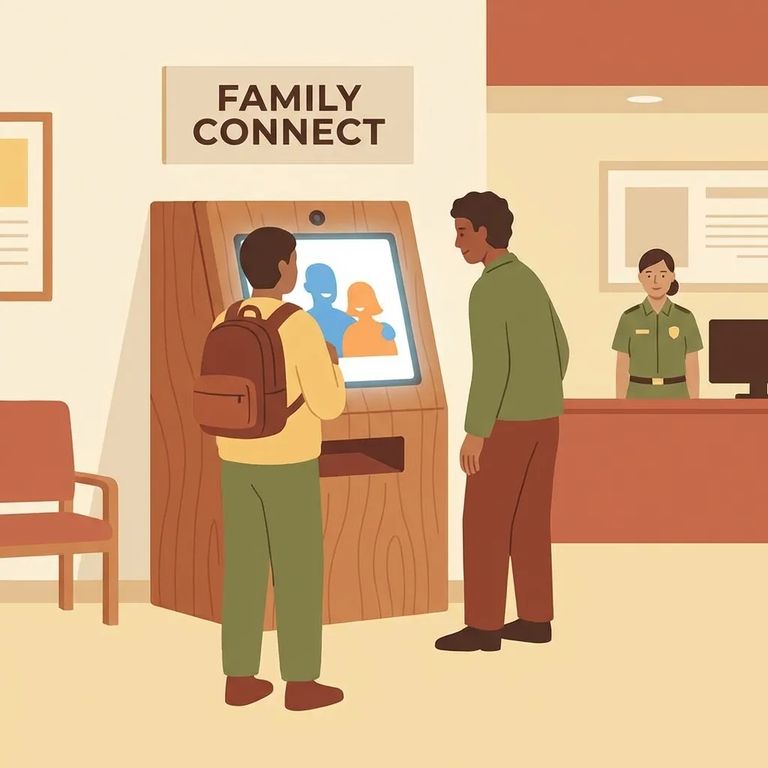
For on-site video visits at Grant County Jail, you'll use the HomeWAV monitor in the jail lobby. That's the equipment for in-person video visitation.
Don't wait until the last minute. HomeWAV account registrations can take up to 24 hours for approval, so signing up the same day you want to visit might leave you stuck waiting.
The jail also has kiosks in the dorm common areas - separate from the lobby monitor. These kiosks handle voice calls, video calls, and video messages, so your loved one might mention "the kiosk" even if you're focused on setting up a lobby video visit.
Create Account
- ✓ Create your HomeWAV account for video visitation.
- ✓ Submit your registration and plan for the approval step (it may take up to 24 hours).
- ✓ Don’t schedule your first visit assuming instant approval - give yourself at least a day of cushion.
Tip: If you’re trying to visit soon, register early. HomeWAV approval can take up to 24 hours.
The lobby monitor is Grant County Jail's on-site video visitation option. When you come to the jail for a video visit, you'll use the HomeWAV monitor in the lobby - not a personal device.
The dorm kiosks work differently. Each dorm common area has a kiosk for voice calls, video calls, and video messages. For kiosk communication to work, either you need a prepaid HomeWAV account, or phone time must be purchased through the facility commissary system.
To add money for phone or video communication, Grant County Jail lists two options: call 1-844-394-6639 or use app.homewav.com.
For kiosk-based communication, funding works one of two ways: you maintain a prepaid HomeWAV account, or phone time gets purchased through commissary. The jail allows commissary purchases in $5, $10, or $20 increments - helpful to know if you're planning ahead for calls.
Plan ahead: HomeWAV registration can take up to 24 hours for approval. Handle funding early - by phone at 1-844-394-6639 or through app.homewav.com - so you're not troubleshooting when it's time to connect.
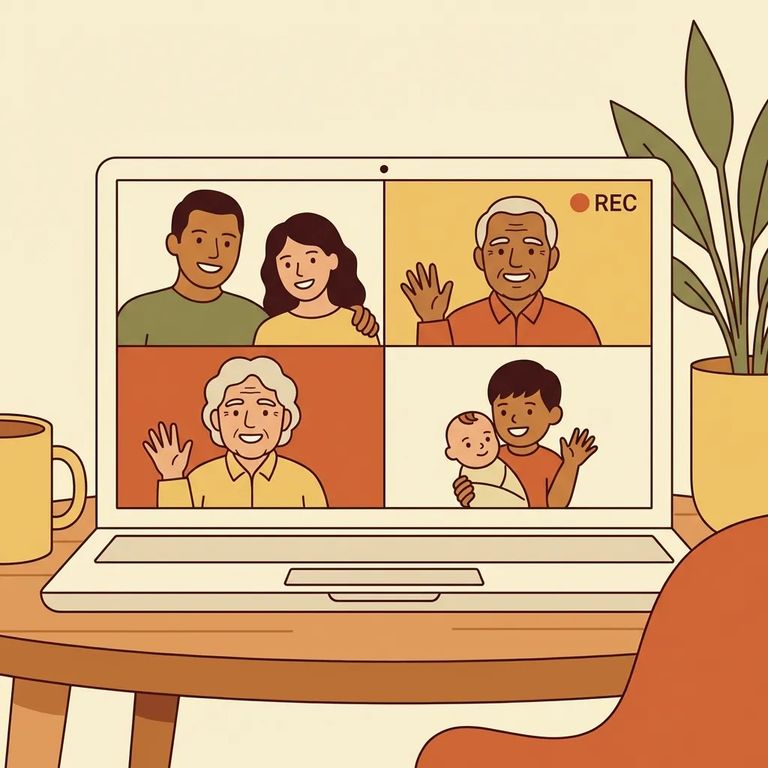
Treat every video visit like it's being watched - because it is. Grant County Jail records all video visits, whether you're at home or using the lobby monitor.
Staff can end a visit if you're disruptive, acting inappropriately, or not properly dressed. And it's not just that one call at stake - future visitation privileges can be revoked. Keep things calm and respectful for the full session.
- ✓ Stay properly dressed for the entire visit - no nudity.
- ✓ Don’t wear lingerie, swimsuits, see-through clothing, provocative clothing, or tight-fitting clothing.
- ✓ Don’t remove clothing during the visit; removal of clothing results in immediate termination of the visit.
Warning: Video visits are recorded, and staff can stop a visit for behavior or dress issues. If the visit is ended, future visitation privileges may be revoked.
Troubleshooting Tips
- ✓ If your account isn’t working yet, check your timing - HomeWAV approval may take up to 24 hours.
- ✓ If the issue is funding-related, add money through app.homewav.com or call 1-844-394-6639.
If a visit drops suddenly, first consider the rules. All video visits are recorded, and disruptive behavior, inappropriate conduct, or improper dress can get the visit ended - and put future visitation privileges at risk.
Having trouble connecting through the dorm kiosks? Check the funding first. Kiosk communication requires either a prepaid HomeWAV account or phone time purchased through commissary. Since commissary purchases come in $5, $10, or $20 increments, even a small shortfall can block a call.
Find an Inmate at Grant County Jail, WA
Search for a loved one and send messages and photos in minutes.
