
Can you take photos or make copies at the New York State Archives? (What families researching Great Meadow need to know)
Heading to the New York State Archives to dig up records connected to Great Meadow? Knowing the photo and copy rules beforehand will save you real frustration. Here's what's allowed in the research room, what equipment you can bring, and how to get higher-quality images when you need them.
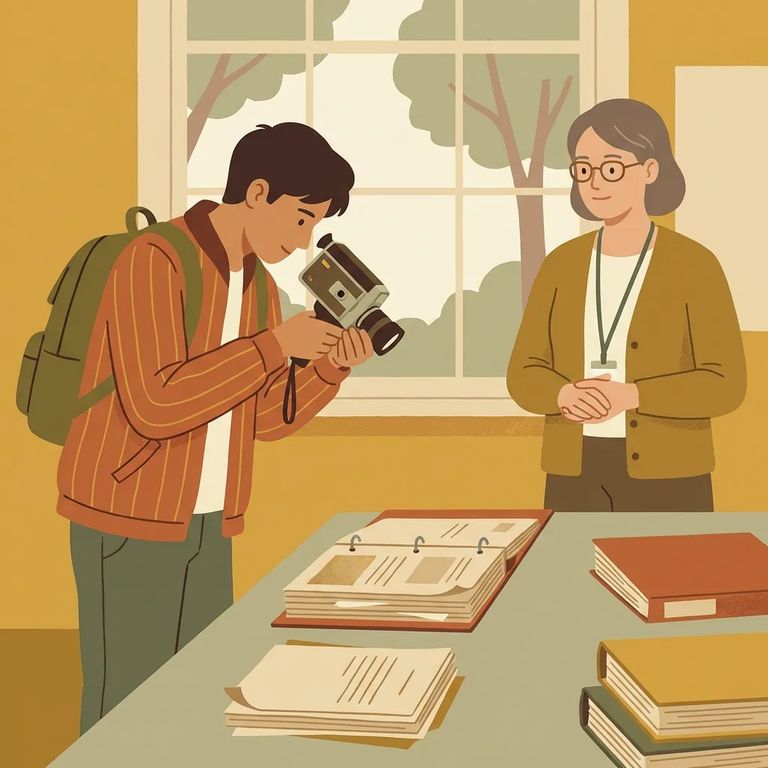
Yes. You can use a handheld digital camera in the research room - just stick to available light. No flash, no tripod, no special gear required. Take reference photos of what you're working on, follow the research room rules, and you're good.
- ✓ Bring a handheld digital camera (or anything that functions as one) and plan to shoot using available light
- ✓ Bring a fully charged battery and, if you use one, a spare memory card
- ✓ Avoid tripods
- ✓ Avoid any additional lights
If what you need is on microfilm, you can make your own copies at no charge. The Archives lets researchers create self-service copies - either paper or PDF. This is especially helpful when you're pulling multiple pages and want a clean set of everything you found.
- Find the microfilm you need - identify the reel that contains the pages you’re looking for.
- Load it on the microfilm machine - scroll to the exact frame/page you want to copy.
- Choose your output - select paper or PDF, depending on what you need.
- Make and save your copy - print the page or create the PDF so you can take the information with you.
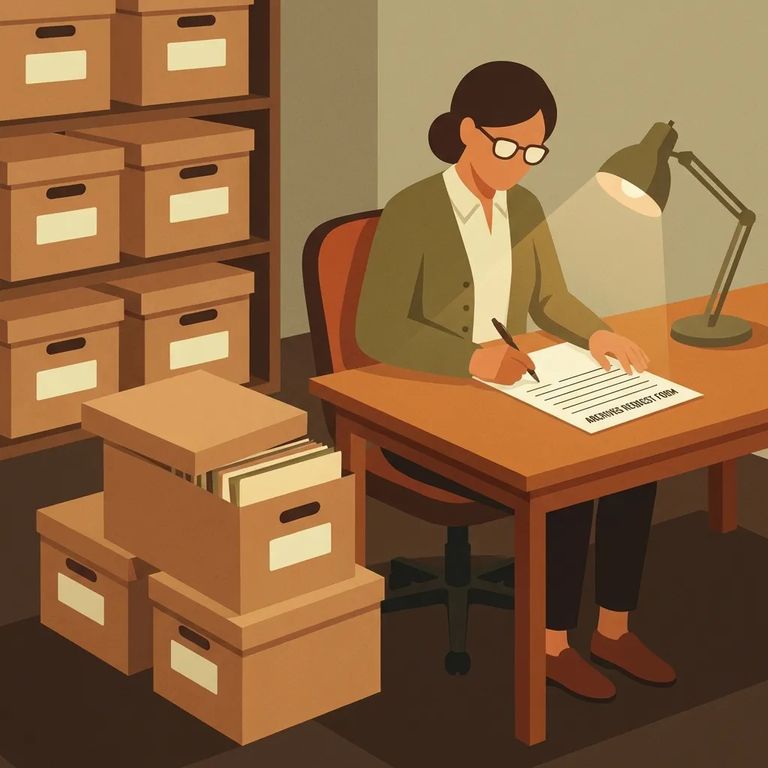
Sometimes a quick reference photo won't cut it. Maybe you need a clean, consistent image set, or you're working on something more formal. For that, there's a professional route. The New York State Archives uses an Imaging Information Form to nail down the technical specifications for high-quality images - whether for a records series being digitized or filmed. The form spells out exactly what's being imaged and what standards the work should meet.
- ✓ Name of government/agency
- ✓ Prepared by (your name)
- ✓ Telephone number (with area code)
- ✓ Name of the record series
Need that higher-quality output? Work with Archives staff rather than trying to force it with your own equipment. The Imaging Information Form provides the technical specs for any paid imaging or digitization work. Having those details ready makes conversations with staff much smoother.
Photography and copying are allowed, but the Cultural Education Center's visitor policy still applies. Staff and security enforce these rules to protect everyone - visitors, staff, volunteers - and the materials themselves. The practical takeaway: follow directions, keep your setup low-impact, and don't risk losing access mid-research.
Note: Violating the Cultural Education Center visitor policy can result in expulsion from the building and/or loss of privileges.
Tips for Good Images
- ✓ Use available light and keep your camera handheld (no tripods or extra lights)
- ✓ Steady your hands before you shoot so the text is readable
- ✓ Capture enough identifying info in your photo set to make the image useful later (for example, the record series name when available)
- ✓ If you need consistently high-quality images, consider using an Archives imaging option built around the Imaging Information Form
Find an Inmate at Great Meadow Corrections Facility, Ny
Search for a loved one and send messages and photos in minutes.
