
What to Do If the TDCJ Scheduler Shows 'Call Unit' for a Hamilton Unit Inmate
When the TDCJ Online Visitation Scheduler shows
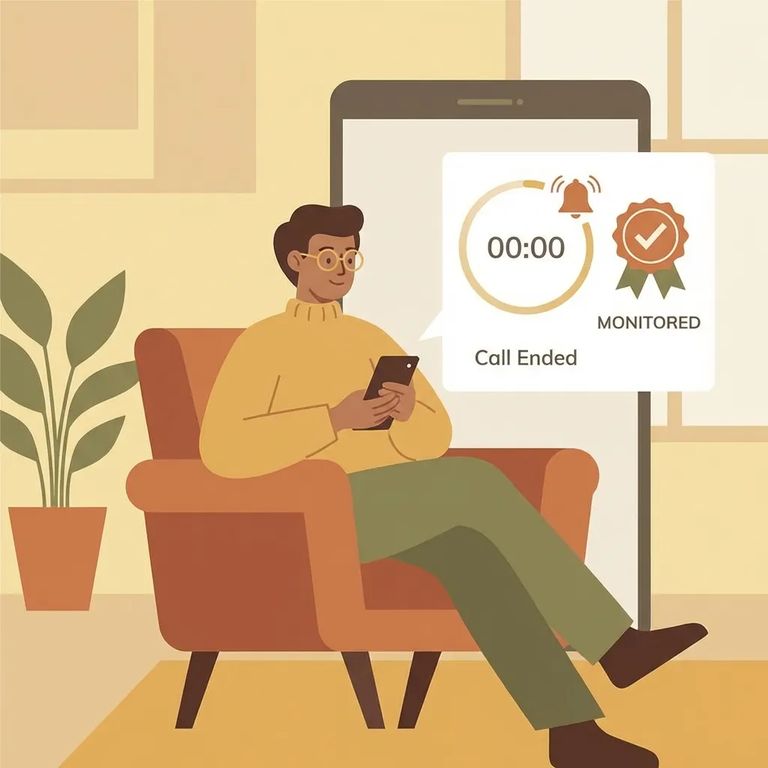
In the TDCJ Online Visitation Scheduler, the Schedule Visit button isn’t always available. Sometimes it’s blank or replaced with “Call Unit,” which is your cue to schedule by phone through the inmate’s unit of assignment (in this case, the Hamilton Unit). Another common reason you won’t see an online scheduling option is that your visitor/inmate relationship is still waiting on approval. Until TDCJ staff approves the relationship request, it stays in your “Relation Requests Pending Approval,” and you typically won’t be able to schedule a visit through the site.
Note: If you see “Call Unit” (or no Schedule Visit button), don’t assume it’s a website glitch you can click past. Call the Hamilton Unit and ask whether your relationship status and the inmate’s visitation status allow you to schedule.
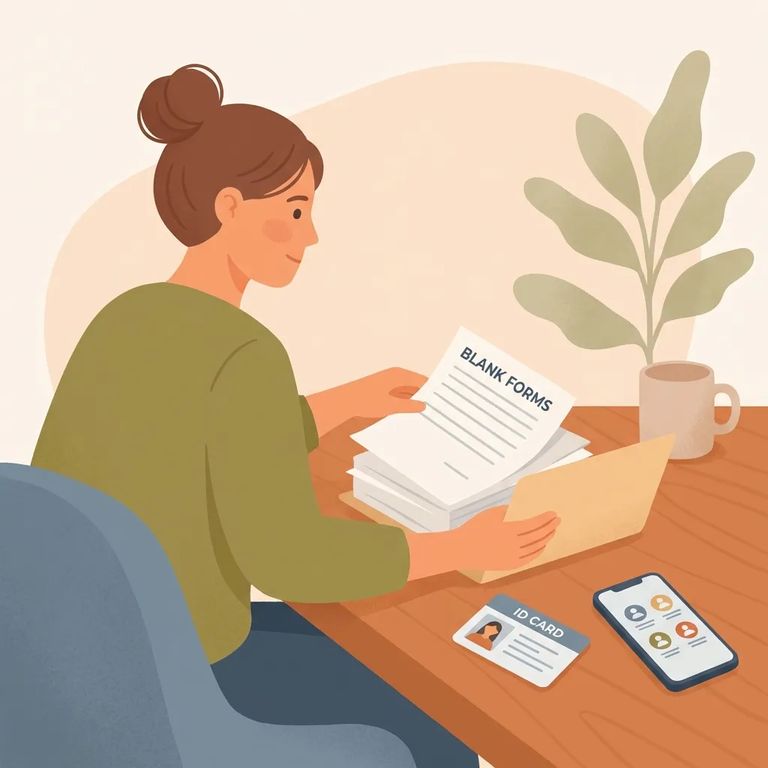
Before Call Info
- ✓ The inmate’s TDCJ/SID number (it must be 8 digits)
- ✓ The email/username you used for your TDCJ Online Visitation Scheduler account
- ✓ Your relationship to the inmate (the same relationship you selected or requested in the scheduler)
- ✓ Confirmation that you’ve created your own scheduler account (TDCJ staff can’t create visitor accounts for you)
If you don’t know the inmate’s TDCJ/SID number, look it up using the TDCJ Offender Search before you try to add them to your profile or call about scheduling. Having that 8-digit number ready makes it much easier for staff to find the right person and answer your question quickly.
- Start with identification details - Tell staff you’re trying to schedule a visit and that the scheduler shows “Call Unit.” Give the inmate’s 8-digit TDCJ/SID number.
- Confirm you’re calling the right place - Ask staff to confirm the inmate is assigned to the Hamilton Unit.
- Ask whether the inmate currently has visitation privileges - If privileges have been removed, online scheduling won’t move forward.
- Verify the visitation schedule and whether visitation is canceled - Ask whether visits are running as scheduled or if anything has been canceled.
- Ask what scheduling method you should use - If online scheduling isn’t available, confirm you should schedule by phone and follow the instructions staff gives you.
Tip: Call for final confirmation before you travel to the Hamilton Unit. Visitation information is updated regularly, and unit cancellations can happen.
If your relationship request hasn’t been approved yet, it will stay in “Relation Requests Pending Approval” on your home page, and you may not see a Schedule Visit button at all. Even after approval, the scheduler can still show “Call Unit,” which means you’ll need to schedule by phone. If you’re stuck, ask unit staff whether your relationship status is approved and what you need to do next to get cleared to visit.
Also make sure the basics on your side are done: you must create your own TDCJ Online Visitation Scheduler account before you can schedule visits. TDCJ staff can’t create visitor accounts, so if you don’t have an account set up (or you’re using the wrong login), that can slow everything down.
Find an Inmate at Hamilton Unit, TX
Search for a loved one and send messages and photos in minutes.
