
Setting Up Your First Remote Video Visit with Cherokee County Jail (tech checklist and step-by-step)
Remote video visits at Cherokee County Adult Detention Center are straightforward once you know the setup. Use this checklist to avoid common last-minute problems.
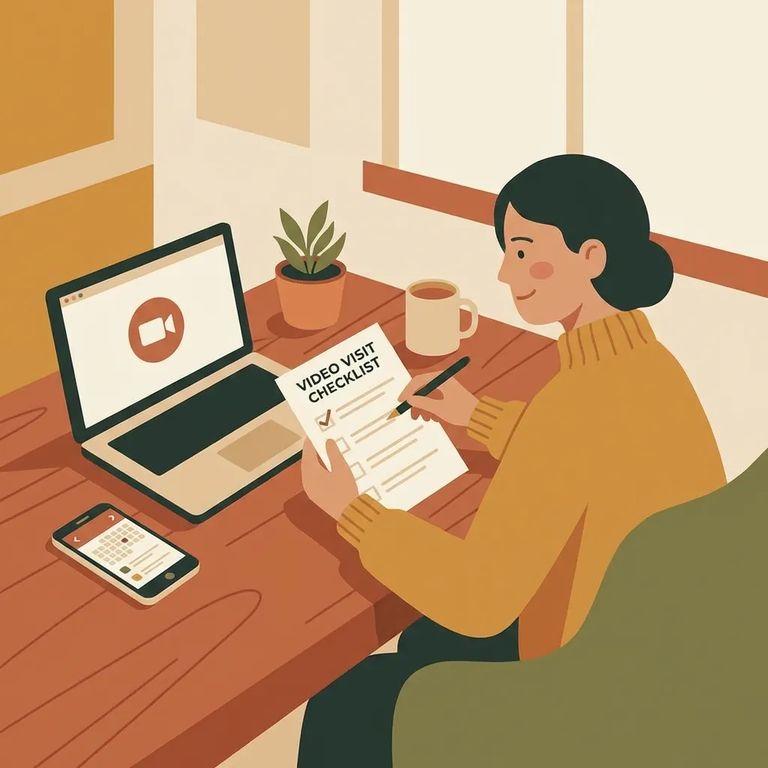
Qualify Need
- ✓ Be at least 18 to use iWebVisit.com, or have an adult with you during the visit.
- ✓ If you look under 18 and you’re not accompanied by an adult, you can be blocked from visiting until you provide proof of age with a valid, government-issued photo ID.
Cherokee County Adult Detention Center offers both on-site and remote video visits. With remote visits, you can connect from home, work, or anywhere with internet access - much easier to fit into a busy schedule.
- ✓ Use a computer with a working webcam, microphone, and speakers.
- ✓ Or use an Apple or Android mobile device.
- ✓ Make sure you’re on a strong, stable internet connection.
- ✓ Avoid using mobile data for the visit.
- Create your iWebVisit account - once you’re set up, you’ll use the same account to schedule and attend remote visits.
- Pick a visit time and schedule it - remote visits can be scheduled the same day (up to one hour before the start time) or booked up to three weeks in advance.
- Double-check the appointment details - confirm the date and start time so you’re not scrambling when it’s time to join.
These scheduling steps are for remote (off-site) video visits. If you're connecting from anywhere other than the jail itself, this is the process you'll follow.
Tech Checklist
- ✓ Confirm your device meets the basics: a computer with webcam/mic/speakers, or an Apple/Android phone or tablet.
- ✓ Test your camera, microphone, and speakers before your visit time.
- ✓ Use a strong, stable internet connection (Wi‑Fi is usually best).
- ✓ Don’t rely on mobile data if you can avoid it.
- ✓ Charge your phone/tablet or keep your computer plugged in so you don’t lose power mid-visit.
- ✓ Set up in a spot with steady lighting so your face is clearly visible on camera.
Tip: A strong, stable internet connection matters more than almost anything else. If you have the choice, use reliable Wi‑Fi instead of mobile data.
- Log in early - give yourself a buffer so you’re not troubleshooting at the exact start time.
- Do a quick audio/video check - make sure your webcam, mic, and speakers are working and your internet connection is stable.
- Have a backup plan ready - if you’re using a phone or tablet, keep it charged (or have a second device available) in case your primary device acts up.
Sometimes a visit gets canceled because the inmate can't or won't attend. If that happens, you'll receive a replacement code by email - so check the inbox tied to your iWebVisit account. For technical issues, contact iWebVisit support directly since the visit runs through their system.
Treat a remote visit like you're being watched - because you are. All video visits are monitored and recorded, except for attorneys and other approved confidential visitors.
- ✓ Make sure everyone who will be on camera is dressed appropriately.
- ✓ If children will appear on the visit, keep them fully clothed.
- ✓ If a visitor appears under 18 and isn’t accompanied by an adult, they can be blocked until they provide proof of age with a valid, government-issued photo ID.
Find an Inmate at Harold R Bank Justice Center, GA
Search for a loved one and send messages and photos in minutes.
