
How to set up and schedule your first video visit at Hennepin County Jail
Setting up your first video visit at Hennepin County Jail comes down to getting approved through Securus and planning around the 24-hour scheduling rule. Here's how to get it done, what visits cost, and how long you'll have.
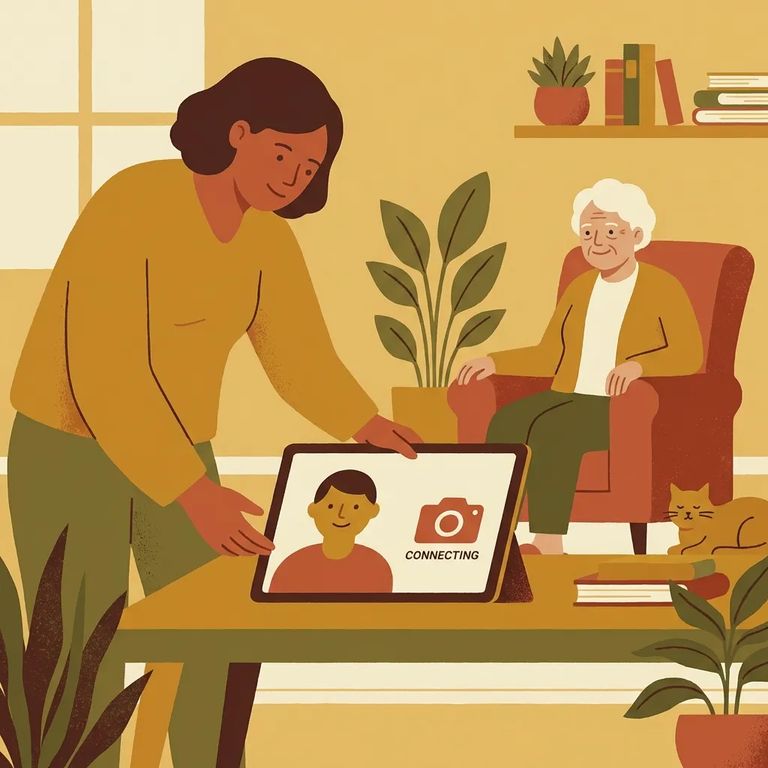
In-person visits aren't available for friends and family at Hennepin County Jail. Video visits are the only option to see and talk with someone there. Attorneys and police can visit in person 24/7, but if you're a family member planning your first visit, focus on getting set up for video visitation.
Hennepin County Jail uses Securus for video visits. Start by downloading the free Securus Visitation app from the App Store or Google Play so you can create your account and manage visits from your phone or tablet.
- Create your Securus account - follow the prompts in Securus to set up your login.
- Request access to visit at Hennepin County Jail - this is the step that connects your account to this facility.
- Wait for approval before you try to schedule - jail staff reviews visit requests and approves appropriate visitors; once you’re approved, online scheduling opens up.
Approval is the gatekeeper step. Even with the app downloaded and your account created, you can't schedule until jail staff reviews your request and approves you as a visitor. If scheduling options aren't showing up, that's usually why - approval hasn't come through yet.
Plan ahead: You must schedule your video visit at least 24 hours in advance, so same-day visits aren’t an option.
Once you're approved and ready to book, keep the time limit in mind. Video visits last up to 20 minutes. Find a quiet spot and be ready to start on time.
Each 20-minute video visit costs $4.00. If you’re budgeting for visits, think in 20-minute blocks at that rate.
There are limits on visit frequency too. Inmates can have one visit per day, up to three times per week. If multiple people want to visit, coordinate schedules so you don't hit those caps.
Step4 Device Connection Tips
- ✓ Use a device with a high-speed internet connection.
- ✓ Test your camera and microphone before your scheduled time.
- ✓ Pick a quiet, well-lit spot so you can hear and be heard clearly.
Note: Securus says it isn’t responsible for the quality of your internet connection or your device hardware. If the issue is your connection or equipment, you may need to contact your internet provider or a qualified technician.
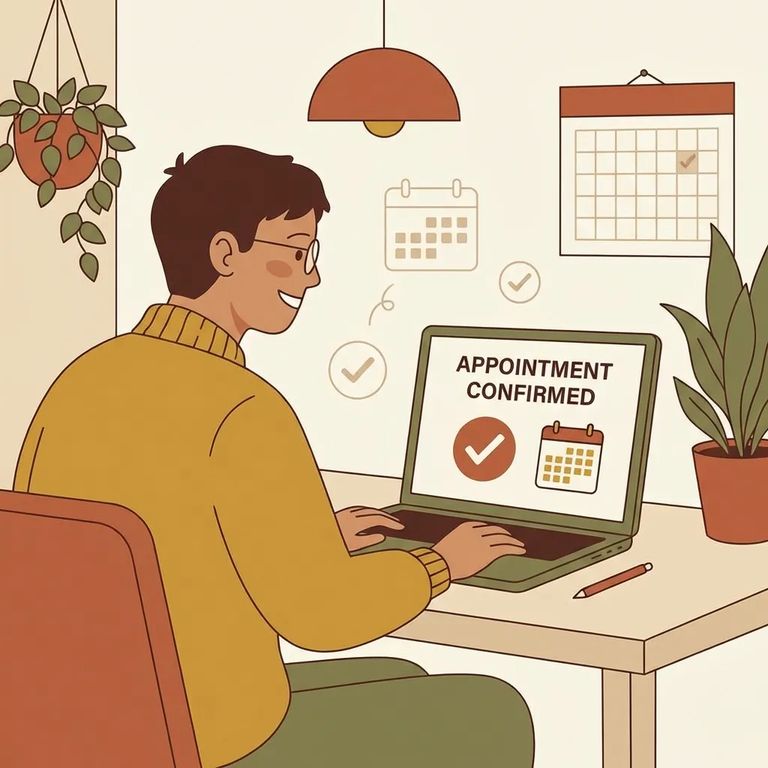
- Confirm you’re approved - if you can’t schedule yet, your visitor request may still be waiting on jail staff review.
- Recheck the timing - make sure you’re trying to book at least 24 hours ahead; the system won’t allow last-minute scheduling.
- Try again after you adjust - once approval is in place and you’re outside the 24-hour window, attempt scheduling again in Securus.
If you're approved, scheduling far enough ahead, and the app still isn't working right, contact Securus tech support at 1-877-578-3658. They handle account and platform issues.
Find an Inmate at Hennepin Jail / Public Safety Facility, MN
Search for a loved one and send messages and photos in minutes.
