
How to Register for Video Visits at Heritage Trails: Step-by-step ViaPath & Scheduling Guide
Setting up video visits feels like a lot the first time—accounts, approvals, scheduling windows. Here's a clear path to get registered and ready to visit at Heritage Trails.
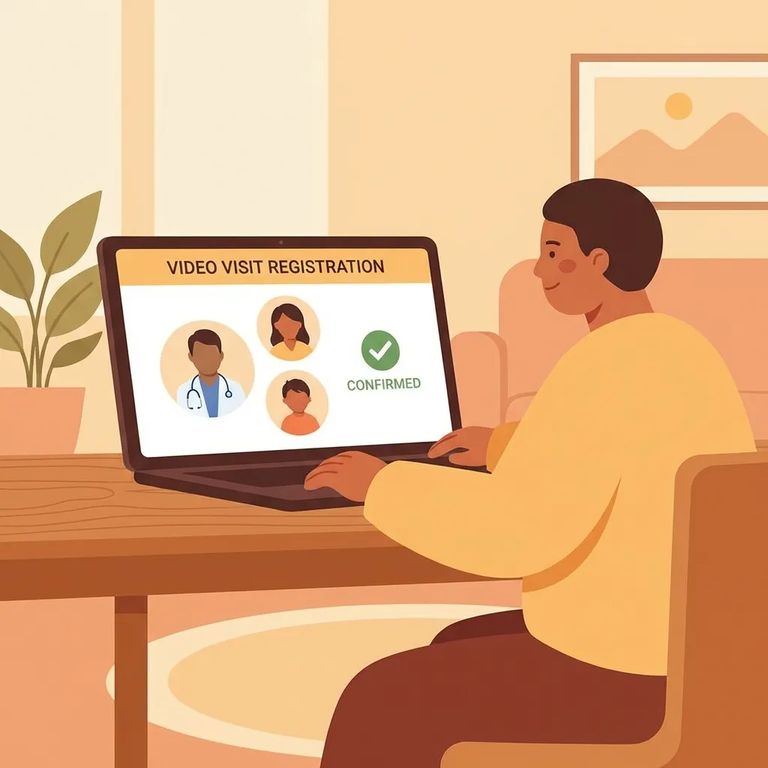
At Heritage Trails, you can't jump straight to scheduling. Every visitor needs a ViaPath account first, and you must be approved before booking in-person or online visits. Helping other family members visit too? Get the account and approval done early so you're not scrambling right before a visit date.
Video visitation platforms vary, so double-check which portal applies to your visit. If Heritage Trails offers video visitation through GTL, you'd register and schedule through GTL VisitMe (gtlvisitme.com). The key: use the same system the facility uses for video visits. Otherwise, you'll end up with the right information in the wrong place.
- Create your ViaPath account - Start your registration for Heritage Trails through ViaPath.
- Complete your information - Fill out the account details needed for the visitor application.
- Wait for approval - You must be approved before you can schedule any in-person or online visit times.
- ✓ If you are age 16 or older, submit a photo ID.
- ✓ Use an accepted ID type: valid driver’s license, valid state photo ID, valid photo military ID, valid passport, or a valid government ID (including foreign government IDs).

When scheduling a fee-based video visit, you'll complete the process through the visitation website and provide payment information to lock it in. Have your payment method ready before you start - payment is part of finalizing the scheduled visit.
- ✓ Debit cards
- ✓ Charge cards
- ✓ Visa/Mastercard gift cards
Note: Visit times are listed and scheduled in Eastern Time on ViaPath, even if you’re in a different time zone.
- Sign in 15 minutes early - Log into the visitation scheduling site 15 minutes before your scheduled start time.
- Test your connection - Confirm your internet/video setup is working before the visit begins.
- Start the visit from the site - Follow the on-screen steps to launch the session at your scheduled time.
- ✓ Arrive at least 15 minutes before check-in time.
- ✓ Bring a valid photo ID.
- ✓ If you are age 16 or older, your ID must be one of these accepted types: valid driver’s license, valid state photo ID, valid photo military ID, valid passport, or a valid government ID (including foreign government IDs).
Seeing both "ViaPath" and "GTL VisitMe" mentioned? You're not alone - different services can run on different platforms. Heritage Trails requires ViaPath registration and approval before scheduling visits, but video visitation guidance may also point to GTL if that's the video provider. Before creating a second account or entering payment details anywhere, confirm which portal Heritage Trails is currently using for video visits.
- Check the facility’s official visitation information - Look for the section that specifically describes video visitation and which vendor runs it.
- Follow the vendor direction given there - If video visitation is offered through GTL, use GTL VisitMe (gtlvisitme.com) to register and schedule.
- Confirm the vendor name before you pay - Make sure you’re scheduling inside the correct portal (ViaPath vs. GTL VisitMe) so your visit shows up properly.
Find an Inmate at Heritage Trails Correctional Facility
Search for a loved one and send messages and photos in minutes.
