
Understanding the New Tablets at Heritage Trails: What Families Need to Know About Command 5.0
Heritage Trails is switching to new Command 5.0 tablets. The biggest change for families? How you'll send messages and photos. Here's what's different and how to get ready.
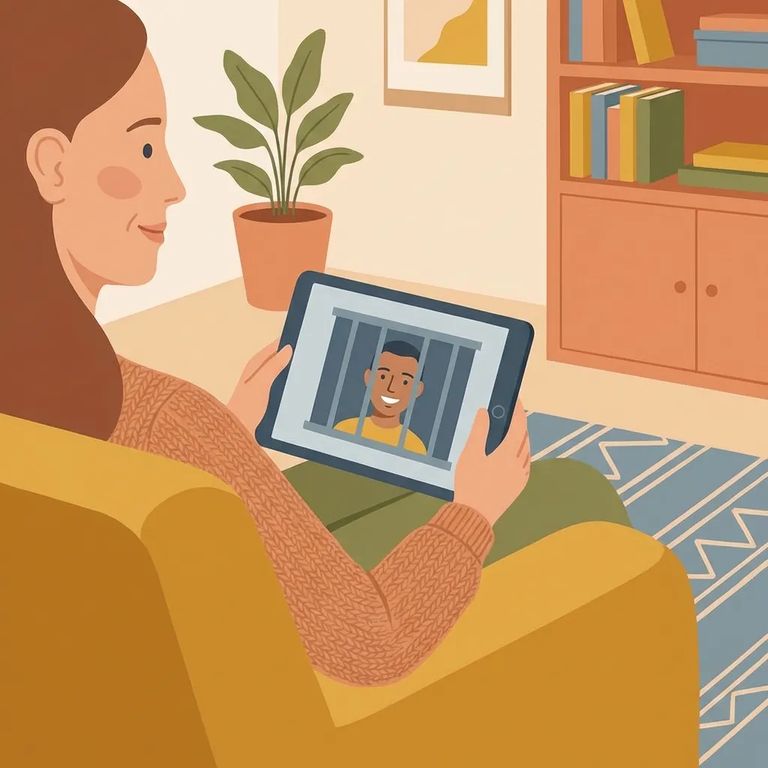
The Command 5.0 tablets come with a few hardware updates. They now have two headphone jacks and use magnetic charging instead of the old setup. So if your loved one mentions needing different charging gear or says their tablet looks different, that's the reason.
The bigger change for families is on the communication side. Messages and photo sending are moving to the GettingOut platform. If you want to keep sending pictures or stay in touch through tablet messaging, you'll need an account there.
- Create a GettingOut account - This is the platform you’ll use to send messages and photos.
- Use your usual, reliable contact info - Set it up with an email/phone you check often so you don’t miss confirmations or access issues later.
- Add your loved one when they’re able to receive messages there - Once they have the tablet service active, connect your account to them inside GettingOut.
- Send a test message or photo - A quick first send helps you confirm you’re connected to the right person and that your account is working the way you expect.
When platforms change, older messages and photos don't always transfer automatically. If there are conversations or pictures you want to keep, don't assume they'll follow the upgrade. Plan on starting fresh in the new messaging system.
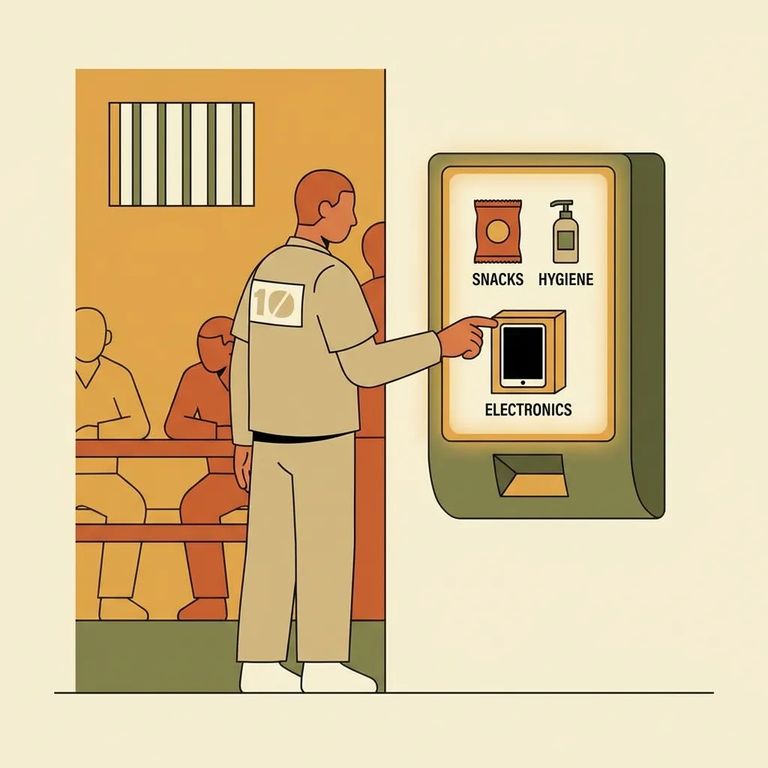
Accessories Commissary
- ✓ The first pair of tablet headphones is provided at no cost.
- ✓ Any additional headphones must be purchased from commissary.
- ✓ Replacement headphones (if the original pair is lost or stops working) must be purchased from commissary.
Two hardware details to know: the tablets have two headphone jacks, and they charge magnetically. When your loved one mentions headphones or charging, these features are part of the new Command 5.0 setup.
The tablet is assigned to your loved one, but it's still state property. They can be held responsible if it's intentionally lost or damaged. If they're worried about damage charges, remind them to keep the device and accessories secured - treat it like issued property, not something they can replace on their own.
Note: These tablets cannot connect to the internet or access Facebook, Twitter, social media, or other webpages.
Tablet messaging is a privilege, and it's limited to approved recipients only. Your loved one can't use the tablet to message other incarcerated people. If they mention not being able to reach someone inside, that restriction is built into the system.
- Set up your GettingOut account now - Friends and family need a GettingOut account to send messages and photos.
- Keep your login details somewhere safe - A saved password or password manager can prevent lockouts when you’re trying to respond quickly.
- Be ready to connect to your loved one - Once they have tablet access on their side, add them in GettingOut so you can start messaging.
- Do a quick first send - One short message (and one photo, if you plan to send them) confirms everything is working.
If your loved one uses tablet headphones a lot, plan ahead. They'll get the first pair free, but any replacements have to be purchased through commissary.
Find an Inmate at Heritage Trails Correctional Facility
Search for a loved one and send messages and photos in minutes.
