
How to try SmartInmate and use the iCareGifts inmate finder when searching for someone at Highlands County Jail
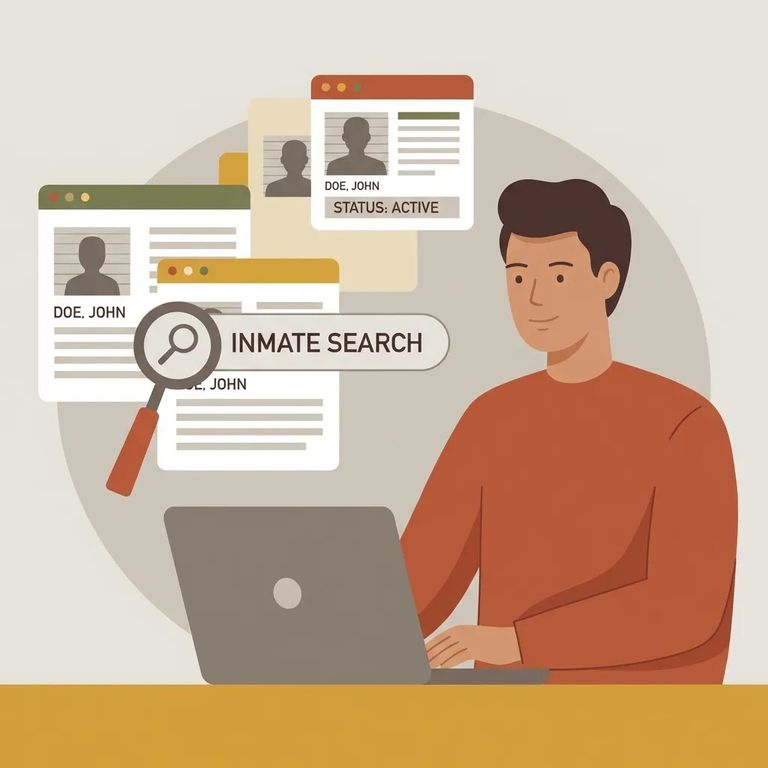
This guide covers two online tools people often try first: the iCareGifts inmate finder (for searching by name or inmate number) and SmartInmate (for online communication). Neither tool confirms what Highlands County Jail actually uses - so treat your results as a starting point. Always verify with the jail before assuming a service works or sending money.

Start with what you know: the person's last name or their inmate number. The iCareGifts finder also has a facility field to narrow results if you're confident they're at Highlands County Jail, but selecting a facility isn't required. Not getting a match? Try a few variations - full name versus last name only, or the inmate number if you have it. Small differences in how you enter the search can change what comes up.
- ✓ Try the inmate number (if you have it)
- ✓ Try the last name only
- ✓ Try the full name (if the search accepts it)
- ✓ If you’re sure of the location, select the facility to narrow the search
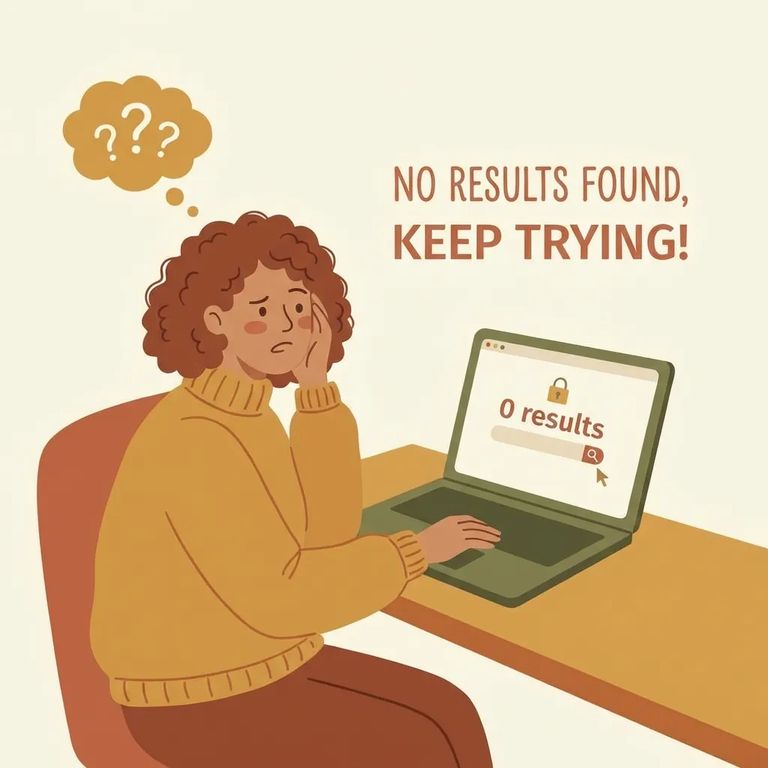
If iCareGifts shows "No Results Found," that typically means your search didn't match the name or number you typed - or the way you filtered it. It doesn't mean you did something wrong.
- Retry with just the last name - If you started with a full name, simplify it and search using only the last name.
- Try alternate spellings - Swap common variations (hyphens, spaces, “Jr.”/“Sr.”, or a different spelling you’ve seen used).
- Use the inmate number (if available) - If you have an inmate number, try searching by that instead of the name.
- Wait and try again - If the person was booked very recently (or may have been released or transferred), search results can lag behind real life.
- Double-check your facility filter - If you selected a facility, rerun the search without it, or confirm you picked the right one.
SmartInmate (by Smart Communications) is an online messaging system connecting family and friends with incarcerated individuals. Signing up is quick and free. The catch: availability depends on what each jail supports. Even after creating an account, you'll want to confirm whether Highlands County Jail actually uses SmartInmate for messaging.
- Create your SmartInmate account - Follow the prompts to sign up; the service advertises free signup.
- Search for the facility/person inside the system - Look up the facility and then the person you’re trying to reach.
- Follow the on-screen prompts to connect - Depending on the options shown, you may be asked to add details needed to send messages or fund communication.
- Save what you entered and what you see - A quick screenshot of the search screen/results can help if you need to troubleshoot later.
Can't find the person in iCareGifts? Can't connect through SmartInmate after signing up? Slow down and get organized. Double-check spelling - especially last names with spaces or hyphens. Use the inmate number if you have it, since name searches and number searches often return different results. Write down exactly what you tried: name variations, whether you selected a facility, and the date and time. If their custody status may have changed, try again later.
Tip: Call Highlands County Jail directly to ask which services they support for messaging and care packages, and what information they need to help locate someone. Write down who you spoke with, the time, and what they said - those notes save a lot of back-and-forth later.
Before paying for anything or entering financial details, confirm you're using the right service for the jail - and the right person - especially after multiple searches. Keep your receipts, confirmation emails, and a few screenshots of your search terms and results. If something goes wrong, that record makes it much easier to explain what happened and get it fixed.
Find an Inmate at Highlands County Jail, FL
Search for a loved one and send messages and photos in minutes.
