
Setting Up and Troubleshooting Video Visits with Holmes County Jail (InmateSales)
Video visits are straightforward once your device and account are ready. Follow these steps to buy minutes, schedule your visit, and sidestep common tech problems.
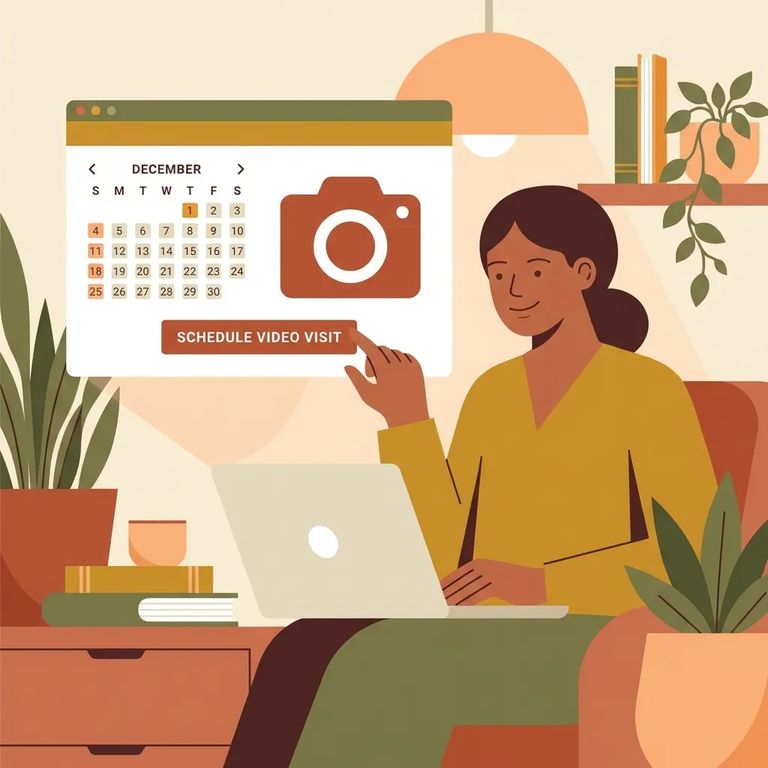
You'll need a computer or mobile device with a working camera and speaker. A strong internet connection matters - video visits freeze or drop when the signal is weak, even if everything else is set up right.
- Go to inmatesales.com - Start on the InmateSales site.
- Create an account or log in - Use your InmateSales login if you already have one.
- Select “New Purchase” - This is where you buy the minutes needed for video visits.
- Choose your facility and product - Pick Holmes County Jail and select the correct product type (remote or onsite visit). The product you choose affects whether you can visit from home.
- Enter your personal information - Fill out the required details to complete the purchase.
- Purchase minutes - Buy the minutes for the visit.
- Schedule the visit - After minutes are added, set your visit time through your account.
After you've purchased minutes, schedule your visit through your InmateSales account. Pay attention when selecting your product - Holmes County Jail lists separate options for remote visits and onsite visits. Pick the wrong one and you won't be able to connect from home. When it's time to join, start the visit the same place you scheduled it. On mobile, that's the app after logging in. On a computer, go through the website.

Browser App Tips
- ✓ iPhone/iPad: Use the Inmate Sales App.
- ✓ Android: Use the Chrome browser.
- ✓ Windows/Mac: Use the Chrome browser.
- ✓ Make sure your device has a working camera and speaker before you start.
- ✓ Use a high-speed internet connection for the most reliable video and audio.
Need help fast? InmateSales customer service for friends and family is 866-340-7879 for scheduling or technical issues.
Find an Inmate at Holmes County Jail
Search for a loved one and send messages and photos in minutes.
