
What You Need Before Your First Video Visit from Home with Hood County Jail
Your first video visit goes smoother when your tech and account are ready before you click
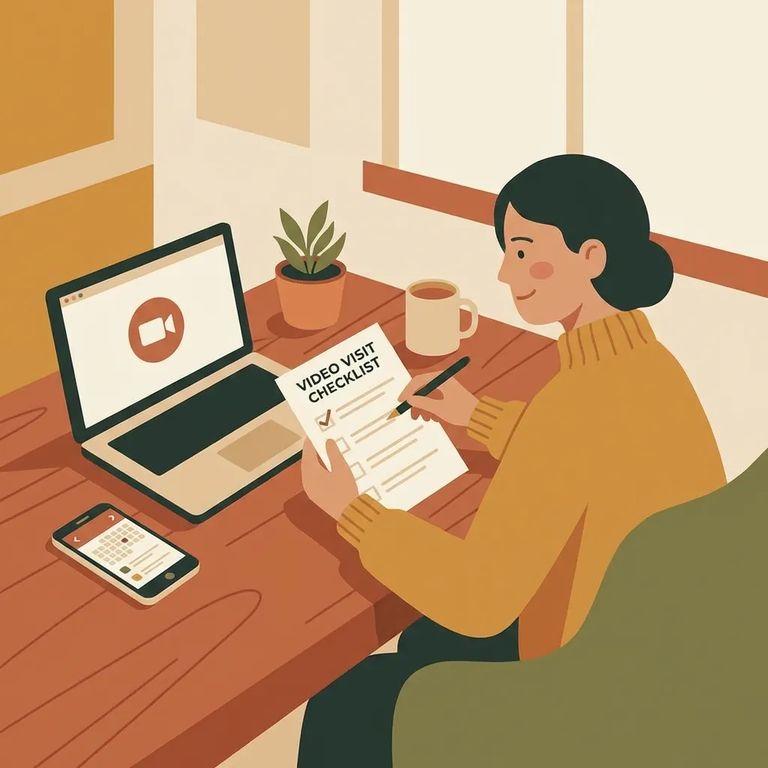
You'll need an internet-connected device with a webcam and microphone. Hood County Jail specifically requires Google Chrome - so even if Safari or Firefox is your usual go-to, switch to Chrome for this.
Head to schedule.telmate.com and sign in. First time using the system? You'll need to create an account before you can schedule or start a video visit.
Note: If you already have a ConnectNetwork account, you can use the same email and password to sign into Telmate for Hood County Jail.

Do a quick test run before your scheduled visit. Check that your camera and microphone work, and confirm you're using Google Chrome. Browser issues are the most common reason first-time visits won't connect.
- ✓ Confirm your device is connected to the internet
- ✓ Check that your web camera works
- ✓ Check that your microphone works
- ✓ Use Google Chrome (and update it if needed)
If your visit doesn't start, go back through the on-screen steps. Select the person you want to visit, then click
Tip: Can't log in or the visit still won't launch? Start by signing in at schedule.telmate.com to check your account status and manage the visit from there.
Find an Inmate at Hood County Jail, TX
Search for a loved one and send messages and photos in minutes.
