
How to Schedule Your First Visit at Hutchison State Jail (TDCJ Online Visitation Scheduler)

Before you lock in travel plans to Hutchison State Jail, do a quick eligibility check. Confirm the person you're visiting is actually assigned to this unit and has visitation privileges. Then call to double-check before you drive - assignments and visitation status change, and a two-minute phone call beats a wasted trip.
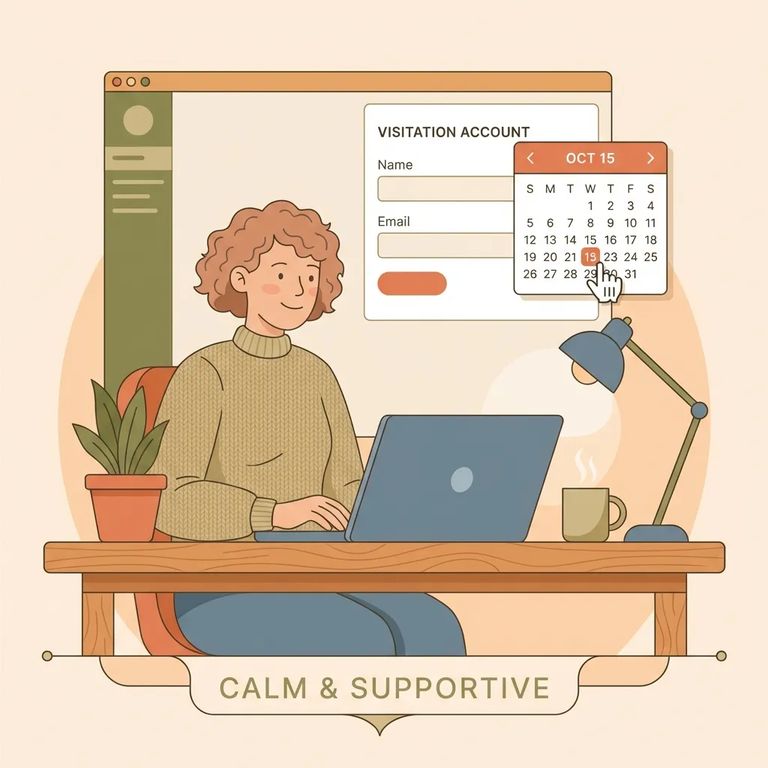
Start at https://visitation.tdcj.texas.gov/Visitation/startLoginAction.action to access the TDCJ Online Visitation Scheduler. First-time visitors need to create their own account - TDCJ staff can't do it for you, so don't leave this until the day before your visit.
- Click “Create an Account” - this is the option for first-time visitors.
- Submit your email address - use an email you can access right away.
- Open the registration email - the system sends you a link plus a 7-digit validation code.
- Finish registration from the link - re-enter your email, enter the 7-digit code, and set your password to complete the signup.
Once you set your password, you'll land on the Background Questionnaire. Answer every question. Leave anything blank and the system won't let you finish creating your account.
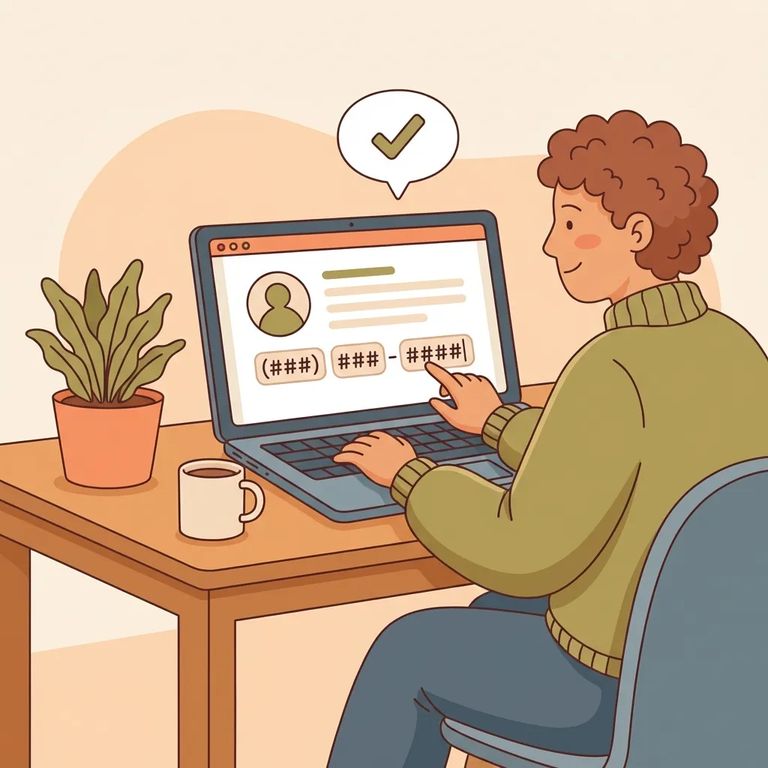
Warning: Enter your phone number as XXX XXX XXXX using spaces only. If you use dashes, the scheduler can reject the entry.
Stuck during setup? Go back to the Background Questionnaire and look for anything you skipped. The system blocks you from moving forward until every field is filled in, so scan for blanks before hitting submit again.
Note: If the scheduler asks whether the visit will include children under 17, that’s a sign the inmate may be restricted from having visitors age 17 or under. A child 17 or under can only join if a Non-Victim Child Affidavit for that child is on file in the inmate’s classification folder.
- Log in to your own scheduler account - visitor accounts have to be created by the visitor (staff can’t create them for you).
- Add the inmate using their TDCJ/SID number - this pulls up the correct person in the system.
- Select your relationship - choose the option that matches how you’re connected to the inmate so the unit can review it.
After you add the inmate and submit your relationship, the unit has to verify it before you can schedule. Check back in your account for updates - until that approval comes through, you may not see the scheduling options you expect.
When you're ready to book, the scheduler may show different visit types - Regular, Contact, Video/Tablet. Don't worry if you don't see every option. What's available depends on your relationship to the inmate, the facility's setup, and the inmate's current privileges.
- Confirm your relationship is approved - scheduling usually won’t open up until the unit verifies you.
- Choose the visit type offered for your situation - pick from the options the system makes available.
- Review open dates and times - the scheduler will show the appointment slots you can request.
- Select a slot and submit your request - once you choose a date/time, follow the prompts to finish booking.
Common Pitfalls
- ✓ Re-enter your phone number as XXX XXX XXXX with spaces only (no dashes).
- ✓ Go back and answer every Background Questionnaire item - one missed question can block the rest of the setup.
- ✓ If you’re trying to include someone 17 or under, make sure a Non-Victim Child Affidavit for that child is on file, or they won’t be allowed to join the scheduled visit.
If scheduling isn't working, start with the basics. Did you create your own visitor account? (Staff can't do it for you.) Still in signup? Watch for the registration email with your link and 7-digit validation code. If things still don't line up, pause before you travel. Call the unit to confirm the inmate is assigned there and has visitation privileges.
Find an Inmate at Hutchison State Jail
Search for a loved one and send messages and photos in minutes.
