
Setting Up Phone Calls: How ICS Solutions Pre‑Paid Accounts Work for Hutchinson Residents
Phone calls are one of the fastest ways to stay connected with someone at a KDOC facility. But they'll only work if the right account and phone number are set up first. Here's how outbound calling works for Hutchinson residents—and what you need to do on your end to get a pre-paid account ready.
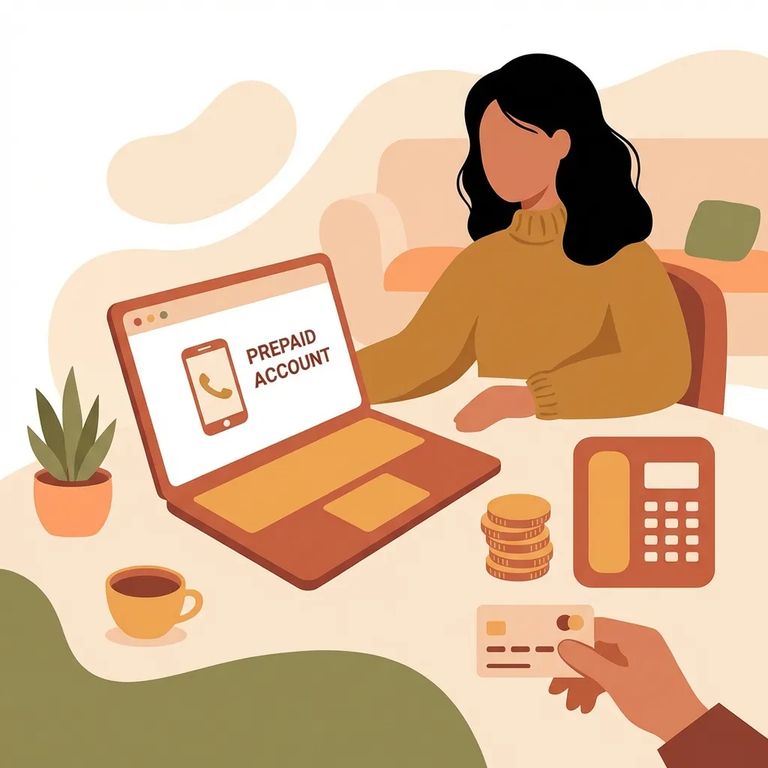
Residents can place outbound calls using either collect calling or a pre-paid account. If you want more control over when calls go through - and want to avoid the headaches some carriers have with collect calls - pre-paid is usually the easier route.
You can't call a resident directly. Incoming calls aren't allowed, so everything starts from their side once your number and account are set up.
Calls aren't unlimited. Residents have access to coinless telephones at various points during the day, including yard periods, and each living unit has its own evening calling window. That means calls can come at different times depending on where the person lives and what the daily schedule looks like.
KDOC uses ICS Corrections, Inc. for resident telephone service. You'll set up the account on your end - the "called party" - so the resident can place calls to your approved number using collect or pre-paid calling.
- Call customer service - Use 1-888-506-8407 to reach the line for called parties setting up a pre-paid account.
- Request a pre-paid account setup - Tell them you’re setting up pre-paid calling so a resident can place calls to your number.
- Make sure your number is attached correctly - Confirm the phone number you want the resident to call is the one being set up under the account.
- Keep the account details handy - Once it’s established, you’ll want your login/account information available for any follow-up about your number or account status.
- Go to the ICSolutions website - Accounts can be set up online at no cost.
- Create your called-party account - Start a new account using your information so the system can recognize you as the person receiving calls.
- Add the phone number you want calls to reach - Double-check the number before submitting; it’s what the resident will be trying to dial.
- Save your login information - You may need it later if you have to update details or troubleshoot why a call isn’t connecting.
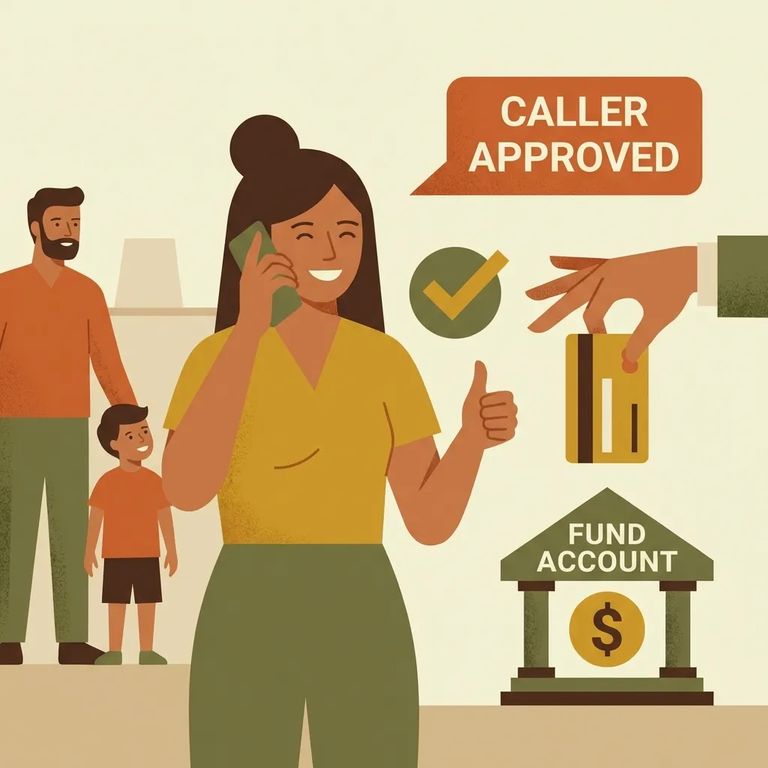
Having an account isn't enough on its own. Every new phone number the resident wants to call has to be verified and activated before they can dial it. If you're waiting on that first call and it's not coming through, this verification step is usually why.
- ✓ Set up your ICS pre-paid account by phone at 1-888-506-8407.
- ✓ Or set up your ICS pre-paid account online through the ICSolutions website (account setup is at no cost).
- ✓ Watch for the verification/activation requirement on any new number the resident wants to call.
- ✓ Don’t expect the first call to go through until that new number has been verified and activated.
Note: Resident telephone calls (except attorney calls) may be monitored and recorded in accordance with KAR 44-2-102(c).
What does that mean for you? Talk as if someone else could hear or review the call later - because they can, unless it's an attorney call. Keep sensitive personal details off the line and save private conversations for a setting that isn't monitored.
Find an Inmate at Hutchinson Correctional Facility, KS
Search for a loved one and send messages and photos in minutes.
