
How to Track Mail, Add Contacts, and Set Notifications for Indian River County Jail Using SmartInmate
Want to track postal mail going to Indian River County Jail? SmartInmate (MailGuard) shows you delivery status and sends updates along the way. Here's how to set up your account, add your loved one, and turn on notifications.
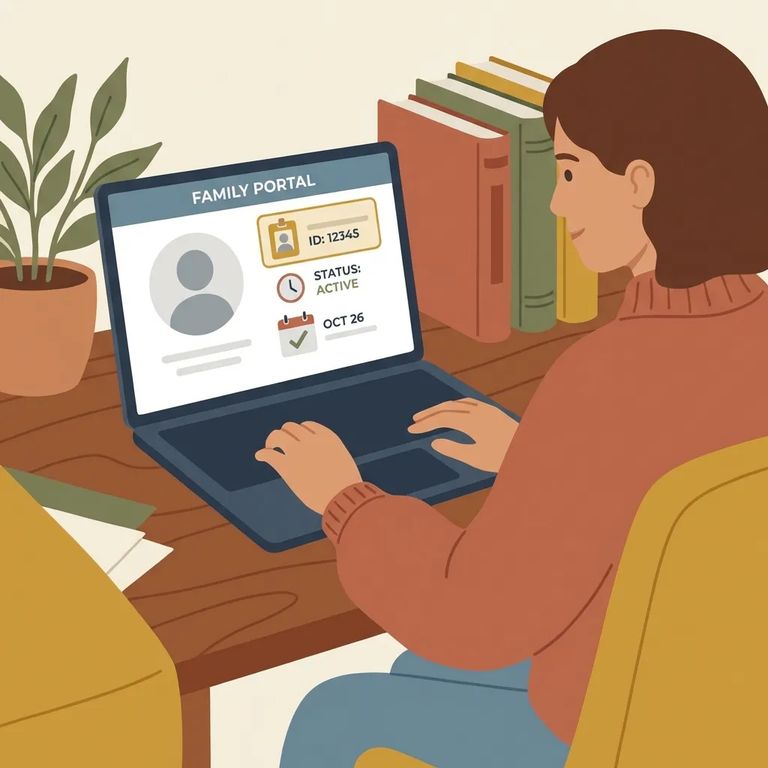
Once mail leaves your hands, you're usually left wondering. If Indian River County Jail uses MailGuard through SmartInmate, tracking changes that - you'll see delivery status updates, get notified if something is rejected, and (when available) download copies of processed mail. One thing to know upfront: tracking only works after you create a SmartInmate account.
Note: To track postal mail through MailGuard for someone at this facility, you’ll need to open a SmartInmate account first.
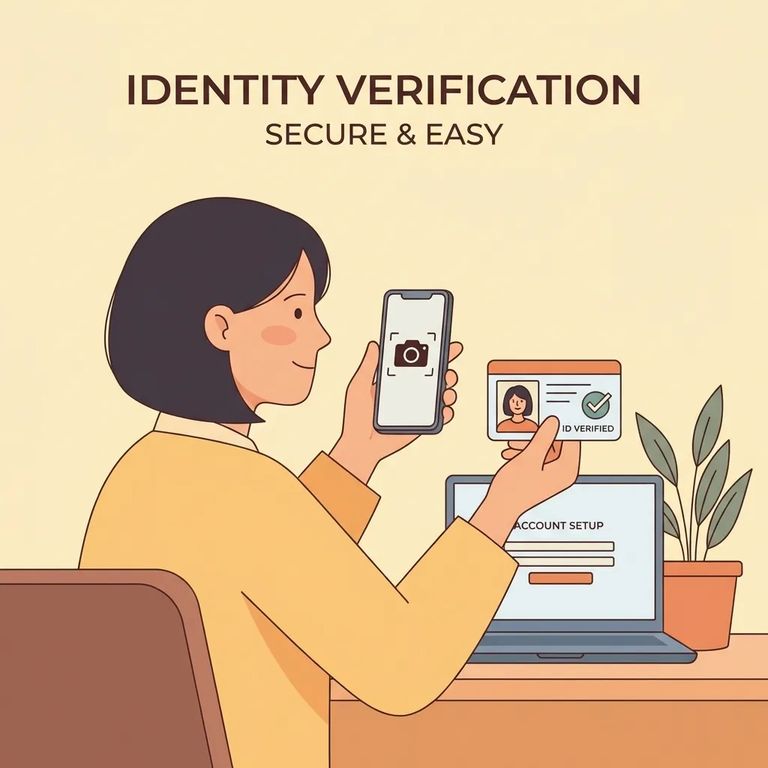
First, create your SmartInmate account. It's free, and you'll pick a username and password during setup. You'll also need to upload a government-issued photo ID and a selfie. SmartInmate then sends a verification message - by email or text - to activate your account.
- ✓ A government-issued photo ID (for upload)
- ✓ A selfie (for upload)
- ✓ An email address or phone number (to receive the verification message)
Tip: Don’t skip the verification step - your account isn’t fully set up until you confirm the emailed/texted verification message.
With your account active, search for your loved one and add them as a contact. This step connects you to their mail activity so you can start tracking.
- Sign in to SmartInmate - use the username and password you created.
- Search for the incarcerated person - look them up in the system for this facility.
- Select the correct profile - make sure you’ve chosen the right person.
- Add them as a contact - this saves them to your account so you can manage updates.
Once your loved one is added, turn on mail status notifications. SmartInmate lets you set alerts for each contact at facilities using MailGuard - no more guessing when something arrives, gets processed, or gets flagged. Choose text or email, whichever you'll see fastest.
- ✓ Turn on notifications for each contact (set them up per person)
- ✓ Choose text message alerts, email alerts, or both
- ✓ Use notifications to follow postal mail delivery status updates where MailGuard is in use
Postal mail processed through MailGuard uses standard postage rates - same as any other letter you'd send through the postal service.
When something goes wrong with a letter - say it's rejected - you won't find out weeks later. With a SmartInmate account, you get notifications about rejections and can download copies of processed mail (when available). That's the real benefit of setting this up early: visibility instead of silence.
Note: Text or email notifications help you catch rejections and status changes fast. Downloading processed mail copies requires a SmartInmate account.
Find an Inmate at Indian River County Jail, FL
Search for a loved one and send messages and photos in minutes.
