
Indiana DOC tablet transition and GettingOut: what families should know and how to set up an account
Indiana DOC is switching to Command 5.0 tablets, which changes how messaging and photos work. Here's what transfers over, what doesn't, and how to set up your GettingOut account so you can stay connected.

The Command 5.0 tablet update changes how incarcerated people and their contacts use messaging across IDOC. For families, the main thing to know: you may need to create or refresh a GettingOut account to keep sending messages and photos once the new system goes live. There's also a data wrinkle - older photos and emails won't transfer into the new messaging system the way you'd expect, though they aren't simply disappearing.
Here's the part that catches most people off guard: photos and emails from the current system won't transfer into the new one. Don't assume your old message history will show up automatically after the switch. That said, those photos and messages will be archived on the new tablets - your loved one may still access that archived content on the device, even though it won't appear in the "new" messaging thread. Your best move? Set up your GettingOut account now so you're ready to reconnect once the transition happens.
- Open a web browser on a computer - Use a standard browser (like Chrome or Firefox).
- Go to gettingout.com - Type the address into your browser’s address bar.
- Click “Create Account” - This starts the sign-up process.
- Enter your date of birth - Type your DOB exactly as displayed, then select Confirm Age.
- Click “Create Account” again (if prompted) - The sign-up flow may return you to that button.
- Fill in all required fields - Complete the form with the information requested.
- Submit your account - Select Submit to finish creating your GettingOut account.
Tip: Enter your date of birth exactly as the sign-up screen shows it. Small formatting mistakes can slow down account creation.
For tablet-related purchases, IDOC uses "Link units." Each unit costs $0.01, so $1 buys 100 Link units. One thing to know: Debit Link purchases are final with no refunds. Double-check the amount before you confirm.
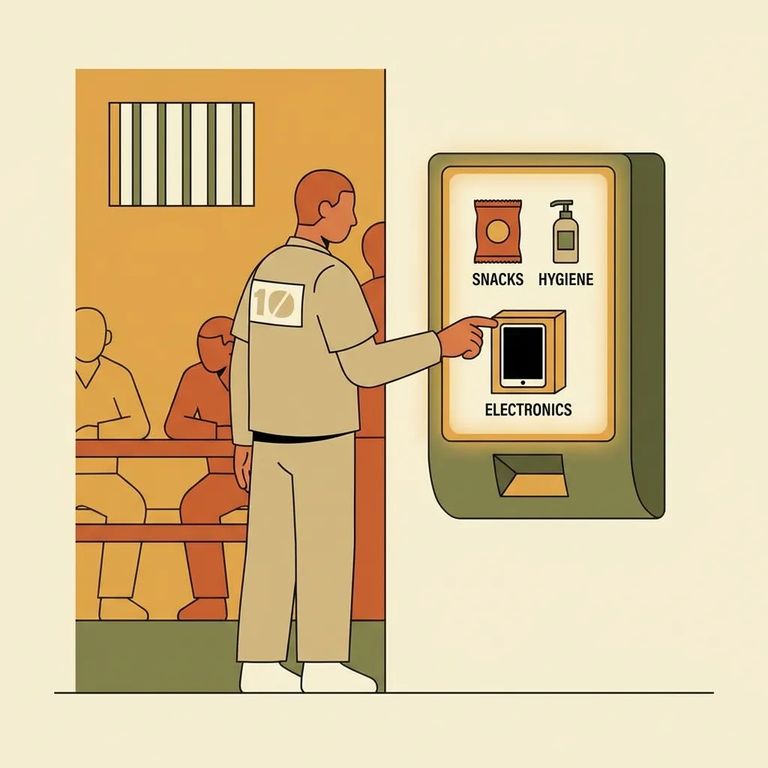
Sec5
- ✓ The first pair of tablet headphones is provided at no cost; additional or replacement headphones must be purchased from commissary.
- ✓ Tablets are assigned to incarcerated individuals, but they remain property of the state.
- ✓ Incarcerated individuals can be held responsible for intentionally lost or damaged tablets or accessories.
- ✓ Tablets run on a separate secure intranet (not the public internet).
- ✓ No internet browsing and no access to social media sites (like Facebook or Twitter).
- ✓ Incarcerated individuals cannot message other incarcerated individuals through the tablet system.
Warning: These tablets don't have normal internet access - they run on a secure intranet with tight restrictions, including no social media. And since the tablet is state property, intentional loss or damage can create consequences for your loved one.
Sec6
- ✓ Create your GettingOut account now on a computer so you’re ready when the new tablets are active.
- ✓ After your loved one receives the new tablet, confirm you’re set up as an approved contact for messaging/photo exchange through the new system.
- ✓ Ask your loved one to check the new tablet for archived photos and messages from the prior system (those won’t transfer into the new messaging threads).
Reminder: Link units cost $0.01 each ($1 = 100 units). Debit Link purchases are final - no refunds.
Find an Inmate at Indiana Women's Prison
Search for a loved one and send messages and photos in minutes.
