
Setting Up Remote Video Visits (VisitNow) from Your Phone — Indiana Women's Prison Guide
Getting remote video visits working comes down to setup: the right accounts, matching email addresses on both, and staying signed into the mobile app so you can actually receive visit requests.

To use Indiana Department of Correction's VisitNow remote video system, you'll need a GTL/VisitNow account. You'll also need a ViaPath/GettingOut account - that's the platform IDOC uses for video visits and other communication tools. Already have accounts? Just sign in and double-check that your details match before trying to visit.
Important: Use the exact same email address on your GettingOut account and your GTL/VisitNow account. If the emails don’t match, VisitNow requests may not reach you.
Once you're logged in, there's one more step: you need to request approval for the incarcerated person to use VisitNow visitation. After submitting that request, you'll wait for facility approval before remote video visits can happen.
VisitNow works differently than a scheduled appointment. The incarcerated person initiates the session to your mobile device - you're waiting to receive their request, then joining from your phone.
For VisitNow to reach you, you must be signed into the GO Visits mobile app. That's how the system sends requests to your phone. If you're only signed into the web version, the VisitNow request won't come through as a mobile push notification.
Quick double-check: Matching emails + being actively signed into the GO Visits app are the two biggest make-or-break items for receiving VisitNow requests on your phone.
Fees Lengths
- ✓ 10-minute VisitNow remote video visit: $3.30
- ✓ 25-minute VisitNow remote video visit: $8.25
Time zone tip: IDOC scheduling on ViaPath’s platform uses Eastern Time, even if you (or the facility) are in a different time zone.
Troubleshoot
- ✓ You created an account (or can log in) for GTL/VisitNow.
- ✓ Your GettingOut email matches your GTL/VisitNow email.
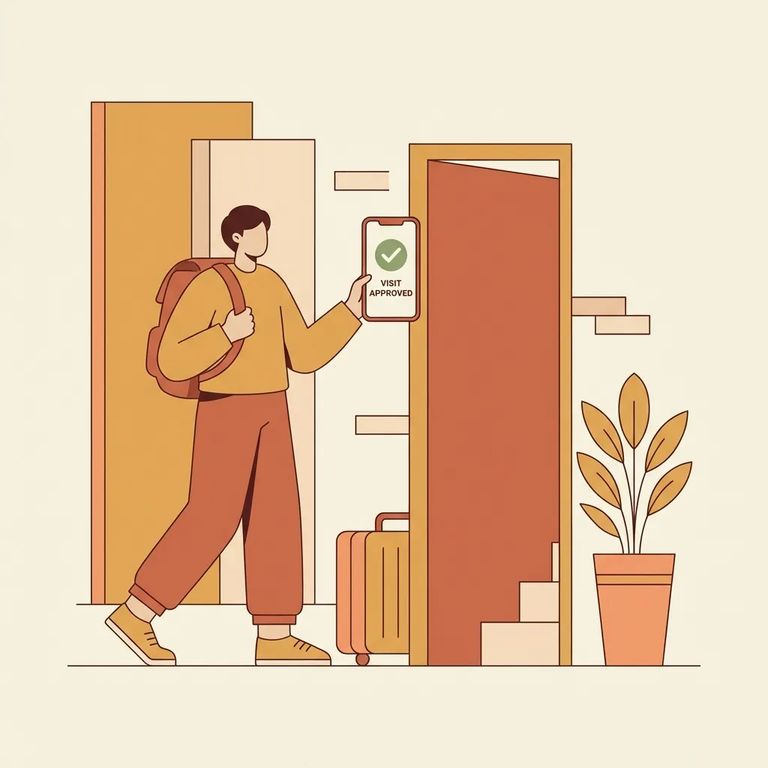
- ✓ You requested the incarcerated person for visitation and waited for facility approval.
- ✓ You’re signed into the GO Visits mobile app (not just signed into the web).
If something feels off when you try to connect, separate it into two buckets: payment and connectivity. For payment issues, re-check the billing screen and any receipt for the 10-minute ($3.30) or 25-minute ($8.25) option you selected. For connection problems, start with the basics - make sure you're signed into the GO Visits app on your phone (VisitNow requests go to mobile), and that your device has a stable network connection when the request comes in.
Find an Inmate at Indiana Women's Prison
Search for a loved one and send messages and photos in minutes.
