
Securus eMessaging: How to send messages, photos, VideoGrams & what to do if items are rejected (verify with Jackson Correctional)
Securus eMessaging can be a fast way to stay in touch, but the rules and features vary by facility. Before you spend money on stamps or send anything time-sensitive, confirm what Jackson Correctional actually accepts.
First, confirm that Jackson Correctional accepts Securus eMessaging. Call the Jackson County Correctional Facility at (850) 482-9651 and ask whether eMessaging is available - and which options are turned on. Messages, photos, and VideoGrams are sometimes handled differently depending on the facility.
Can't get through by phone? You can also email Jackson County at info@jacksoncountyfl.gov. Email tends to be slower, but it works when you need a written answer about what services are currently supported.
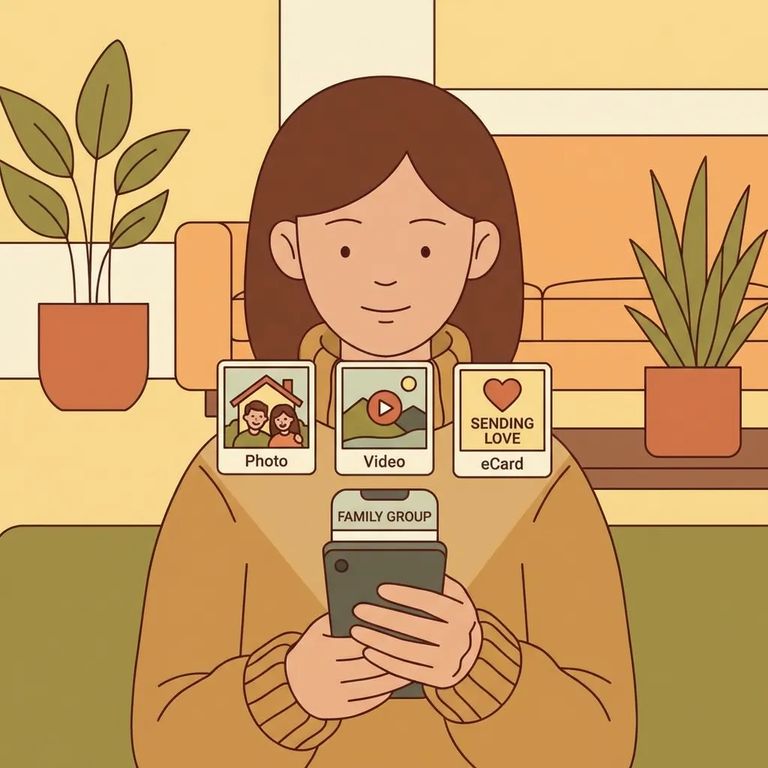
Securus eMessaging lets you send email-style messages and attach photos when the facility allows them. You can include up to 5 photos per message - if you have more, split them across multiple messages.
You can also send eCards. Securus allows up to 5 per message, which is handy for a quick "thinking of you" note without a lot of text.
If VideoGrams are enabled at the facility, you can send a short video message - 30 seconds max. This is a mobile-app-only feature, so you'll need the Securus app (not the website) to record or send one.
Quick summary: One message can include up to 5 photos and up to 5 eCards, and you can send a 30-second VideoGram through the mobile app when that feature is enabled.
Securus eMessages are paid for with "stamps." You buy a book of stamps ahead of time, and the system deducts them when you send a message or add extras. Stamp pricing varies by facility, so costs at one jail may not match another.
No refunds for rejections: If the facility rejects your message or an attachment, the stamps you used aren’t refunded.
Want to avoid preventable problems? Stick to the built-in limits: up to 5 photos per message, up to 5 eCards per message, and VideoGrams are 30 seconds (mobile app only). When you're near the limit, double-check your attachments before hitting send - you don't want to accidentally trigger a second message or use an unsupported feature.
- ✓ Keep photo attachments to 5 or fewer per message; send another message if you have more.
- ✓ If you’re sending a VideoGram, use the Securus mobile app (VideoGrams are app-only) and keep it to 30 seconds.
- ✓ When you’re sending multiple photos, consider choosing the clearest few instead of maxing out every message - fewer attachments can mean fewer chances for something to get flagged during review.

Every message, photo, and VideoGram you send goes through facility review. If something gets rejected, you won't be left guessing - you'll receive a rejection notice in your eMessaging inbox explaining why.
- Read the reject notice in your inbox - it should state the reason the message, photo, or VideoGram was rejected.
- Adjust and resend (if appropriate) - edit your message or change what you attached, then try again knowing everything is still subject to facility review.
- Confirm what Jackson Correctional allows before trying repeatedly - call the Jackson County Correctional Facility to verify what’s currently accepted.
- Budget for the no-refund rule - stamps used on rejected messages or attachments aren’t refunded, so it’s worth slowing down and double-checking before you resend.
Pre Send Checklist
- ✓ Call (850) 482-9651 to confirm Jackson Correctional accepts Securus eMessaging before you buy stamps.
- ✓ Check stamp pricing for this facility (pricing varies by facility).
- ✓ Stay within the attachment limits: up to 5 photos per message and up to 5 eCards per message.
- ✓ Remember: if the facility rejects your message or an attachment, stamps aren’t refunded.
Find an Inmate at Jackson Correctional Facility
Search for a loved one and send messages and photos in minutes.
