
How to Schedule Your First Visit at Jim Rudd Unit (Step‑by‑Step)
Scheduling your first visit can feel overwhelming with all the moving parts. Take it one step at a time, though, and the TDCJ system is actually pretty straightforward. You'll know exactly what to do—even if the scheduler tells you to call the unit directly.
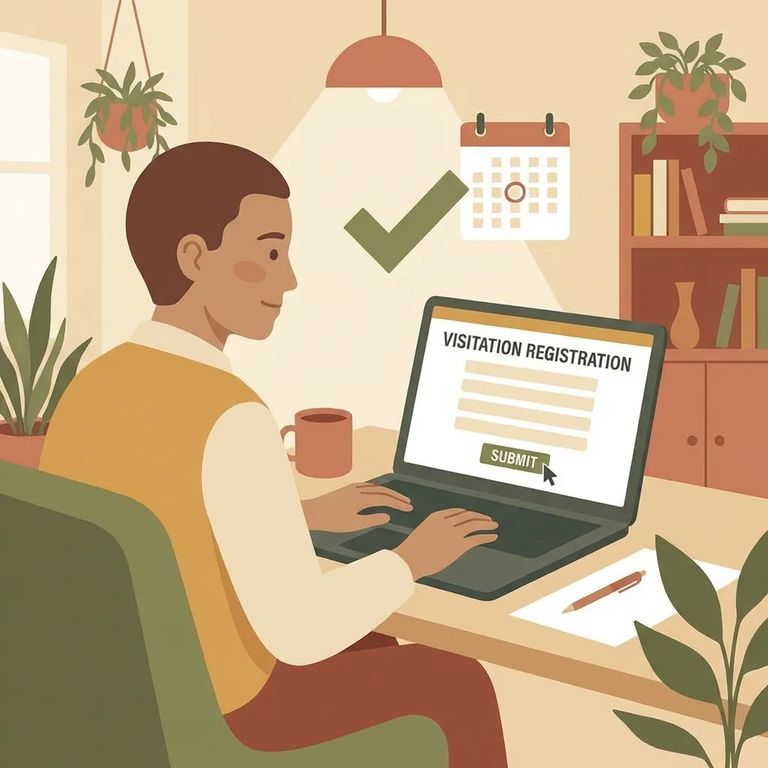
Before you make the drive to Jim Rudd Unit, call ahead to confirm everything is still on. Visitation schedules get updated frequently, and unit conditions can shift without warning - what you saw online earlier may not be current. When you call, verify three things: the person you're visiting is assigned to Jim Rudd Unit, they still have visitation privileges, and visitation hasn't been canceled for that day.
- Start the account creation in the TDCJ Online Visitation Scheduler - Use a valid email address, since the system will send your verification there.
- Check your email for the registration message - After you submit your email, you’ll get an email with a 7-digit validation code and a link.
- Use the code and link to finish registration - Follow the link, enter the 7-digit code when prompted, and complete the rest of the account setup.
After setting up your login, you'll land on the Background Questionnaire. Every single question needs an answer - leave one blank and you'll get stuck. If you can't move forward, go back through slowly and check for anything you missed.
Telephone format tip: Enter your phone number as XXX XXX XXXX using spaces - no dashes. If the format is wrong, your visitor profile may not go through.
With your account created and profile complete, the next step is adding the person you want to visit. Enter their information carefully and submit the request for review. If you don't see a scheduling option after adding them, don't panic - check the troubleshooting steps below. Sometimes the system requires you to schedule directly through the unit.
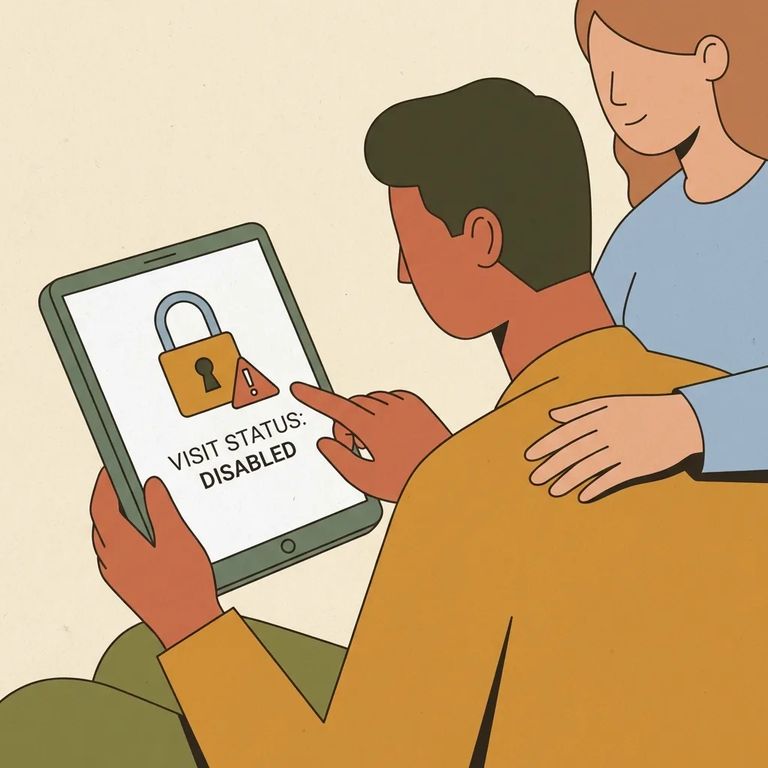
If the
- Gather your basics before you call - Have the inmate’s name and enough identifying details ready so staff can pull up the right record.
- Tell them what you’re seeing in the scheduler - Say the “Schedule Visit” button is blank or shows “Call Unit,” and you want to schedule a visit.
- Ask to schedule your visit - Request the day you’re aiming for and ask what options are available.
- Confirm you’re cleared to visit - Ask whether you’re approved/verified for visits and whether anything else is needed before you travel.
Keep the visiting cycle in mind when planning your first trip. Cycles run Monday through the following Sunday, and eligible inmates typically get one visit per cycle. Trying to book a second visit in the same cycle? The system - or the unit - may not allow it.
Contact visiting hours are typically Saturday and Sunday, 8:00 a.m. to 5:30 p.m. If you're calling to schedule because the system shows
Find an Inmate at Jim Rudd Unit
Search for a loved one and send messages and photos in minutes.
