
How to Register Your Phone to Receive Calls from Jordan Unit (and Phone Rules You Must Follow)
Want to receive phone calls from someone at the Jordan Unit? You'll need to register your number correctly and know the rules—break them, and calls can get blocked or cut off.
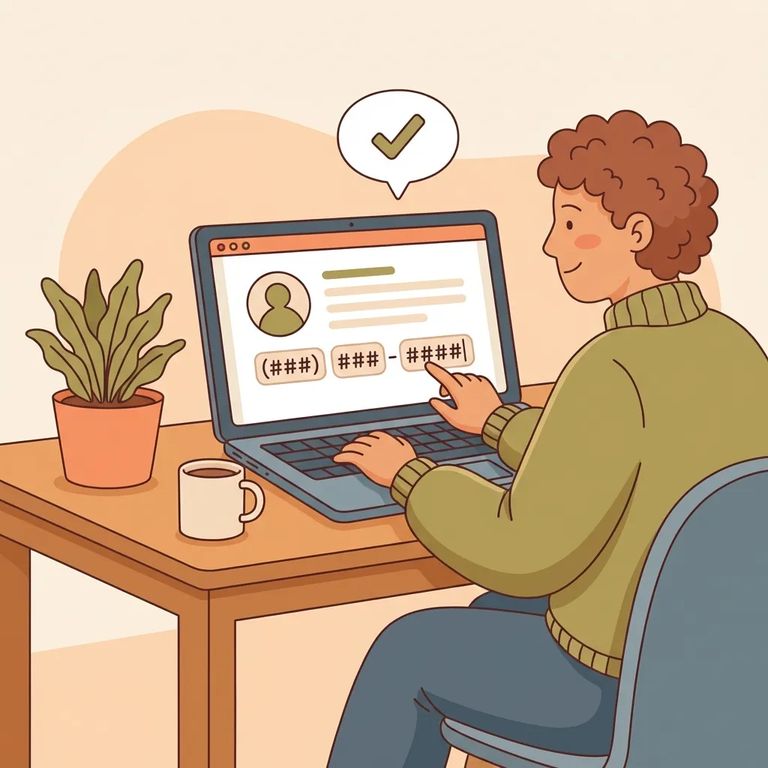
Before you can receive calls from a TDCJ inmate at the Jordan Unit, you need to register your phone number through the Texas Inmate Telephone Friends & Family Enrollment system. Have the inmate's TDCJ ID number handy - you can't complete registration without it.
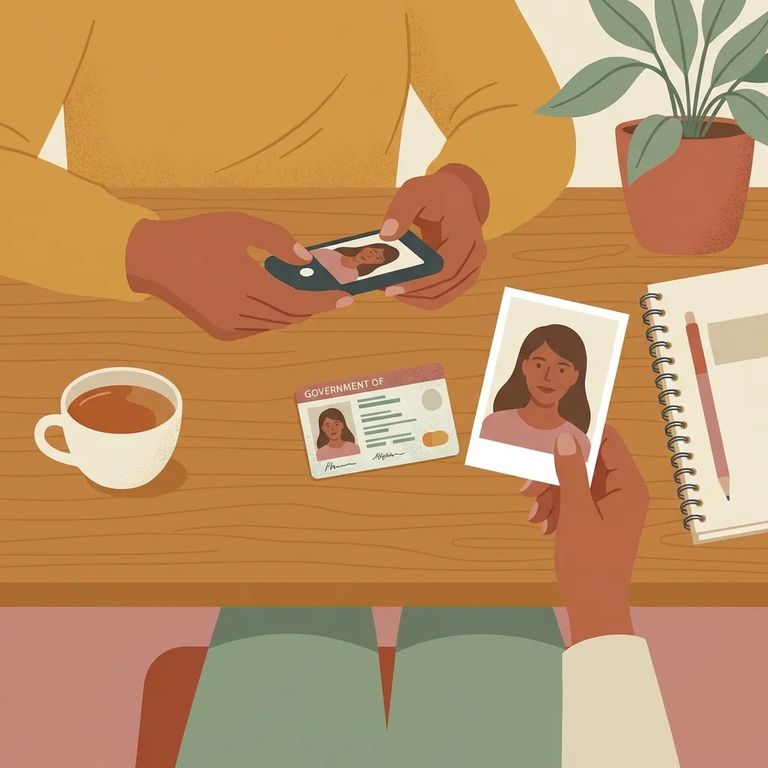
Here's where people get tripped up: the name on your driver license or state ID must match the name on your phone bill or telephone listing. If the account is in someone else's name - even a spouse or parent - that mismatch can block the number from receiving calls.
- ✓ Confirm you are the registered owner of the telephone number
- ✓ Confirm you are at least 18 years old
When you register, you're agreeing to specific call-handling rules. No forwarding calls. No three-way calling. No speakerphone. And only adults on the inmate's approved calling list can speak with them - even if other people are in the room, they shouldn't join the conversation.
Call Types Hours Limits
- ✓ Allowed: home landline telephone numbers
- ✓ Allowed: post-paid cell phones
- ✓ Allowed: pre-paid cell phones
- ✓ Not allowed: internet service numbers
- ✓ Not allowed: 800 numbers
- ✓ Not allowed: business numbers
- ✓ Not allowed: pay phones
- ✓ Not allowed: international numbers
Calls are available from 5:00 a.m. to 12:00 a.m. (midnight), though this can change. Each call maxes out at 30 minutes. You'll hear a one-minute warning before the system disconnects - if you need to exchange quick info like a call-back plan, do it right when you hear that alert.
Note: If you need help with the TDCJ phone system, the TDCJ Inmate Technology office has calling hours Monday through Friday, 8:00 a.m. to 3:00 p.m., except state recognized holidays.
- Match your ID to the phone bill/listing - Make sure the name on your driver license or state ID is the same name shown on the telephone listing or bill for the number you’re registering.
- Keep the call “clean” - Don’t forward the call, don’t try to add a third person, and don’t use speakerphone; those are violations you agreed to when you enrolled.
- Register an eligible number type - Use a home landline, a post-paid cell, or a pre-paid cell number, and avoid business lines, internet-based numbers, 800 numbers, pay phones, and international numbers.
Note: During the vendor changeover, Securus is offering one free 60-second call each month to every phone number an incarcerated person calls that is not associated with a funded AdvanceConnect account.
Find an Inmate at Jordan Unit
Search for a loved one and send messages and photos in minutes.
