
Beyond video calls: how to send photos, eCards, and short video clips with Securus
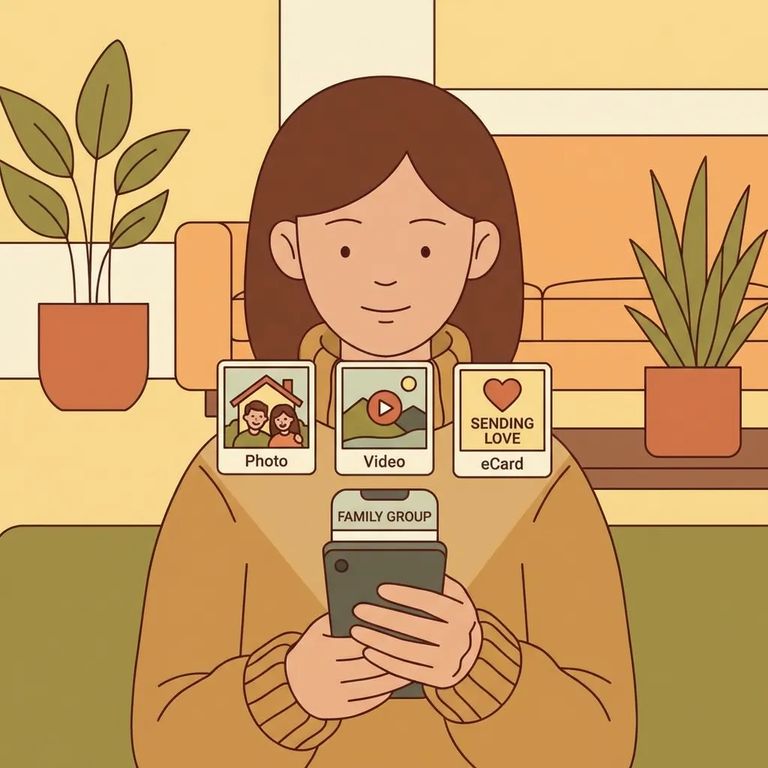
Video visits aren't your only option with Securus. You can also send messages with photos, digital eCards for special occasions, and short video clips - ways to share everyday moments when a live call doesn't fit the schedule. For many families, these features are a lifeline. They let you send something more personal than plain text while keeping communication simple and asynchronous.
Note: These are Securus features, but availability varies by facility. Before you spend money or time creating media, confirm the local rules, limits, and fees.

- Open Securus and go to messaging - Use the Securus app or web portal and look for the messaging option.
- Choose your recipient - Select the incarcerated person you want to contact (the person must be available in your contact list).
- Attach a photo - Add the image you want to send, then take a moment to make sure it’s the right one before you continue.
- Write a short message - Add a few lines of context so the photo makes sense on its own.
- Send - Review everything once more, then submit it through Securus.
- ✓ Whether photo messages are allowed at your loved one’s facility
- ✓ How photos are reviewed/approved (and how long review can take)
- ✓ Any limits on photo size, resolution, or number of attachments
- ✓ Whether there are content restrictions you should know before sending
- ✓ What the cost is (if any) for sending a message with a photo
Securus offers digital eCards - a nice option for birthdays, holidays, and milestones when you want something that feels more occasion-specific than a regular message. Sending one for a specific date? Give it extra time. Anything requiring review won't always arrive instantly, even if you send it early in the day.
Note: eCard availability and approval rules can be facility-specific. Check what’s allowed before you pick a card and send it.
If short video clips are enabled, they're a powerful way to share a quick update - your face, your voice, a few seconds of normal life - without coordinating a real-time call. The process is straightforward: record a short clip, upload it through the Securus app or portal, choose the recipient, and send. Keep it simple and clear so it stands on its own, even if it's reviewed and delivered later than expected.
- ✓ The maximum clip length and file size allowed
- ✓ Accepted video formats (and whether audio is permitted)
- ✓ How video clips are reviewed/approved and typical turnaround time
- ✓ Any content restrictions that commonly trigger rejection
- ✓ Whether sending a video clip costs extra compared to a standard message
Media messages land best when they're easy to understand in one pass. Keep your text short. Explain who's in a photo or what's happening. Avoid anything that could create problems during review. Sending something for a specific occasion? Say that clearly in the message so the person receiving it knows why it matters - especially if it arrives a little late.
Tip: Preview your photo or clip before sending. Aim for clear lighting and simple audio. Better quality within the allowed limits makes your message feel more real when it's opened.
Find an Inmate at Joseph V. Conte Facility
Search for a loved one and send messages and photos in minutes.
