
Using Securus Messaging: Sending Photos, eCards, and Video Clips (tips for families—verify Conte rules first)
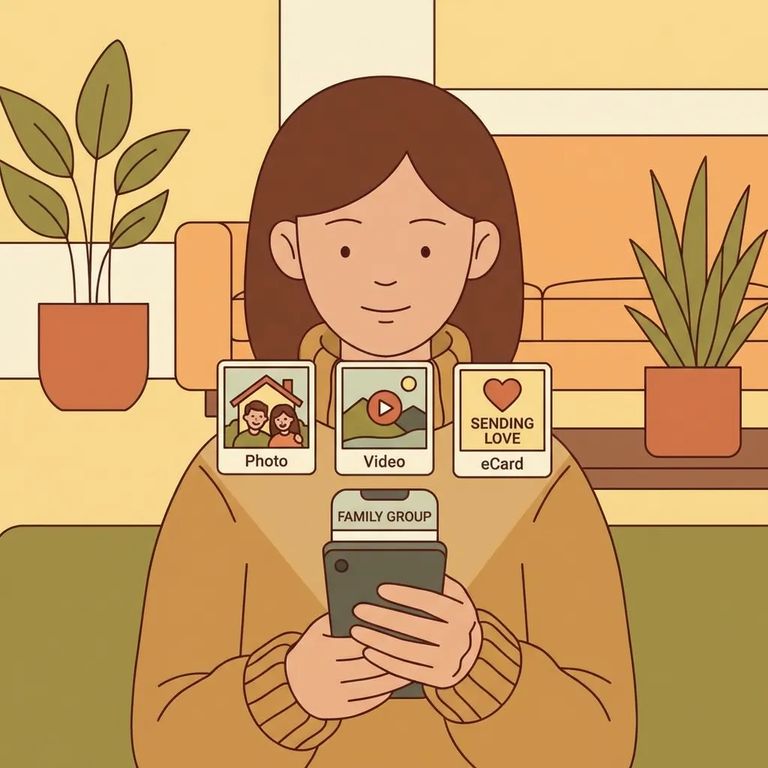
Securus Messaging lets you stay connected with more than just text. Depending on what's supported, you might send everyday messages, share photos, pick out an eCard for a birthday or holiday, or send short video clips. One thing to keep in mind: just because a feature shows up in the app doesn't mean every facility allows it. Treat these as Securus features first, then confirm what Joseph V. Conte Facility actually accepts.
Families typically use a few different content types to keep communication feeling normal. Standard messages handle the day-to-day - updates from home, encouragement, appointment reminders, or a quick "thinking of you." Photos tend to be simple and grounding: a recent family picture, a pet snapshot, a child's school moment, or something familiar from home. eCards work well for milestones and holidays - birthdays, Mother's Day, Father's Day, or seasonal celebrations where a card feels more personal than plain text. Short video clips, when available, are best kept brief and positive: a quick hello, a moment from a family gathering, or a small update you'd normally share in person.
Note: Photos, eCards, and video clips are Securus features, but the facility controls what gets approved and delivered. Check Joseph V. Conte Facility's rules before paying to send something that could be rejected or delayed.
- Sign in to Securus - Open the Securus app or sign in through the Securus online portal.
- Go to Messaging - Choose the messaging option so you’re in the area where you can write and send content.
- Select the person you’re contacting - Pick your loved one from your contacts/recipients.
- Choose what you’re sending - Write your message, then attach a photo, attach a short video clip, or select an eCard (depending on what the system offers for that contact).
- Preview before you send - Double-check that the right file/card is attached and that the image/video is clear and appropriate.
- Send and save a copy of what you submitted - After you submit, keep a note or screenshot of the date/time and what you sent so you can follow up if there’s a problem.
Reminder: These steps reflect general Securus Messaging features. Joseph V. Conte Facility may have additional restrictions, review requirements, or timing differences that affect whether - and when - your photo, eCard, or video actually gets delivered.
eCards are a simple way to mark birthdays and holidays when you can't be there. If you're sending one for a specific date, send it early - facilities often review incoming content before delivery, and that review adds time even when everything is allowed. Keep your message inside the eCard short. It lands better than a long one, especially if you're also sending regular messages around the same time.
Facility-check
- ✓ Do you allow incoming photos through Securus Messaging for people housed at Joseph V. Conte Facility?
- ✓ Are eCards allowed, and are there any limits on how often they can be received?
- ✓ Are short video clips allowed through Securus Messaging?
- ✓ Is there a review/approval process for messages, photos, eCards, or videos?
- ✓ What’s the typical review time (and does it change on weekends or holidays)?
- ✓ Are there content rules that commonly cause rejections (for example: certain gestures, clothing, backgrounds, or anything involving minors)?
- ✓ Are there file-size, length, or format limits for photos or videos?
- ✓ Are there fees to send messages, photos, eCards, or video clips?
- ✓ Who should you contact if something you paid for doesn’t show as delivered or gets rejected?
Note: Securus may offer a feature, but Joseph V. Conte Facility decides what's accepted and how long delivery takes. Checking the local policy first can save you time and money.

Tips-merged
- ✓ Keep photos simple and neutral: clear faces, everyday settings, nothing that could be read as sexual, threatening, or gang-related.
- ✓ Avoid “busy” backgrounds (mirrors, clutter, alcohol/drugs, weapons, cash) that can trigger extra scrutiny.
- ✓ If you’re sending a video clip, keep it short and focused - one message, one moment.
- ✓ Use common, standard formats when possible (for example, typical photo/video files your phone creates) and avoid anything heavily edited.
- ✓ Preview your photo/video before sending: check lighting, sound, and whether any private details are visible.
- ✓ Don’t include other people’s personal info (addresses, phone numbers, account details) in images or on-screen.
- ✓ Send milestone eCards early so a review delay doesn’t cause it to arrive late.
- ✓ If something gets rejected, adjust and resend rather than repeatedly submitting the same content.
Reminder: These are practical tips based on how messaging systems typically get reviewed. Conte's local restrictions may be stricter or different, so treat facility guidance as the final word.
Find an Inmate at Joseph V. Conte Facility
Search for a loved one and send messages and photos in minutes.
