
Three Ways to Put Money on an Inmate's Account at JPCC (kiosk, online, money order)
Getting commissary money to someone at JPCC comes down to three options: the lobby kiosk, an online card deposit, or mailing a money order. The fastest methods post right away, but all of them require one key detail: the inmate's CCN.
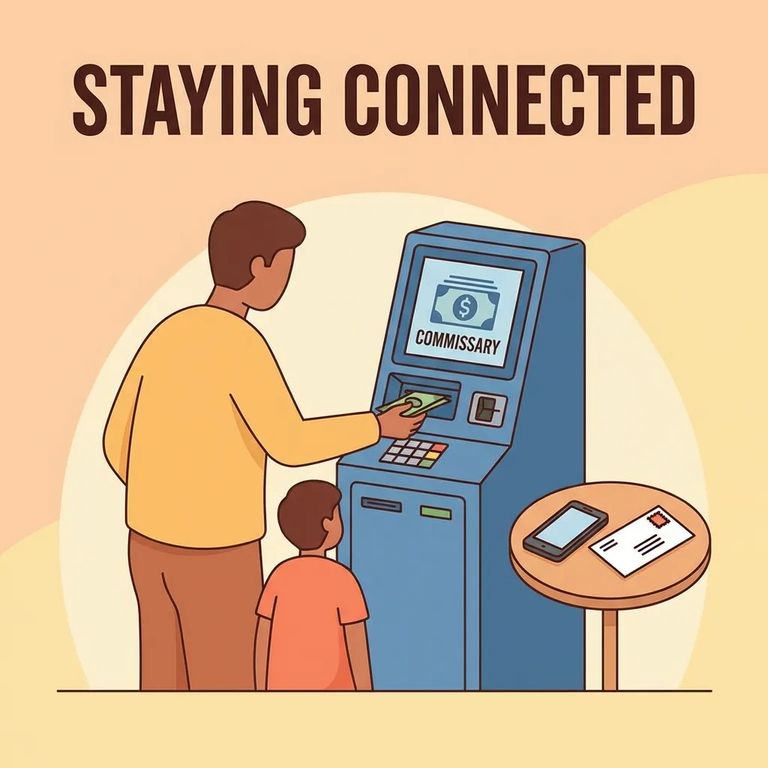
JPCC lets family and friends put money on deposit so an inmate can use it for commissary purchases. Commissary at the facility is run through a private vendor, which handles the accounting and tracking of inmate funds along with the commissary operations.
Before you head to the kiosk, start an online deposit, or drop anything in the mail, get the inmate's CCN (Correctional Center Number). JPCC uses the CCN to route money to the correct account. Without it, you risk delays - or a deposit that can't be matched at all.
The cash kiosk sits in the Intake Booking lobby at JPCC and runs 24 hours a day. If you're local and need funds to post right away, this is your most straightforward option.
Cash only: The lobby kiosk accepts cash only - no credit cards and no debit cards.
Kiosk deposits post immediately, which makes this method ideal when timing matters. Double-check that you enter the inmate's CCN exactly as listed so the money lands in the right account.
JPCC also accepts online deposits through Forecomm Solutions. This option takes credit or debit cards, so you don't have to bring cash to the facility.
Online deposits through Forecomm post immediately, just like the lobby kiosk. Keep the inmate's CCN handy when you submit - Forecomm uses it to route the money to the correct account.
- ✓ Forecomm limit: maximum $300 per deposit
- ✓ Forecomm limit: maximum 3 transactions in any seven-day period
- ✓ Forecomm won’t share an inmate’s account balance or account activity
- ✓ If you need Forecomm to verify a deposit posted, keep your deposit task number - Forecomm can use that to confirm it
Mail rule: JPCC accepts money orders only through the mail - do not send cash.
- Buy a money order (not cash) - JPCC only accepts money orders for mailed deposits.
- Write the inmate’s name (as incarcerated) and CCN on it - both are required so the deposit can be credited to the correct account.
Mailed money orders don't post right away. Once USPS delivers the envelope, expect 1 to 3 business days of processing before the funds appear on the inmate's account.

Need the money available right away? Use the lobby kiosk or Forecomm online - both post immediately. Mailing a money order works better when you're planning ahead, since processing takes 1 to 3 business days after the facility receives it. One thing to keep in mind for larger amounts: Forecomm caps deposits at $300 each, with a limit of three transactions per seven-day period.
- ✓ Keep your kiosk receipt until you’re sure the deposit posted (kiosk deposits post immediately)
- ✓ For Forecomm deposits, save the confirmation details - especially the deposit task number - so Forecomm can verify it posted (online deposits post immediately)
- ✓ If you mail a money order, keep your USPS receipt and any tracking information until the funds have time to process
Find an Inmate at JPCC, LA
Search for a loved one and send messages and photos in minutes.
