
Why Your Online Deposit to JPCC Keeps Getting Declined (and How to Fix It)
A declined deposit is usually fixable. Most of the time, it's a limit issue or a mismatched detail. Here's how to figure out what's going wrong and get your money through.
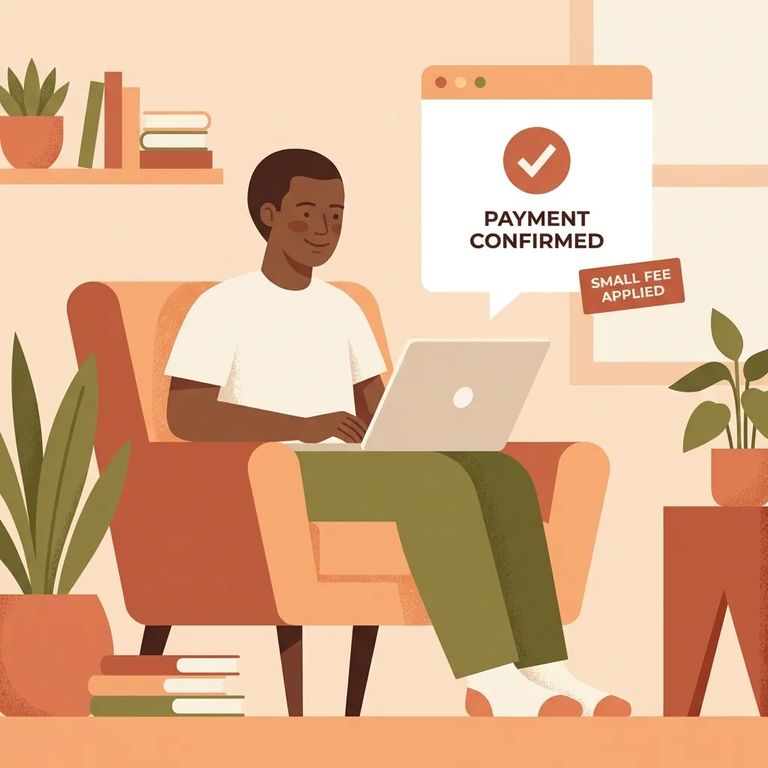
Most "declined" deposits come down to Forecomm's built-in limits. The system caps each deposit at $300 and only allows three transactions per seven-day period. Hit either limit and your deposit gets denied - sometimes with a message that sounds like fraud, even though it's just the cap kicking in. The fix is simple: keep amounts at $300 or less and space out your deposits. If you've already made three in the past week, wait for the window to reset. It can feel like the site is randomly rejecting you, but these limits are automatic.
Wrong information is another common culprit. For internet/card deposits, you need the inmate's CCN number to route the money to the right account. If that CCN is missing or incorrect, the transaction won't land where you expect - and from your end, it looks like a decline when the real problem is the account identifier.
Note: Forecomm internet/card deposits post immediately when they go through. If you don’t see the money show up right away, it’s a strong sign the transaction didn’t complete as a successful deposit.
If your payment keeps failing, slow down. Double-check every field the website asks for. Make sure you have the correct CCN number and that you entered it exactly as provided. For cardholder details like your billing address, enter what your card issuer has on file - not your current address if it differs. Mismatches are a common reason online transactions get rejected, especially with prepaid or reloadable cards.
- Re-enter the CCN carefully - confirm you have the correct CCN and type it in again without extra spaces or missing digits.
- Verify your card details match your issuer’s records - if a billing address is requested, use the address your card issuer has on file.
- Call Forecomm for website help - if you’re stuck on the site (errors, questions about what to enter, or how to locate a deposit task number), call 337-234-3534 and select option 1 for Customer Service.
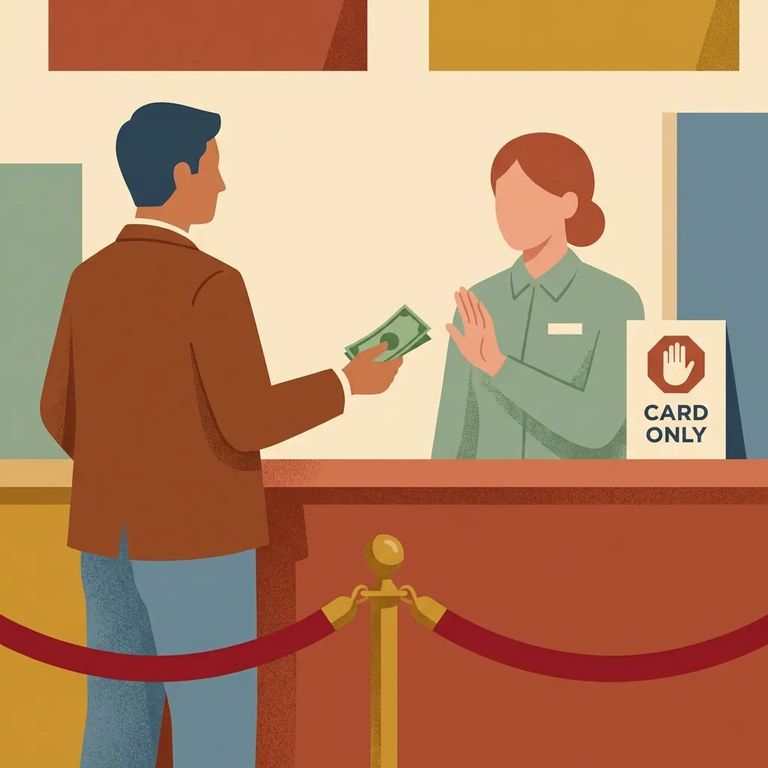
Forecomm has two hard limits that trigger declines. You can't deposit more than $300 in a single internet/card transaction. And you're capped at three deposits per seven-day period. Trying to send more at once, or making a fourth deposit too soon? Your next attempt gets denied - even if your card works fine.
- ✓ Keep each online deposit at $300 or less
- ✓ If you’ve already made three deposits in the last seven days, wait until the seven-day window resets before trying again
- ✓ Use a different deposit method if you can’t wait (cash at the lobby kiosk, or a money order by mail)
If online limits are blocking you, JPCC has other options. The lobby kiosk in Intake Booking is available 24 hours and takes cash only - no credit or debit cards. You can also mail a money order (no cash by mail). Mailed money orders don't post immediately; after USPS delivery, expect 1 to 3 business days for processing.
Thinking a phone call might push it through? It won't. Forecomm doesn't accept credit card numbers over the phone - deposits can't be made by phone under any circumstance. Even if an online transaction keeps declining, calling won't help you complete the payment by reading your card details to an agent.
Good to know: Forecomm Customer Service (337-234-3534, option 1) can help with using the website, but they still cannot take card information or process a deposit by phone.
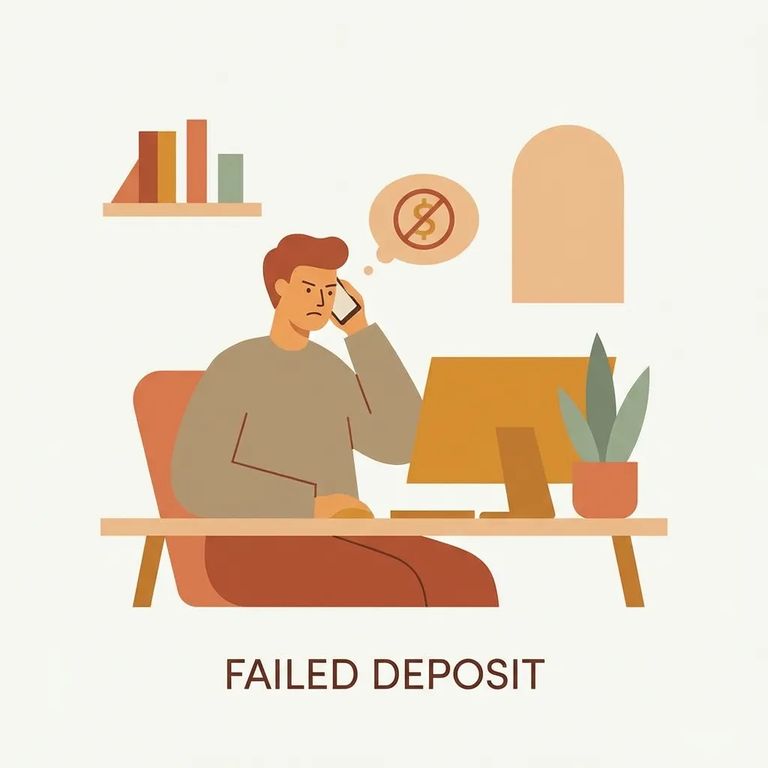
Once you've checked the limits and verified the CCN, contact support - especially if you think the deposit went through but don't see it reflected. Forecomm Customer Service can confirm whether a deposit posted if you have the deposit task number. Call 337-234-3534 and select option 1.
- ✓ The inmate’s CCN number (so you can confirm the deposit was aimed at the correct account)
- ✓ The deposit task number (Forecomm can use this to verify whether a deposit posted)
- ✓ The date/time and amount you attempted
- ✓ The last four digits of the card used
- ✓ Your card issuer’s contact info (in case you need to ask them why the transaction was declined)
Find an Inmate at JPCC, LA
Search for a loved one and send messages and photos in minutes.
