
Using the Lobby Kiosk at Kenosha Pretrial: A Step-by-Step Walkthrough
Adding money to someone's account at Kenosha County Pretrial? The lobby kiosks make it quick—just pick the right person and the right option. Here's how to do it, step by step.
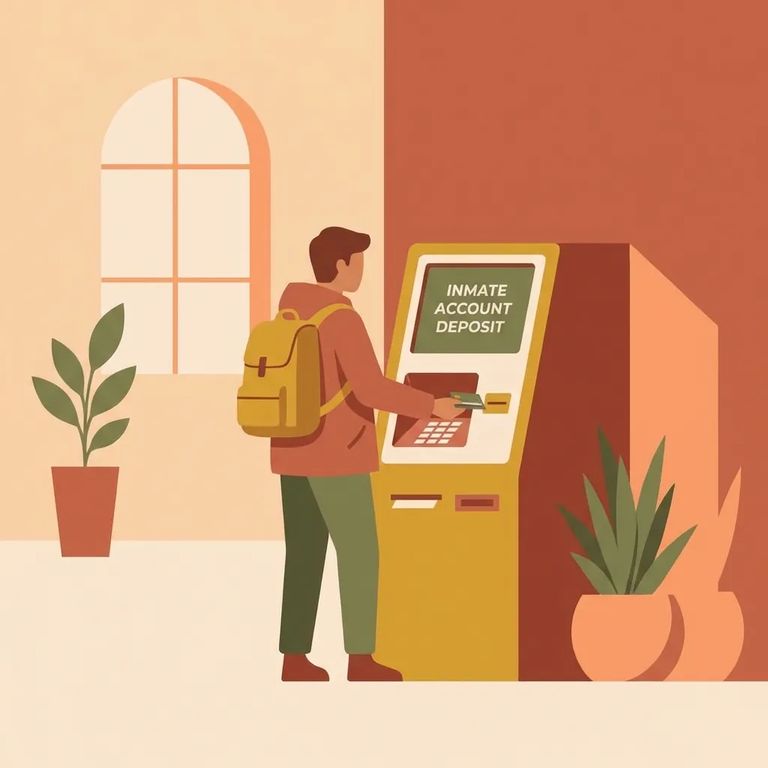
You'll find one kiosk in the Public Safety Building Lobby on the first floor. This one is set up for family and friends making deposits in person.
There's also a kiosk in the Kenosha County Detention Center lobby - open 24 hours a day, seven days a week. Need to make a deposit outside normal business hours? This is your option.
The kiosk accepts cash, Mastercard, and Visa credit/debit cards. Using a card? Double-check it's one of those brands before you go.
- ✓ $1 bills
- ✓ $5 bills
- ✓ $10 bills
- ✓ $20 bills
- ✓ $50 bills
- ✓ $100 bills
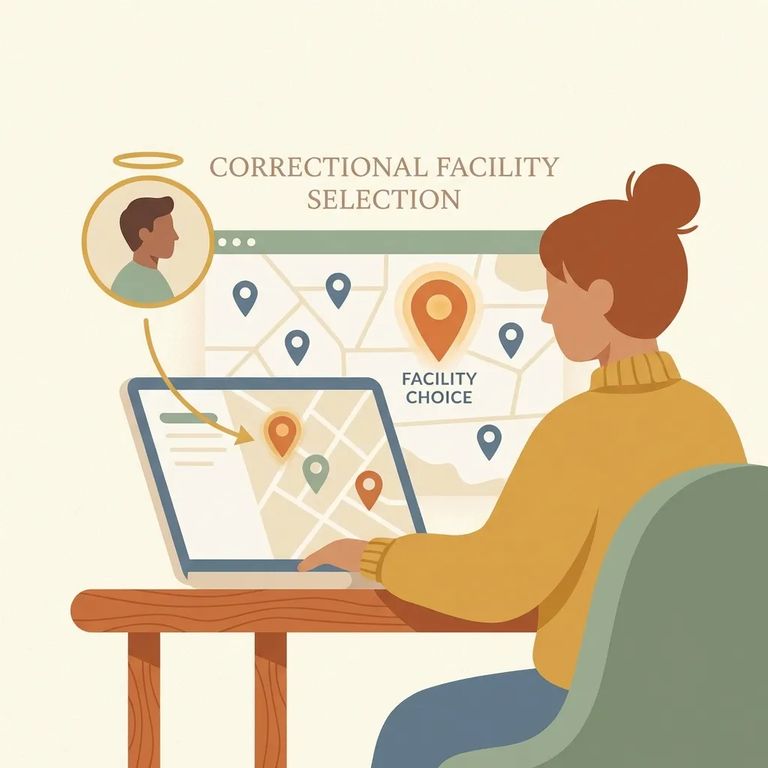
- Select the correct facility/site - Choose “Kenosha County WI (SiteID 202)” when you’re prompted to pick the location.
- Search for the right person - Enter the inmate’s first and last name, or enter the inmate’s ID number.
- Enter the ID number correctly - If you’re using the ID number, do not type any leading zeros in front of the number.
- Complete your deposit - After you finish the transaction, funds deposited through the online or phone systems are immediately credited to the inmate’s account.
- Save your proof of payment - Online payments send a receipt to your email address, and phone deposits provide a confirmation number you can use to verify the transaction later.
No-refund warning: The kiosk asks you to verify the inmate before completing your deposit. Take that screen seriously - the facility won't issue refunds if money goes to the wrong account.
The kiosk prints a receipt after your deposit. Keep it. If questions come up later, that receipt is your proof - and since refunds aren't issued for deposits to the wrong account, you'll want documentation.
Using the online system instead? Your receipt goes to your email. Phone deposits give you a confirmation number at the end of the call - write it down and keep it somewhere safe.
Bond payments: The kiosk cannot be used for posting bond. Bond must be posted at Joint Services, located in the Public Safety Building.
If you have questions about a deposit or need help using the system, call ConnectNetwork Customer Service at 888-988-4768.
Find an Inmate at Kenosha Pretrial Facility
Search for a loved one and send messages and photos in minutes.
