
How to Set Up Virtual Visits with Someone at Kershaw (Account, Devices, and Rules)
Virtual visits at Kershaw require some setup upfront, but once your account and device are ready, it comes down to two things: scheduling and showing up on time. Here's how to get everything in place without last-minute surprises.
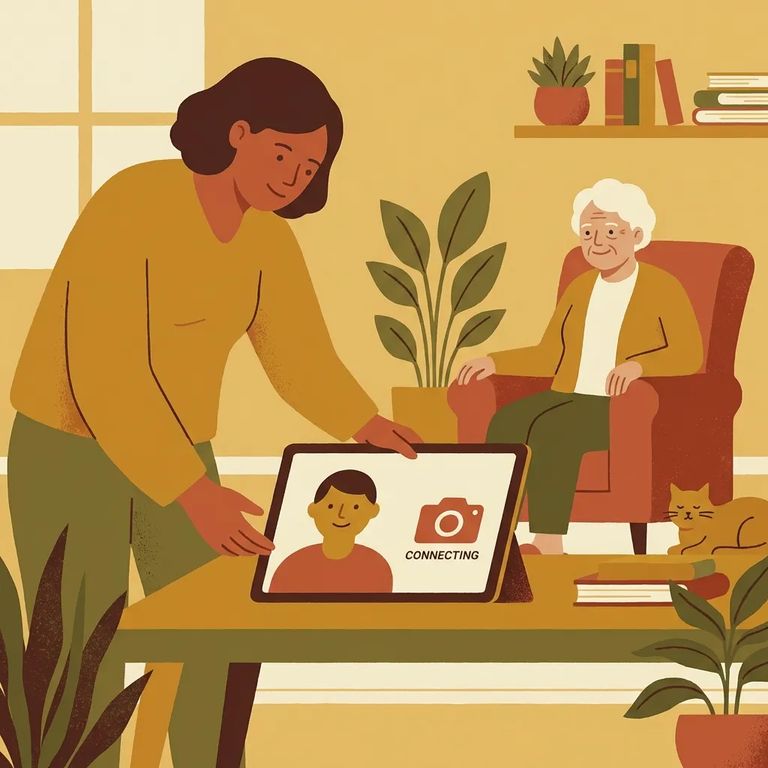
You'll need to schedule virtual visits in advance through the SCDC/GTL scheduler on the agency website. First step: set up your virtual visitation account. Once you're registered, you can log in and pick an available time slot.
Name match matters: Each person who wants to participate needs their own GTL account, and the name on that account has to exactly match the name on the approved visitation list - no nicknames.
Expect to verify your identity. The visitation coordinator may ask for a photo ID from approved visitors age 10 and older. For approved children under 10, you'll need a certified long-form birth certificate.
Head to scdoc.gtlvisitme.com/app to create your account. Before scheduling, take a few minutes to read the instructions and test your equipment - doing this early saves you from scrambling when your visit starts. Make sure your account name matches the approved visitation list exactly. Nicknames can cause problems.
Need help with the visitation list or a name change? Email VirtualVisitation@doc.sc.gov with your information and a copy of your ID. You can also call (803) 896-1838, press #1, and leave your name and a good callback number.
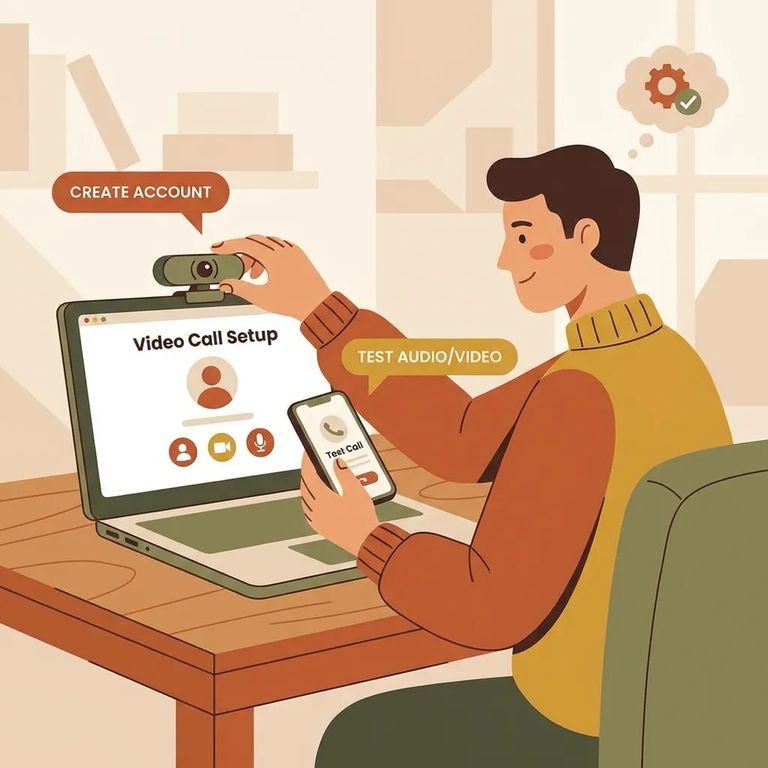
Device check (verify before your visit): Virtual visits work on computers, tablets, and Android phones. iPhones aren't compatible right now.
- ✓ Be in place in front of your device 15 minutes before the visit starts.
- ✓ Plug in or fully charge your device so you don’t lose power mid-visit.
- ✓ Use a stable internet connection.
- ✓ Confirm your camera and microphone are working before the start time.
Location rule: Don't join from a bedroom, bathroom, nightclub, or similar space - those locations are prohibited.
Plan your group ahead of time. Up to four approved visitors can join a single virtual visit, and approved minor children count toward that limit.
For visitation list or name change questions, email VirtualVisitation@doc.sc.gov with your information and a copy of your ID. Or call (803) 896-1838, press #1, and leave your name and callback number. For technical issues during setup or connection problems, call GTL Visitor Support at 1 (855) 208-7349.
Find an Inmate at Kershaw Corrections Institution, SC
Search for a loved one and send messages and photos in minutes.
