
Virtual Visits at Kershaw: Setup, Cost, Rules, and Troubleshooting
Virtual visits at Kershaw are straightforward once you understand how the system works. Here's everything you need to know: who can schedule, booking windows, costs, rules that can end a visit early, and what to do when tech goes sideways.
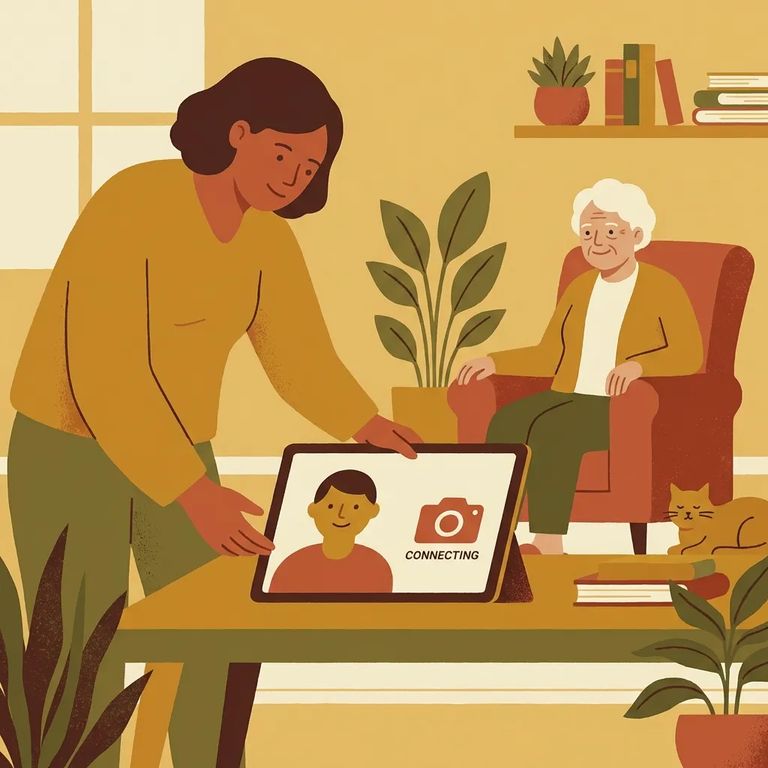
You'll need to be on the incarcerated person's approved visitation list before you can schedule a virtual visit. SCDC recommends reading through the virtual visitation instructions and FAQ before creating your account - it'll help you avoid common setup mistakes and last-minute headaches.
Account setup happens through the SCDC/GTL scheduling site. Create your virtual visitation account at scdoc.gtlvisitme.com/app, then follow the prompts to get ready to request a visit.
Virtual visits must be scheduled at least three days ahead, but no more than seven days out. That gives you a 3–7 day booking window to work with, so plan accordingly.
Tip: Be in place in front of your device 15 minutes before the visit start time so you’re ready when the session begins.
Each virtual visit costs $10 flat and lasts 50 minutes.
Up to four approved visitors can join a single virtual visit, including any minors. Everyone participating needs to be on the approved list.
Virtual visits are recorded and monitored, just like in-person visits. If something inappropriate happens, staff can terminate the session immediately. When in doubt, keep the conversation straightforward - anything that crosses the line ends the visit on the spot.
Rule violations affect both sides of the screen. The incarcerated person may face disciplinary action, and visitors can be suspended or permanently banned from virtual visits. One bad decision during a session can cost you future access.

Here's where things get confusing: the virtual visitation FAQ says iPhones aren't compatible, but SCDC's family information page lists Apple products - including iPhones, iPads, and Macs - as supported. Because the sources conflict, don't assume your Apple device will or won't work. Check the scheduling site and run a test before your visit.
- ✓ Check the current device compatibility guidance before your visit (the FAQ and the scheduling site may not match).
- ✓ Test your device setup ahead of time so you’re not troubleshooting after you’ve scheduled.
- ✓ If you’re unsure whether your phone/tablet/computer will work, call GTL Visitor Support at 1-855-208-7349 and confirm what’s supported right now.
Having technical problems? Audio issues, video not connecting, login trouble - GTL handles visitor tech support. Call them at 1-855-208-7349.
- Read the virtual visitation instructions and FAQ first - SCDC specifically asks visitors to review them before creating an account, and they answer a lot of common setup questions.
- Test your equipment before visit day - do a quick run-through on the device you plan to use so you’re not scrambling at the start time.
Find an Inmate at Kershaw Corrections Institution, SC
Search for a loved one and send messages and photos in minutes.
