
5 Ways to Put Money on an Inmate's Account at La Porte County Jail (and the Commissary Order Deadline)
Getting money onto someone's commissary account at La Porte County Jail comes down to two things: picking an accepted deposit method and timing it right so funds clear before the weekly web-order cutoff.

La Porte County Jail offers a few ways to add funds. You can use the lobby kiosk at the La Porte County Sheriff's Office, deposit online through Tigg's Canteen, or mail a cashier's check or money order to the inmate at the jail's mailing address.
One thing that trips people up: the jail doesn't accept cash at the counter for commissary deposits.
The lobby kiosk at the La Porte County Sheriff's Office accepts both cash and credit/debit cards. Just walk in and choose whichever payment method works for you.
Can't make it to the lobby? La Porte County Jail lets you deposit online through Tigg's Canteen from home.
Mailing funds works too. Send a cashier's check or money order directly to the inmate at the La Porte County Jail mailing address.
3
- ✓ Payroll checks
- ✓ Personal checks
- ✓ Social Security checks
Good to know: La Porte County Jail does accept stimulus checks for deposit to an inmate’s account.
Dropping money off in person? Head straight to the lobby kiosk. Don't bring cash expecting to hand it to someone at the counter - they won't accept it.
The commissary web-order deadline is strict. Orders must be placed by 12:00 AM every Tuesday to make that week's delivery. Miss the cutoff, and the order rolls to the following week.
This is why timing your deposit matters. You can add money online through Tigg's Canteen, but the funds need to hit the account before that Tuesday 12:00 AM deadline - otherwise the inmate won't be able to use them for that week's order.
Tip: Don't wait until Monday night. Leave time for the vendor's processing so the deposit clears before the Tuesday 12:00 AM web-order deadline.
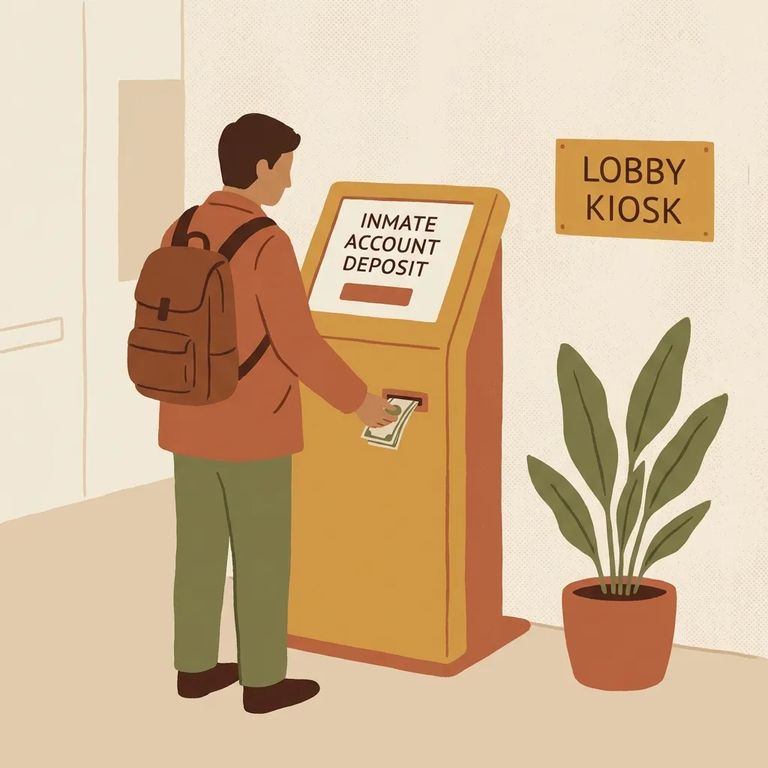
- Go to the lobby kiosk - Visit the kiosk in the La Porte County Sheriff’s Office lobby.
- Choose your payment type - The kiosk accepts cash and credit/debit cards.
- Follow the on-screen prompts - Enter the requested inmate information and confirm the deposit.
- Keep your receipt - Hold onto it in case you need to verify the transaction later.
- Use Tigg’s Canteen for online deposits - Start an online deposit through Tigg’s Canteen.
- Enter the inmate’s information - Double-check spelling and details before you submit.
- Complete payment - Finish the transaction and save your confirmation for your records.
- Get the right form of payment - Use a cashier’s check or money order (not a personal check).
- Address it to the inmate at the jail - Mail it directly to the inmate at the La Porte County Jail mailing address.
- Include identifying details - Add the inmate’s name so it’s credited correctly.
Need to verify you have the right person or want the jail's official deposit instructions? Use the jail's Automated Information System (AIS). It's available 24/7 for public inmate searches and includes guidance on adding money to commissary accounts.
Think about commissary timing in two parts: when you add the money and when the order is due. Deposits through Tigg's Canteen don't post instantly, and web orders close at 12:00 AM every Tuesday for delivery the following week. Build in processing time before assuming funds will be available.
If a deposit doesn't post: Check the AIS for the jail's instructions and inmate details. Confirm you're depositing to the correct account before troubleshooting further.
Find an Inmate at Laporte County Jail, IN
Search for a loved one and send messages and photos in minutes.
