
How to set up video visits for someone at Larch Corrections (Securus) — scheduling and privacy
Setting up a Securus video visit for someone at Larch Corrections is straightforward once you know the steps. Here's how to get approved, schedule your visit, and understand what
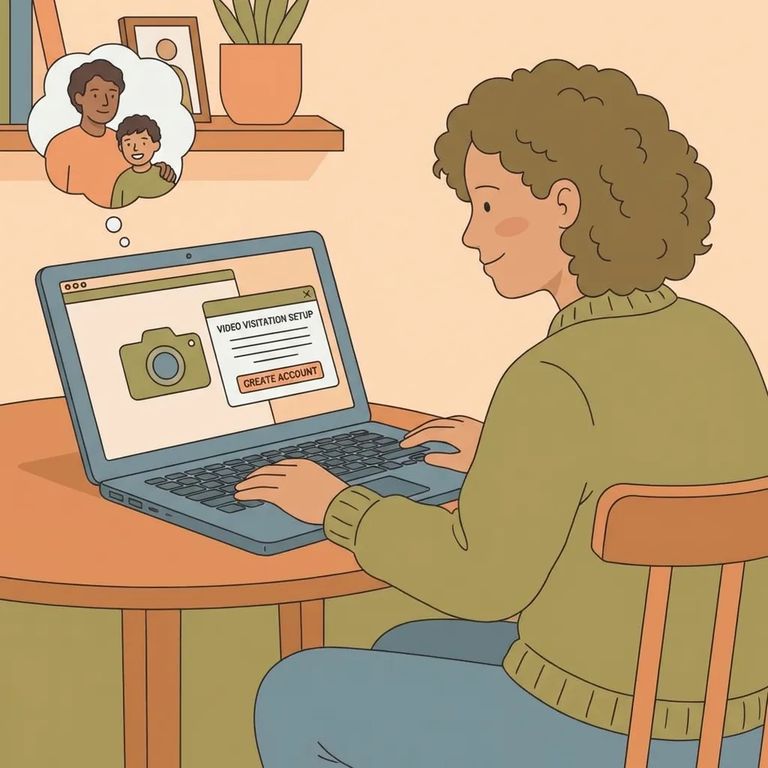
Before you can do a Securus video visit with someone at Larch Corrections, you have to be on that person’s approved visitor list. If you’re not approved yet, your first step is getting added and cleared - video visits follow the same basic approval idea as in-person prison visiting.
- Create your Securus account - you’ll need the incarcerated person’s DOC number to start and link the account.
- Enter your name and date of birth exactly as they appear on your legal ID - use your first name, last name, and DOB, and leave out any middle name or middle initial.
At Larch, the approved visitor schedules the video visit through Securus, and it has to be set up at least 24 hours in advance. Same-day scheduling won’t meet that requirement, so plan a day ahead whenever you can.
Video visits are booked in 30-minute increments. When you’re looking at available time slots, expect them to be set in half-hour blocks rather than custom start and end times.
Appointments are first come, first served. If you need a specific day or time, it helps to schedule as soon as you know what works - popular times can fill up.
One common reason visits don’t work out is a schedule conflict on the incarcerated person’s side. They won’t be excused from work or programming to take a video visit, so they’re responsible for requesting times that won’t interfere with their required activities. Also keep in mind that video visit hours are set by each prison facility, so the available window depends on Larch’s posted visitor guidelines for video visiting.
Technical Requirements
- ✓ Internet access
- ✓ A personal computer with speakers
- ✓ A microphone
- ✓ A webcam
Go into a Larch video visit assuming it isn’t private. All video visits are recorded, and designated employees monitor them to make sure everyone is following policy and facility rules. If you’re trying to share sensitive information, pick a different way to handle it - video visiting isn’t set up for confidentiality.
Note: If privacy screens are provided for your video visit, you’re required to use them, and they have to stay in place for the entire visit.
Practical Tips
- ✓ Schedule through Securus at least 24 hours ahead of time.
- ✓ Make sure your Securus account uses your first name, last name, and date of birth exactly as shown on your legal ID (don’t add a middle name or middle initial).
- ✓ Have the incarcerated person choose/request visit times that won’t conflict with work or programming.
- ✓ Check Larch’s visitor guidelines for the facility’s video visiting hours (hours are set by each prison facility).
- Confirm you have internet access - you’re responsible for providing your own connection for the visit.
- Use a computer with the required equipment - your device needs speakers, a microphone, and a webcam to participate.
Find an Inmate at Larch Corrections
Search for a loved one and send messages and photos in minutes.
