
Lawrence County Jail, TN
Need to reach someone at Lawrence County Jail? Look up an inmate, send messages or mail, add commissary funds, or schedule a visit.
Explore
Find an Inmate at Lawrence County Jail, TN
Search for a loved one and send messages and photos in minutes.

Guides for This Facility

How to Contact an Inmate at Facility
Want to support someone at Lawrence County Jail? Adding money to their trust account for commissary is one of the best ways to help. Here are your options and the details that trip people up most often.
Read Guide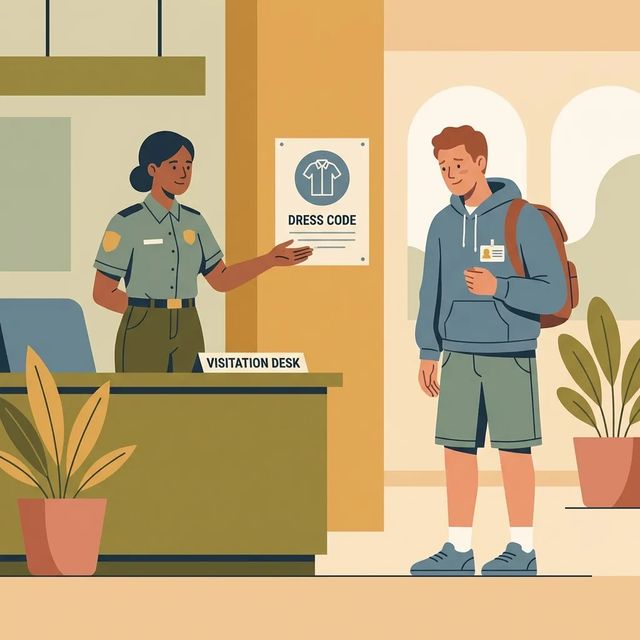
Before Your First Visit to Lawrence County Jail: What Will Get You Turned Away
Dress matters at Lawrence County Jail—get it wrong, and you won't get in. Your clothing must cover you from neck to kneecaps. Anything shorter or more revealing can get you denied entry or have your visit cut short.
Read Guide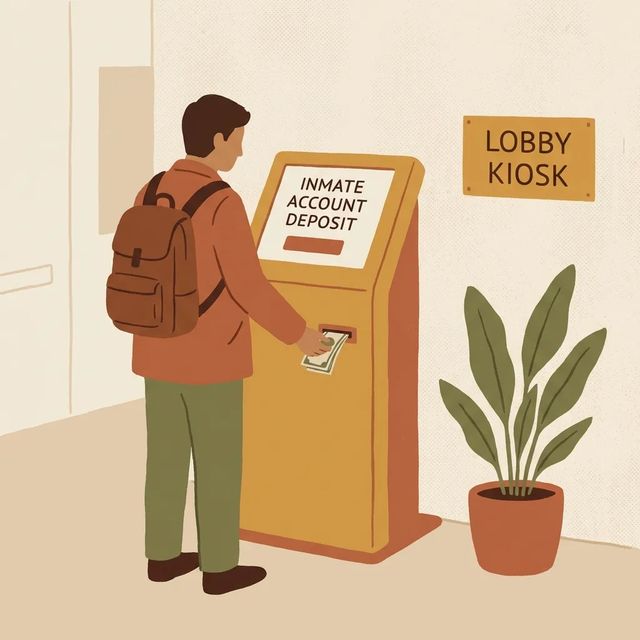
How to Send Money to an Inmate at Lawrence County Correctional Facility (online, phone, kiosk, money order)
Getting money onto an inmate's commissary account at Lawrence County Correctional Facility is straightforward. Pick the method that works for you, follow the steps below, and your deposit should go through without a hitch.
Read GuideAt a Glance
Visitation
- Tennessee requires visitors to complete the Visitor Application (CR‑2152) and obtain approval before visiting.
- The CR‑2152 must include a current photograph and use a street address rather than a P.O. Box.
- Facilities typically run an NCIC background check and process visitor applications in about 30 days.
Communication
- Debit and credit card phone deposits can be made by calling 855‑VendEng (855‑836‑3364).
- Deposits made by phone, online, or kiosk are handled by a processing company and the commissary does not set or answer fee questions.
- Inmates typically place outbound calls only; facilities generally do not allow inbound calls and calls may be monitored or recorded.
Sending Commissary
- The commissary facility locator number is 32.
- Online commissary deposits are made at www.vendengine.com.
- Phone deposits use 855‑VENDENG (855‑836‑3364).
Based on official sources and community feedback.Learn how we verify
Topic Overviews
Visitation
Visiting at Lawrence County Jail starts with Tennessee's statewide Visitor Application (CR‑2152). Submit the form and get approved before any in-person or remote visit. Include a current photograph, use a street address (not a P.O. Box), and return the application as the facility instructs. Expect an NCIC background check and about 30 days for processing before approved visitors are added to the system. Once approved, schedule visits through the facility's system, whether that's an on-site kiosk, vendor portal, or app. Scheduling windows vary. All visits are monitored, and staff can change or cancel them. For commissary deposits, online payments are available at vendengine.com.
Read full guideCommunication
Staying in touch with someone at Lawrence County Jail usually starts with adding money for phone use. Make deposits by phone, online, or at a kiosk through the facility's processing company (not the commissary), so direct fee questions to the processor. For debit or credit card deposits by phone, call 855-VendEng (855-836-3364). Inmates can only place outbound calls, so you can't call into the jail to reach them directly. Calls are typically monitored or recorded. Before an inmate can call you, your number must be on their approved list. Video and messaging services, when offered, run through a third-party vendor. You'll set up an account in the vendor's app or website to handle scheduling and payments.
Read full guideSending Commissary
Add money to a Lawrence County Jail commissary account online through VendEngine at www.vendengine.com (facility locator number 32), by phone at 855‑VENDENG (855‑836‑3364), or at the jail lobby kiosk (cash and debit/credit accepted). Mailing funds? Only U.S. Postal money orders are accepted. Make them payable to Chilton Vending, write the inmate's full name, ID number, and county on the memo line, and mail to: Chilton Vending, P O Box 31, Pleasant View TN 37146. Money orders with complete information are deposited each Monday by 8:00 p.m. Those missing details get returned. Online, phone, and kiosk deposits use a third‑party processor, so fees and posting times vary. Keep your receipt and follow vendor prompts if a deposit is delayed.
Read full guideCommon Questions
Showing 6 of 9Do I need to submit a Visitor Application (CR‑2152) before visiting someone in Tennessee?
Yes. Tennessee requires you to complete the Visitor Application (CR‑2152) and be approved before visits are permitted. Include a current photograph and return the form as instructed by the facility or visiting office.
VisitationHow long does the visitor approval process usually take?
It often takes about 30 days. Facilities typically run an NCIC background check and then notify you of approval or denial, but timing can vary by facility and caseload.
VisitationCan I add money online for an inmate's commissary?
Yes. Online commissary deposits are accepted through vendengine.com.
VisitationHow do I add money for phone calls at Lawrence County Jail, TN?
You can add funds by phone, online, or at a kiosk through the facility’s processing company. To make a debit or credit card deposit by phone, call 855-VendEng (855-836-3364).
CommunicationCan I call an inmate at Lawrence County Jail, TN?
Inmates can make outbound calls, but the jail typically doesn't accept inbound calls from the public. Calls are commonly monitored or recorded. The inmate must approve your number before they can call you.
CommunicationHow do I schedule a video call or messaging with an inmate?
Video and messaging run through a third-party vendor, so you'll need to create an account in the vendor's app or website. Scheduling, payments, and available features vary by vendor. Follow the vendor's instructions during registration.
CommunicationMore Guides
Ready to Connect?
Search for your loved one to start communicating today
Did You Know?
Lawrence County Jail in Tennessee uses facility locator number 32 for commissary accounts, listed as Lawrence County Correctional Facility.
This guide is compiled from official facility documentation and community feedback. Learn how we verify