
How to Schedule Your First Visit at Leblanc Unit (step‑by‑step)
Setting up the Online Visitation Scheduler is the hardest part of your first visit. Once that's done, booking a visit at the Leblanc Unit is straightforward. Here's how to create your account, get approved, and schedule your visit.

Before you start, gather what you'll need for both the online setup and the day of your visit. Bring a valid photo ID when you travel. Confirm your loved one is assigned to the Leblanc Unit and currently has visitation privileges. Schedules change - call the unit before you leave home to make sure everything is still on.
- ✓ A working email address you can access right away (you’ll need it for the verification code)
- ✓ Your phone number written in the required format: XXX XXX XXXX (spaces only, no dashes)
You'll need to create your own account in the TDCJ Online Visitation Scheduler. Staff can't do this for you - plan to handle the registration yourself from start to finish.
Watch your inbox during account creation. TDCJ sends an email with a 7-digit validation code and a link to complete your registration.
After setting your password, you'll land on the Background Questionnaire. Answer every question. You can't move forward or schedule a visit until it's fully completed.
Be careful with the phone number field in your visitor profile. The scheduler requires the format XXX XXX XXXX with spaces - no dashes. Typing 555-123-4567 or (555) 123-4567 can get you stuck, even though the number itself is correct.
Tip: Keep your email handy during setup. Your 7-digit validation code arrives by email, and you'll need it to finish registration.
With your profile ready, add your loved one to your scheduler account. Search using their TDCJ number or SID number - it must be exactly 8 digits. Once you find the right person, select your relationship and submit the request.
- Open the Add Inmate search - start the process to attach your loved one to your visitor profile.
- Enter the 8-digit TDCJ or SID number - the system requires exactly 8 digits.
- Select your relationship - choose the option that matches how you’re connected.
- Submit your request for approval - your relationship and account details have to be on file before you can schedule.
- Finish all background questions - the scheduler won’t move you forward if the Background Questionnaire isn’t fully answered.
Ready to schedule? Use the TDCJ visitation portal to pick your visit type and choose an available date. Tablet video visits for the Leblanc Unit are booked through the same portal. Remember the phone-number rule - XXX XXX XXXX with spaces only - so formatting doesn't trip you up.
Not seeing scheduling options? Check whether the inmate has been added and approved in your profile. Available dates are tied to the inmate you've added - until that connection is in place, you won't be able to book.
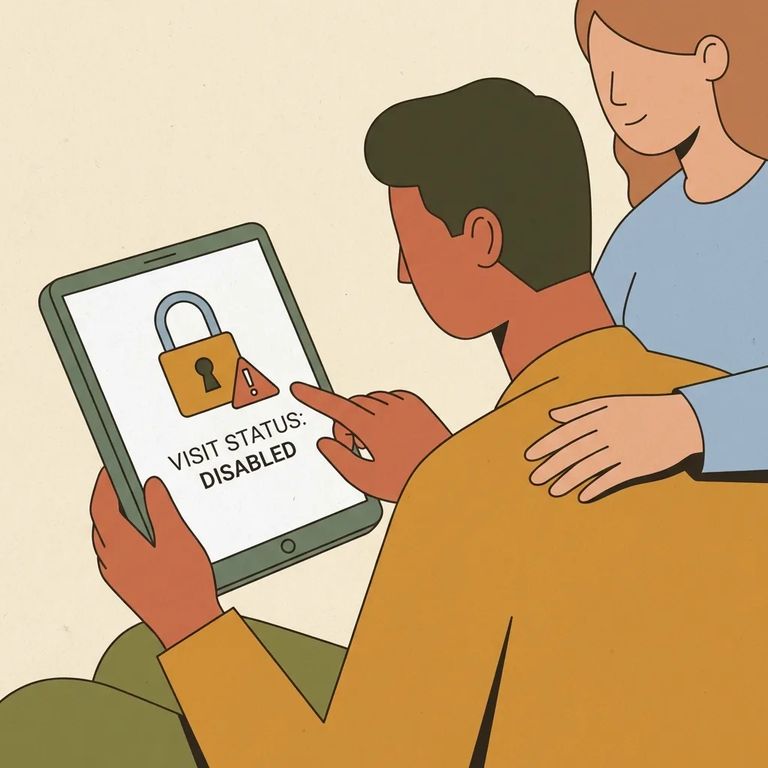
"Not Approved for Visits" can be alarming the first time you see it. This message appears when your visitor/inmate relationship is confirmed but the inmate's visitation privileges have been removed. Instead of a Schedule Visit button, you'll see that message.
- ✓ Confirm your loved one is assigned to the Leblanc Unit and has visitation privileges
- ✓ Call the unit for final confirmation before you travel (schedules are updated and can change)
- ✓ Bring a valid photo ID when you go in for your visit
Note: If there's no Schedule Visit button - or the portal tells you to "Call Unit" - contact the Leblanc Unit directly to confirm what to do next and whether visitation is available.
Find an Inmate at Leblanc Unit
Search for a loved one and send messages and photos in minutes.
