
How Inmate Calls Work and 3 Ways to Add Funds to a Lewis County Jail Phone Account
Getting a call from jail can catch you off guard the first time—especially with that automated recording at the start. Here's what the prompt means, how call monitoring works, and three ways to add funds so calls go through.
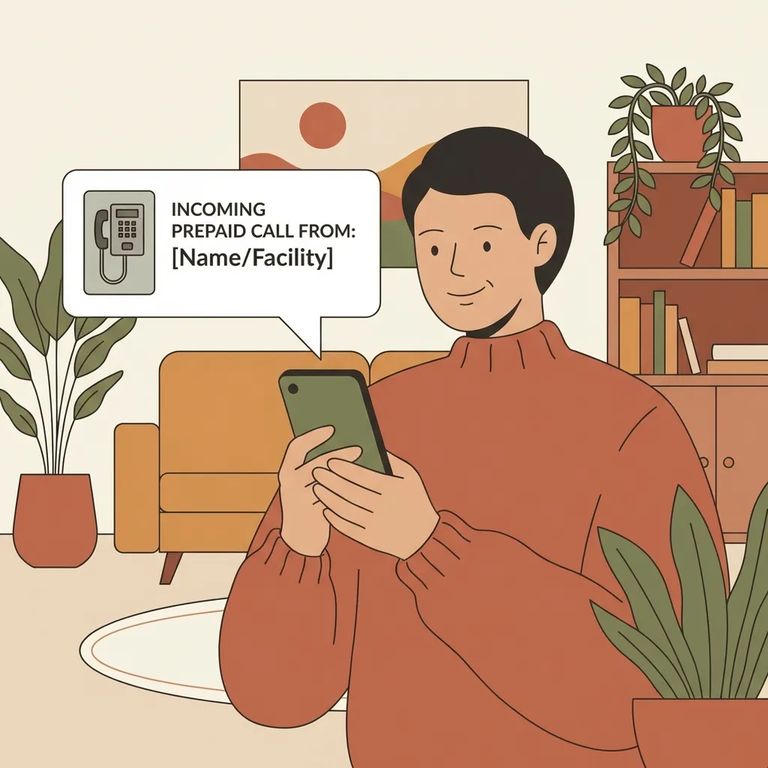
When a call comes through, you'll hear an automated message:
Quick response guide: Press 1 to accept the call, press 2 to block calls from that inmate, press 3 to block all calls from the facility, or hang up to ignore the call.
At Lewis County Jail, the inmate has to initiate the call. You can't call into the facility and ask to be connected - your phone just needs to be available when they dial out.
Keep the monitoring policy in mind during your conversation. All calls are subject to recording and monitoring - that's why you hear the disclaimer before you're connected.
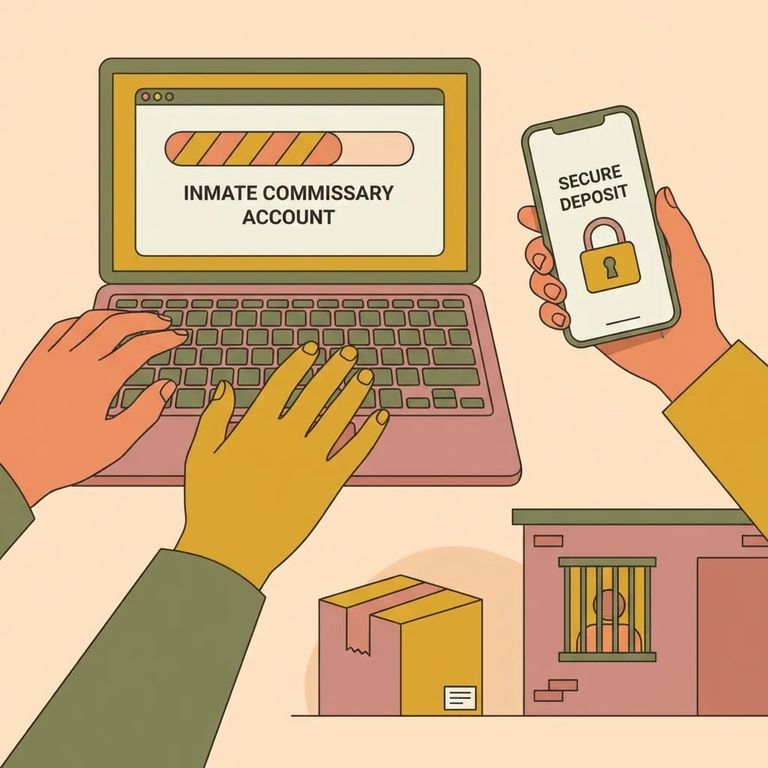
- Add funds online - Use the Homewav website and choose the “Deposit Funds NOW!” button. There’s no minimum amount required, and the maximum deposit amount is $250. (If you deposit by phone instead, there’s a $1.00 charge.)
Prefer to handle things in person? There's a Homewav kiosk in the jail's front lobby where you can add money directly.
To add funds by phone, dial 314-764-2872 and follow the prompts. Phone deposits carry an extra $1.00 fee, so if you're making multiple small deposits, those charges add up.
4
- ✓ $1.00 charge for adding funds via phone
- ✓ No minimum amount required to add funds
- ✓ $250.00 maximum deposit amount
The $250.00 maximum matters if you're trying to load a larger balance at once. Need to add more? Plan on splitting it into multiple deposits.
Running into problems - like a deposit not showing up or calls not connecting? Homewav Visitor Support can help. Call 1-844-394-6639.
Support hours: Monday–Friday, 7am–7pm CDT; Saturday–Sunday, 8am–5pm CDT.
Find an Inmate at Lewis County Jail, WA
Search for a loved one and send messages and photos in minutes.
