
Three Ways to Add Money to an Inmate's Phone Account at Lewis County Jail

Lewis County Jail uses HOMEWAV for its inmate phone system. To make sure your person can call you, you'll need to add funds through HOMEWAV - that's how the jail has it set up.
One thing to know upfront: only inmates can place calls. You can fund the account, but there's no way to call into the jail and get connected to an inmate.
Note: All calls are subject to recording and monitoring.
Head to www.homewav.com and click the
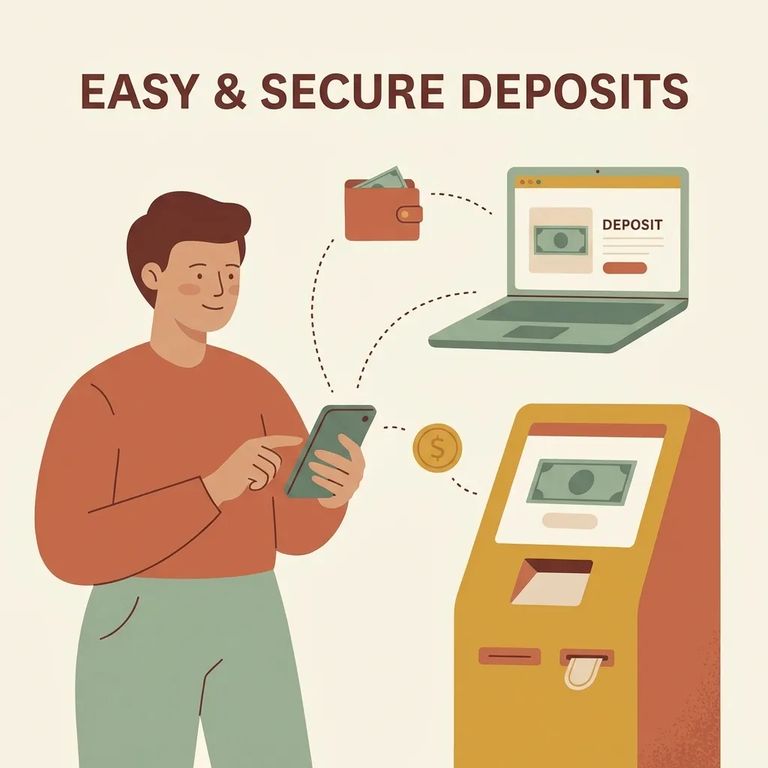
If you’d rather pay in person, you can add money onsite using the HomeWav kiosk located in the front lobby at Lewis County Jail. This can be a good backup when you’re already at the building and want to handle everything face-to-face.
You can also add money to an inmate’s phone account by phone. Call 314-764-2872 to make a deposit.
Heads up: Phone deposits have a $1.00 charge. Keep your confirmation information so you can track the payment if you need to follow up.
When your loved one calls you through HomeWav, you’ll hear an automated recording that tells you the call may be recorded and monitored. The prompt also gives you options: press 1 to accept, press 2 to block calls from that inmate, or press 3 to block all calls from the facility (or you can hang up to ignore the call).
Quick Summary
- ✓ Online: go to www.homewav.com and use the “Deposit Funds NOW!” button
- ✓ In person: use the HomeWav kiosk in the front lobby at Lewis County Jail
- ✓ By phone: call 314-764-2872 (there’s a $1.00 phone-add fee)
Find an Inmate at Lewis County Jail, WA
Search for a loved one and send messages and photos in minutes.
