
Putting Money on an Inmate's Account: JailATM Kiosk vs. Online for Madera County Jail
Need to add money to someone's account at Madera County Jail? You have two options: the JailATM lobby kiosk at the jail, or an online deposit through JailATM.com.

Madera County Jail gives you two ways to fund an inmate account. You can deposit in person at the JailATM lobby kiosk inside the jail, or handle it online through JailATM.com from any device with internet access. Which one works best? That depends on your day - whether it's easier to swing by the lobby or take care of it from home.
Note: If you have questions or need help with a deposit, contact Madera County Jail during administration hours (Monday–Friday, 8:00 AM–5:00 PM) at 1-559-675-7951.
For in-person deposits, head to the JailATM lobby kiosk at Madera County Jail, 195 Tozer St., Madera, CA 93638. This is a good option if you'd rather handle the payment face-to-face - or if you're already at the jail for another reason.
- Go to the lobby kiosk - Use the JailATM kiosk at Madera County Jail (195 Tozer St., Madera, CA 93638) to make an in-person deposit.
- Follow the on-screen prompts - The kiosk will walk you through the deposit process step by step.
- Call administration if you run into issues - For questions or troubleshooting, contact the jail at 1-559-675-7951 during administration hours (Monday–Friday, 8:00 AM–5:00 PM).
- Go to JailATM.com - Use a computer or internet-enabled device to start your deposit online.
- Select the facility and find the inmate - Choose the correct state and facility, then look up the incarcerated person (for example, by last name) and select them from the list.
- Enter your payment details - JailATM accepts Visa or MasterCard (credit or debit), or a personal checking account.
- Provide an email address and complete the deposit - You’ll need an email address so you can receive your receipt after you submit the transaction.
- ✓ Visa (credit or debit)
- ✓ MasterCard (credit or debit)
- ✓ Personal checking account information
- ✓ Email address (required to receive your receipt)
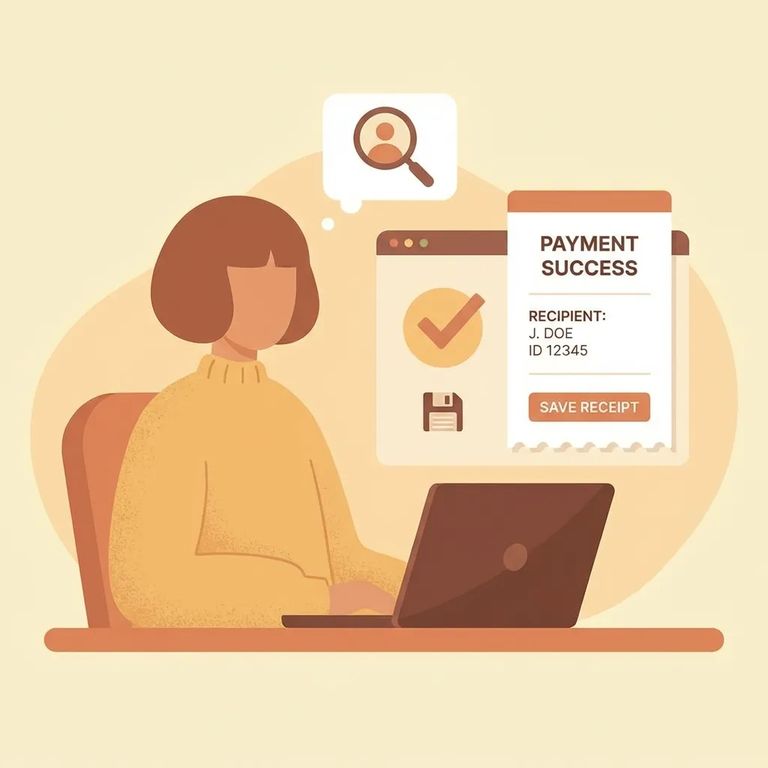
When you deposit online through JailATM, save the emailed receipt. A quick screenshot works too. Having that confirmation handy makes it easier to track the transaction later if you need the date, amount, or confirmation number.
- ✓ Double-check you selected the correct state, facility, and inmate before submitting an online deposit on JailATM.com.
- ✓ If you’re depositing in person, go to the JailATM lobby kiosk at Madera County Jail, 195 Tozer St., Madera, CA 93638.
- ✓ If funds don’t show up or something seems off, call Madera County Jail at 1-559-675-7951 during administration hours (Monday–Friday, 8:00 AM–5:00 PM).
Find an Inmate at Madera County
Search for a loved one and send messages and photos in minutes.
