
Forgot Your VisitMe Password? Quick recovery steps for families
Can't log in to VisitMe? You don't need to start from scratch. The quickest fix is right on the sign-in page.
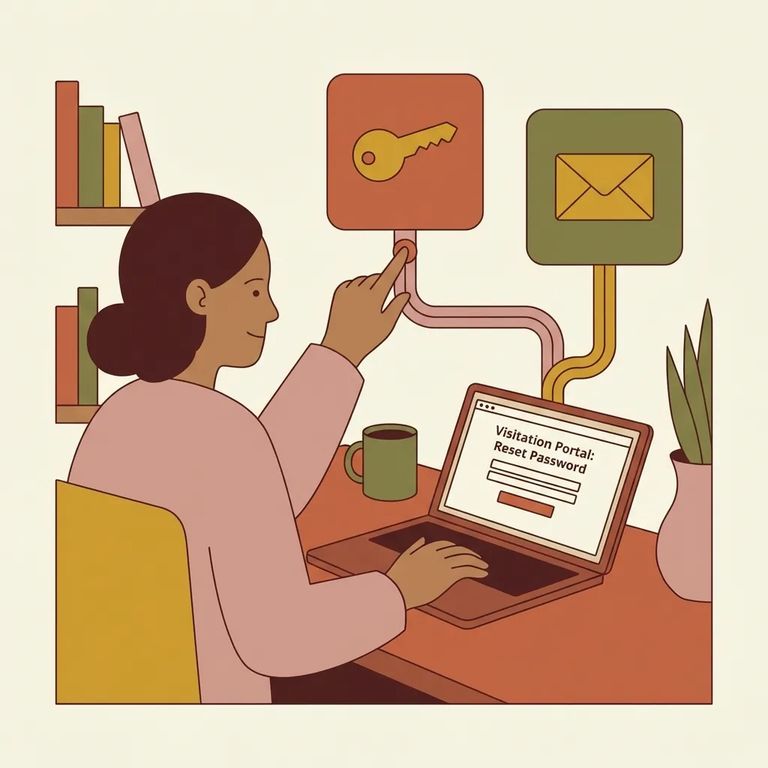
On the VisitMe login page, look for
Note: The CDCR VisitMe portal displays ViaPath Technologies branding at the bottom of the page. That's a quick way to confirm you're on the official site.
- Open the VisitMe log-in page - Start where you normally sign in as a returning user.
- Click “Forgot your password?” - Use the password-recovery link on that page to begin the reset process.
- Follow the on-screen prompts - The portal will walk you through the recovery steps.
- Check the email account tied to your VisitMe login - The reset process relies on the email associated with your VisitMe account.
Reminder: Try the VisitMe forgot-password page first. If that doesn't work, then reach out for help.

Already tried the
- ✓ Double-check that you’re checking the same email account you use to sign in to VisitMe.
- ✓ When you review messages about VisitMe, look for ViaPath Technologies branding/copyright so you can quickly spot official communications.
Security tip: If an email or page doesn't show the ViaPath Technologies branding you see on the VisitMe portal, stop. Verify before sharing any personal information or account details.
Find an Inmate at Madera County Juvenile Bootcamp, CA
Search for a loved one and send messages and photos in minutes.
Free to search · Used by families nationwide
