
How to Pay Madison County Court Fines & Traffic Tickets Online (Alapay): What to Know and Steps to Take
Trying to pay a Madison County fine or traffic ticket online? Alapay works for certain tickets and case types—but not all. Here's how to check if yours qualifies, what information you'll need, and how to complete your payment.

Alapay handles state-issued traffic tickets and tickets from participating municipal agencies. You can also pay criminal cases from Circuit, District, and Municipal courts - but only after the case is disposed (finished) and there's still a balance owed.
For traffic tickets, Alapay covers all state-issued tickets plus selected municipal ones. If your ticket came from a municipal department that isn't participating, it won't show up in the search.
Criminal cases from Circuit, District, and Municipal courts also appear - but only when the case is disposed and there's an outstanding balance. That "disposed" part matters. If your case is still pending or the balance hasn't posted yet, you won't find it online.
Ticket Search Info
- ✓ UTC number (found in the upper-right corner of the ticket)
- ✓ Ticketed person’s date of birth
Case Search Info
- ✓ Case number
- ✓ Individual’s Social Security Number (SSN)
- ✓ Individual’s date of birth
Expect an extra charge: Alapay adds a 4% credit card service fee. On larger balances, that adds up fast - factor it in before you pay.
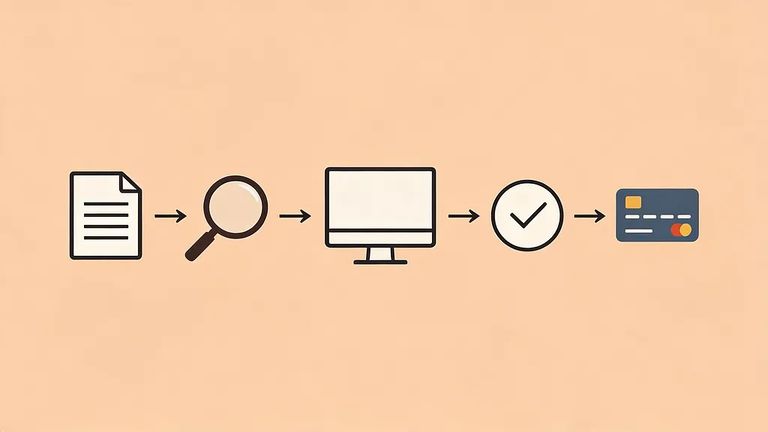
- Figure out what you’re paying - Alapay is used for state and selected municipal traffic tickets, and for disposed Circuit, District, and Municipal criminal cases that still have a balance due.
- Gather the right identifiers first - For a ticket search, you’ll need the UTC number (upper-right corner of the ticket) and the ticketed person’s date of birth. For a case search, you’ll need the case number, the individual’s Social Security Number, and their date of birth.
- Choose the correct search type on Alapay - Pick the ticket-number option if you’re paying a traffic ticket, or the case-number option if you’re paying a court case balance.
- Enter the information exactly as it appears on the paperwork - Small typos (especially in the UTC number, case number, or date of birth) can keep the record from pulling up.
- Confirm you found the right record and balance - Before you pay, double-check that the name/case or ticket details match what you’re trying to handle and that there’s an outstanding amount due.
- Pay by card and account for the service fee - When you complete payment through the website, expect a 4% credit card service fee to be added.
Nothing showing up? Start with the basics: double-check that you selected the right search type and entered the UTC number or case number and date of birth correctly. The other common issue is coverage. Alapay accepts all state traffic tickets but only selected municipal ones, so your municipal ticket may not be in the system. For criminal matters, only disposed Circuit, District, and Municipal cases with outstanding balances appear - pending cases or those without a posted balance won't show as payable.
Next step: Still stuck? Verify your ticket or case details directly in Alapay or call the court clerk's office. Have your UTC number (for tickets) or case number, SSN, and date of birth (for cases) ready before you search again or call.
Find an Inmate at Madison County Jail, AL
Search for a loved one and send messages and photos in minutes.
