
5 Ways to Send Money to an Inmate at Manatee Jail (And Which One Is Fastest)
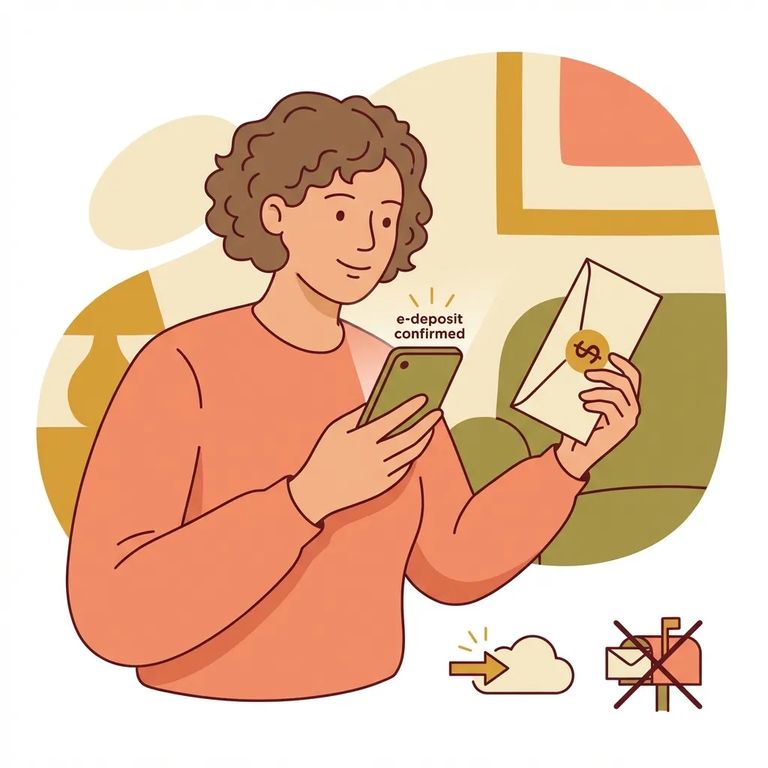
Need to put money on someone's account at Manatee Jail? You have five facility-approved options: the Visitation Center cash kiosk (Cobra Cash Machine), online deposits through SmartDeposit (PLC #5500), phone deposits, and mailing a money order. For speed, the kiosk and SmartDeposit are your best bets - both let you complete the transaction immediately as long as you have the inmate's booking number. Whichever method you choose, double-check that booking number before you hit submit. Some transactions can't be canceled and aren't refundable.
- ✓ Visitation Center cash kiosk (Cobra Cash Machine) - fast in person; bring the inmate’s booking number; takes cash in $5 increments (no $1 bills) and accepts credit/debit cards.
- ✓ Online (SmartDeposit, PLC #5500) - fast from home; use a Visa or MasterCard credit/debit card; enter the booking number with no dashes.
- ✓ By phone - call 1-866-394-0490 (Mon–Fri, 8:00 AM–8:00 PM); you’ll need the booking number.
- ✓ By mail (money order) - slower; make it payable to “MCSO Inmate Account,” add the inmate’s name and booking number on the memo line, and mail it to the Central Jail deposit address.
- ✓ Refund/cancel reality check - SmartDeposit transactions for PLC #5500 can’t be canceled, and no refunds are allowed.
The fastest in-person option is the Cobra Cash Machine at the Visitation Center. It accepts cash in $5 increments (multiples of $5 up to $100) but won't take $1 bills. Debit and credit cards work too. You'll need the inmate's booking number to complete the deposit.
The kiosk is available from 7:45 AM to 7:30 PM.
Tip: Bring the booking number with you, and enter it without dashes or other separators.
Prefer to deposit money from home? Manatee uses SmartDeposit for online transactions. You'll enter facility PLC# 5500 and pay with a Visa or MasterCard. When you reach the booking number field, type it without dashes or separators - small formatting mistakes can send your payment to the wrong person.
Warning: SmartDeposit transactions submitted for PLC# 5500 can’t be canceled after completion, and no refunds are allowed.
Phone deposits are another option. Call 1-866-394-0490 Monday through Friday, 8:00 AM to 8:00 PM.
- Buy a money order - purchase a money order in any denomination.
- Make it payable correctly - write it out to “MCSO Inmate Account.”
- Add identifying details - write the inmate’s name and booking number on the memo line.
- Keep your proof - keep the buyer’s copy for your records.
- Mail only the money order - send the original with no other correspondence to: For Deposit Only Manatee County Central Jail, 14470 Harlee Road, Palmetto FL 34221.
Tips Avoid Problems
- ✓ Use the inmate’s booking number every time, and enter it without dashes or other separators.
- ✓ If you don’t have the booking number, look it up on the Manatee County Sheriff website under Arrests/Booking information.
- ✓ If you mail a money order, send no other correspondence in the envelope - mail the original money order only, and keep the buyer’s copy.
- ✓ Treat SmartDeposit (PLC #5500) deposits as final: they can’t be canceled and no refunds are allowed.
- ✓ Don’t try to hand someone cash or send “spendable” items - inmates aren’t permitted to keep cash, cards, checks, or other forms of money, and property is inventoried and secured at intake.
Find an Inmate at Manatee Jail, FL
Search for a loved one and send messages and photos in minutes.
